
When technology was more limited, clients had vague demands that seemed impossible to fulfill. Today, technology has outpaced almost every constraint — and clients are left in awe of what designers can build. One major driver of that transformation is the Application Programming Interface, or API.
An API is a bundle of tools, practices, and software that enables different software components to communicate and interact. For web designers, APIs streamline complex processes, dramatically enhance user experience, and make powerful functionality possible without building everything from scratch.
If even 1% of the available APIs are genuinely useful to web designers, that still leaves hundreds of high-quality options. Google alone has tens of thousands of APIs stored and available for developers and designers to use. Choosing the right one from that landscape takes knowledge and experience. Beyond APIs, the broader shift toward blockchain-based digital assets is worth understanding — what the rise of NFTs can teach designers covers lessons about ownership, distribution, and digital value that apply well beyond the hype cycle.

The most relevant API type for web designers is UI — User Interface — which allows designers to add features that amplify the on-page experience of users. To help narrow the selection, here are 10 of the most impactful APIs for designing exceptional websites.
10 Best APIs to Shape a Designer's Vision
Google Analytics
Most designers and clients know Google Analytics as a traffic tracker. But the Google Analytics API has a broader range of uses that are particularly valuable for web designers. It tracks conversion rates on online stores, enables the creation of custom tracking dashboards for website back-ends, and performs sales funnel analysis. Through the API, you get greater access to analytics data and the ability to make precise adjustments to how data is fetched and displayed.
Dropbox
The Dropbox API enables complex file-handling tasks that would otherwise require significant custom development. Site visitors can upload or drop files directly to your Dropbox account — identity documents, CVs, and other submissions. Clients and employees can even e-sign documents through the Dropbox API. With over 400 million users worldwide relying on Dropbox for file sync and storage, integrating it into a website adds immediately recognizable value for users.
Google Maps
Google Maps is the most trusted and widely used geo-location API in the world. Virtually every client website benefits from a Google Maps integration for location display. But beyond simply showing an address, the Google Maps API allows designers to create fully customized embedded maps, incorporate real-time traffic and route data, and build form fields and search functionality powered by actual location data.
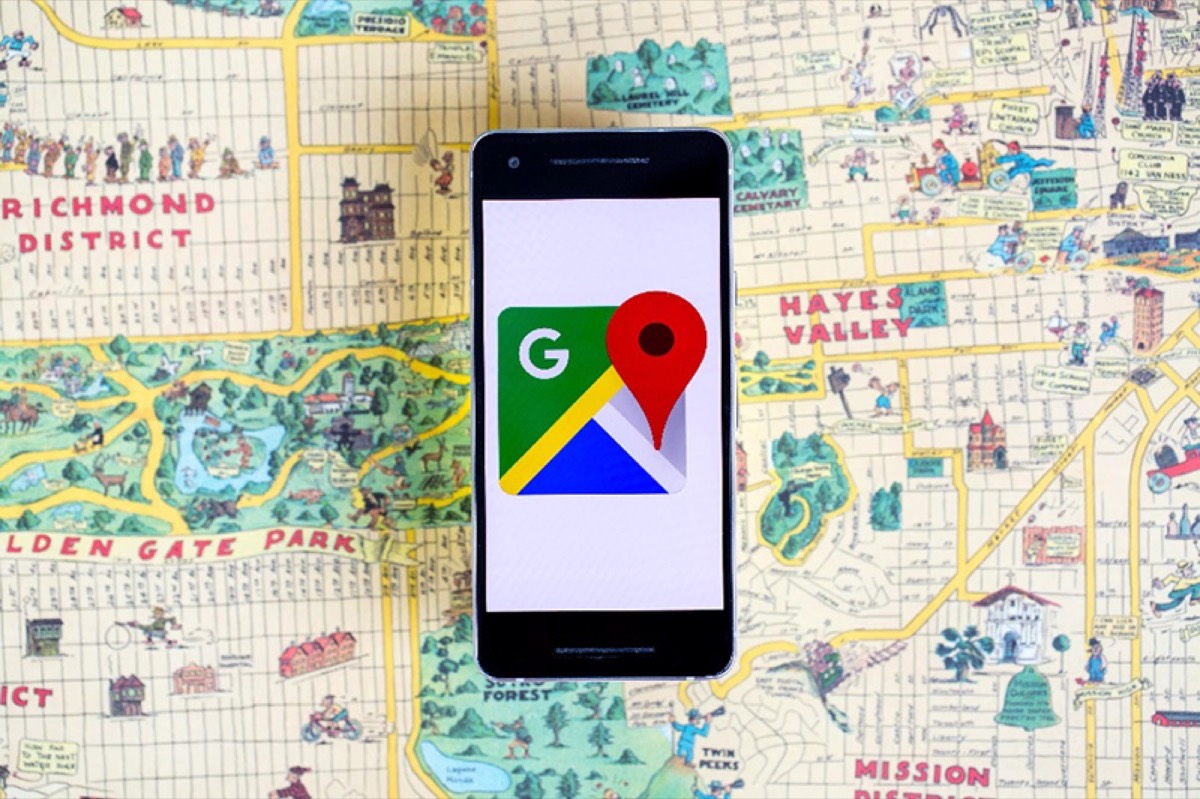
A designer can display route data alongside live traffic details, and even make location-aware forms that correspond to real physical addresses. Google Maps API is almost always a designer's first choice for any site with a physical presence or location-based service.
Need design that makes complex website features feel effortless and on-brand? See Digital Polo's plans →
The Twitter API allows designers to insert Twitter posts, feeds, and share buttons into websites. Twitter offers several tools around its API that enable apps to interact with all of Twitter's functions. For client websites with a strong social presence, Twitter API can eliminate or accelerate the registration process, increase content reach through social sharing, and strengthen brand visibility among the client's existing followers.
With over a billion active users, Facebook API integration connects websites to the largest social audience in the world. For sharing functionality or social login, Facebook API is highly effective. It enables Facebook login options for user registration, adds Facebook news feeds and posts to websites, and tracks conversions happening through Facebook. Facebook also offers SDKs that can be deployed directly on websites, making the integration straightforward for most designers.
YouTube
YouTube provides two distinct APIs for web designers. The Player API allows you to embed a YouTube player — either standard or chromeless — with fully customizable playback settings in Flash or HTML. The Data API enables YouTube operations directly from your site, such as upgrading playlists, uploading videos, or extracting YouTube data for display on external web pages.
MailChimp
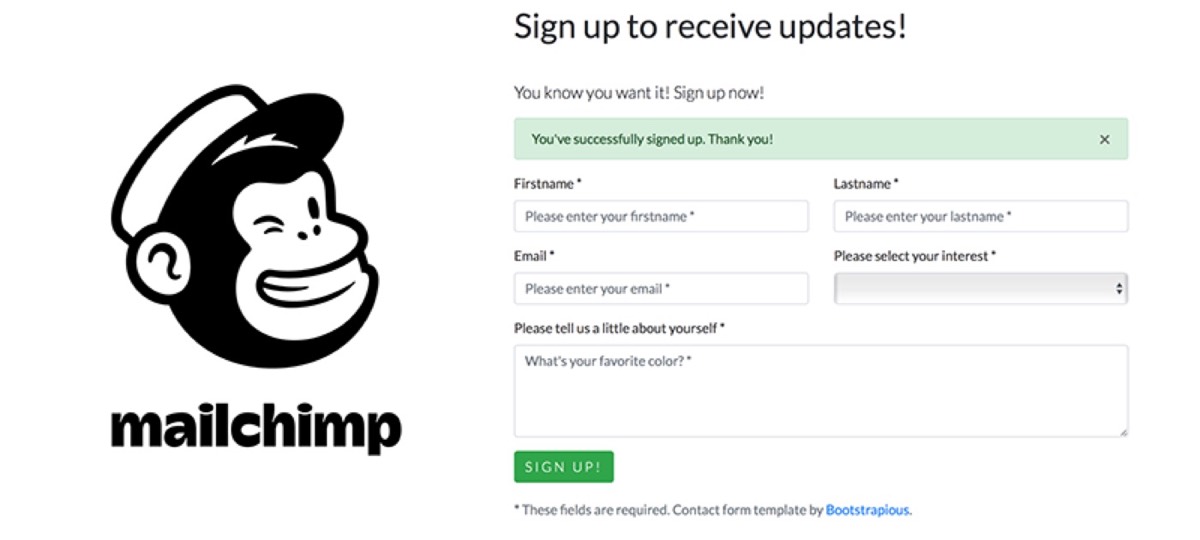
MailChimp API is the top choice for email marketing integration among web designers. If a website uses contact forms, integrating those forms with MailChimp allows for seamless email list management and automates the relationship between the website and the email marketing workflow. The result is a more efficient system that handles list growth, segmentation, and campaign triggering without manual intervention.
Google Calendar
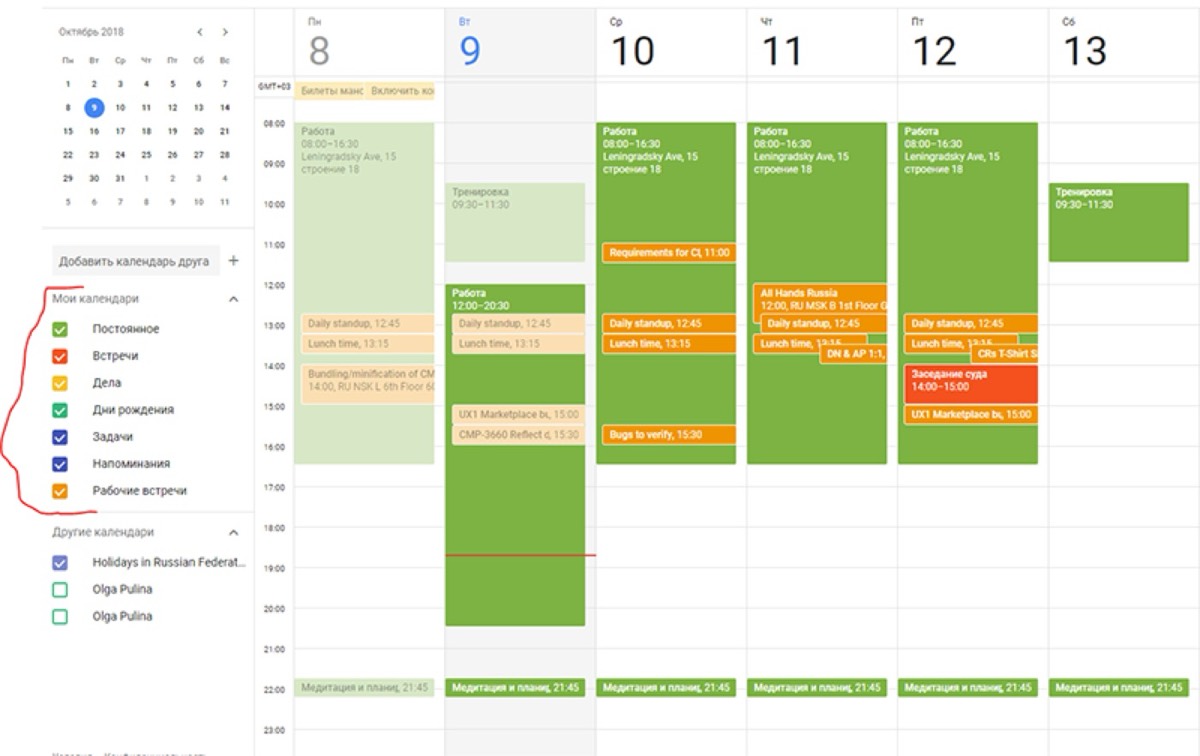
The Google Calendar API gives designers access to calendar operations for web apps and interface tools. Public calendar events can be searched and viewed without authentication verification. Authenticated accounts can access, create, edit, or delete private calendars. This makes Google Calendar API particularly valuable for any site that needs to display events, manage appointment scheduling, or automate updates based on calendar entries.
Google Translate
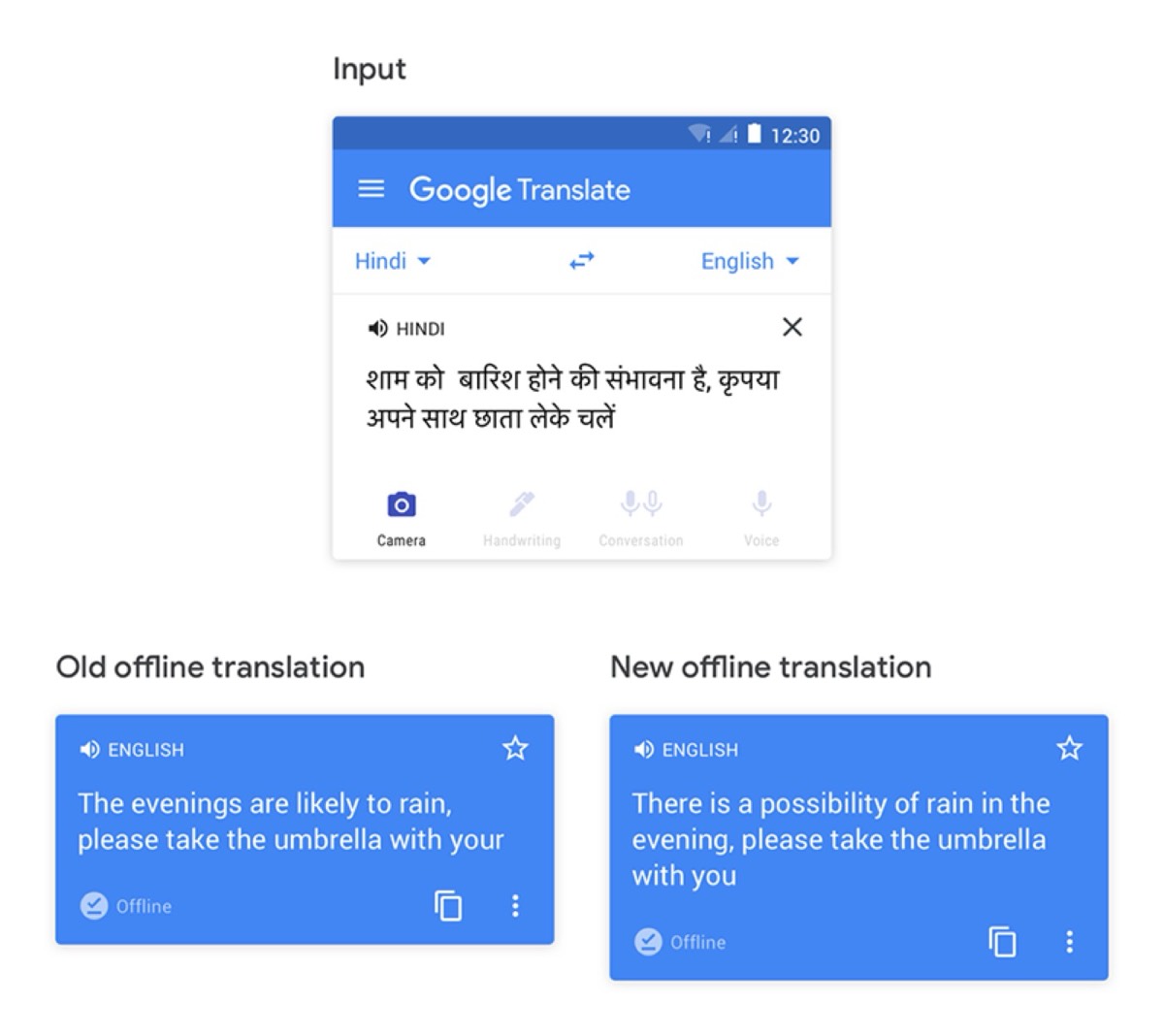
For websites designed for international audiences or region-specific markets, the Google Translate API provides quick translation across more than 100 languages. Users can browse the entire website in their preferred language with just HTML on your end — the API handles the rest. This expands accessibility and reach without requiring separate language-specific versions of the site.
Google Fonts
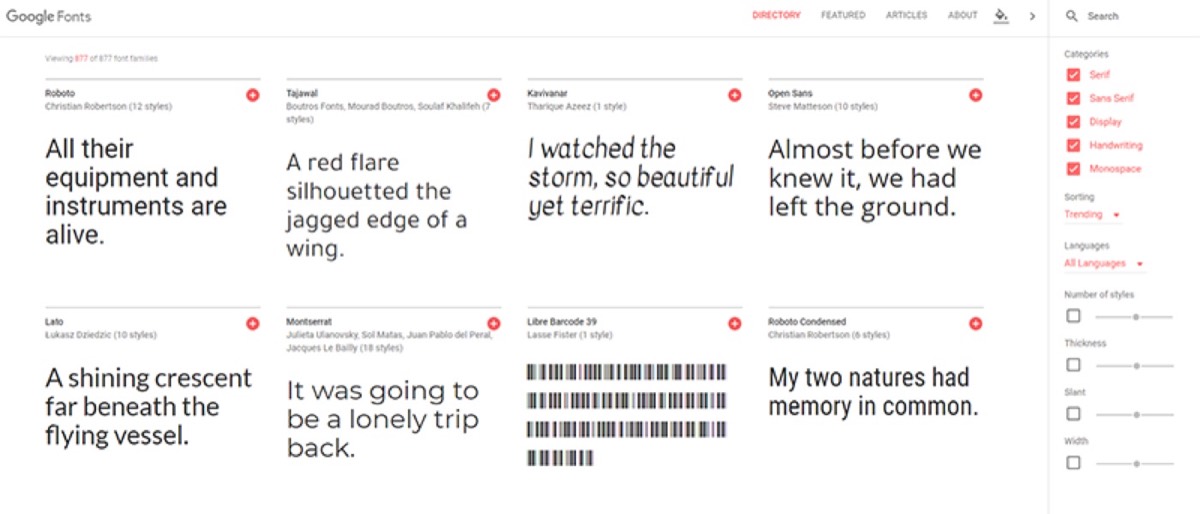
The Google Fonts API is arguably the most stylish API in a designer's toolkit. It provides access to a growing library of open-source, high-quality, resource-efficient font files that eliminate the need to host font files on your own server. Google Fonts API makes web typography more polished, more consistent across browsers, and more SEO-friendly — all without adding meaningful overhead to page load times. Pairing the right API stack with an understanding of web design trends that define dazzling websites ensures the technical capability serves a visually compelling result.
The APIs above are not the only options available to web designers, but they represent the most impactful starting points. Together, they provide the building blocks for websites that are analytically powerful, socially connected, location-aware, multilingual, and beautifully typeset.
For web designers, a working knowledge of these APIs — even without deep technical expertise — is increasingly essential. Knowing what is possible and how to integrate it enables more ambitious, more functional, and more valuable work for clients. The best designers are not just visual thinkers. They are architects of experience, and APIs are among their most powerful building tools. Understanding how to collaborate effectively with graphic designers helps clients and developers work with visual teams to get the most from these technical capabilities.
Digital Polo creates world-class web design and brand assets for one flat monthly fee with unlimited revisions. Start for $399/mo → | Soulmate at $899/mo →
Frequently Asked Questions About APIs for Web Designers
What is an API and why do web designers need to know about them? An API (Application Programming Interface) is a connection layer that lets different software components communicate. For web designers, APIs allow you to integrate powerful third-party functionality — maps, analytics, payments, social feeds — into websites without building those features from scratch. They save time, reduce development cost, and dramatically expand what a website can do.
Do web designers need to know how to code to use APIs? Basic coding knowledge helps — particularly with HTML, CSS, and JavaScript — but many APIs come with pre-built plugins, embed codes, or low-code tools that designers can implement without deep programming skills. Google Maps, Google Fonts, and MailChimp, for example, all offer straightforward integration options accessible to non-developers.
Which API is most commonly used by web designers? Google Maps and Google Analytics are the most universally used. Google Maps appears on virtually every business website with a physical location, and Google Analytics is the default choice for traffic and conversion tracking. Google Fonts is a close third, used on the majority of modern websites for typography consistency.
Are Google APIs free to use? Most Google APIs offer a generous free tier — Google Maps, Google Translate, and Google Fonts are widely used at zero or minimal cost for most small-to-medium websites. Higher-volume usage may incur charges. It's important to review Google's pricing tiers for each API before launching a high-traffic site.
How do I choose the right APIs for a client's website? Start with the website's purpose and audience. An e-commerce site benefits most from analytics, payment gateway, and location APIs. A blog or content site benefits from social sharing and email APIs. A restaurant or local business almost always needs Google Maps. Match the API selection to the specific user actions and data flows that matter most for that project.