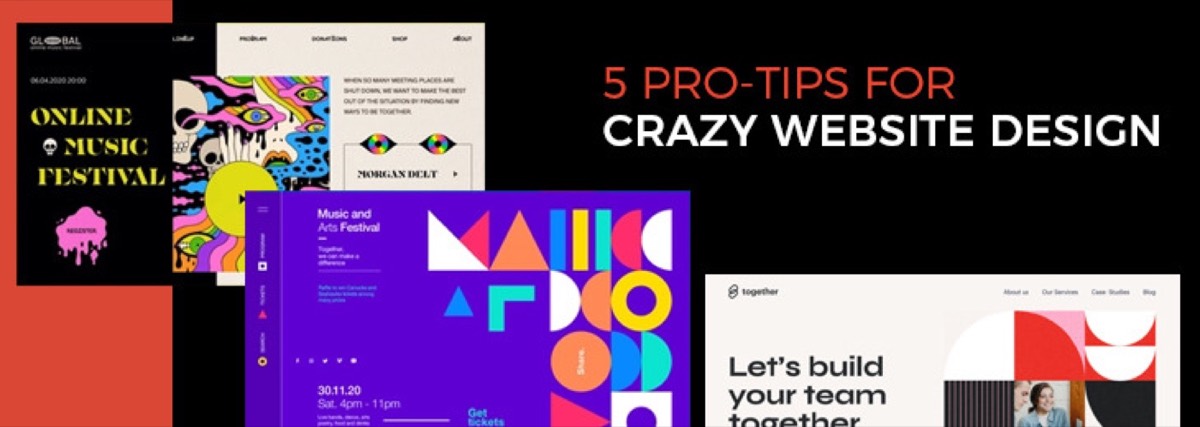
A website that runs without maintenance is a website that degrades. Traffic drops silently. Forms stop working. Security vulnerabilities accumulate. Images go stale and broken links pile up in the background. Keeping your design assets fresh is an equally important part of maintenance — and if you've never had a proper in-house workflow for that, understanding why most businesses outsource their graphic design explains why a subscription model is often more practical than managing it internally.
Most website problems aren't dramatic — they're slow and quiet. Regular maintenance is what keeps them from compounding into expensive fixes.
This checklist covers every essential website maintenance task, organized by frequency: daily, weekly, monthly, and annual. Use it to build a maintenance schedule that keeps your site performing the way it was built to. If you're approaching maintenance after a long gap or planning a full overhaul, our guide on how website design affects your business results is a useful starting point for understanding which design factors to prioritize first.
1. Monitor Website Performance (Daily)
Website analytics data is the earliest warning system for problems. A sudden drop in organic traffic could mean a Google algorithm update penalized a page. A spike in bounce rate could mean a key page broke. A conversion rate drop could mean a form stopped working.
Check daily, or set up automated alerts:
- Traffic volume by channel (organic, direct, referral, paid)
- Bounce rate — flag significant increases from the baseline
- Conversion goal completions (form submissions, purchases, bookings)
- Core Web Vitals — LCP, CLS, and INP scores in Google Search Console
Even a 5-minute daily review of your analytics dashboard prevents small issues from becoming large ones. Setting up automated Google Analytics alerts for traffic drops above 20% means you can catch critical problems without logging in every day.
2. Test All Website Forms (Weekly)
Forms are where websites lose money silently. A contact form that stopped sending email confirmations could have been broken for weeks before anyone notices — and every inquiry submitted in that time was lost.
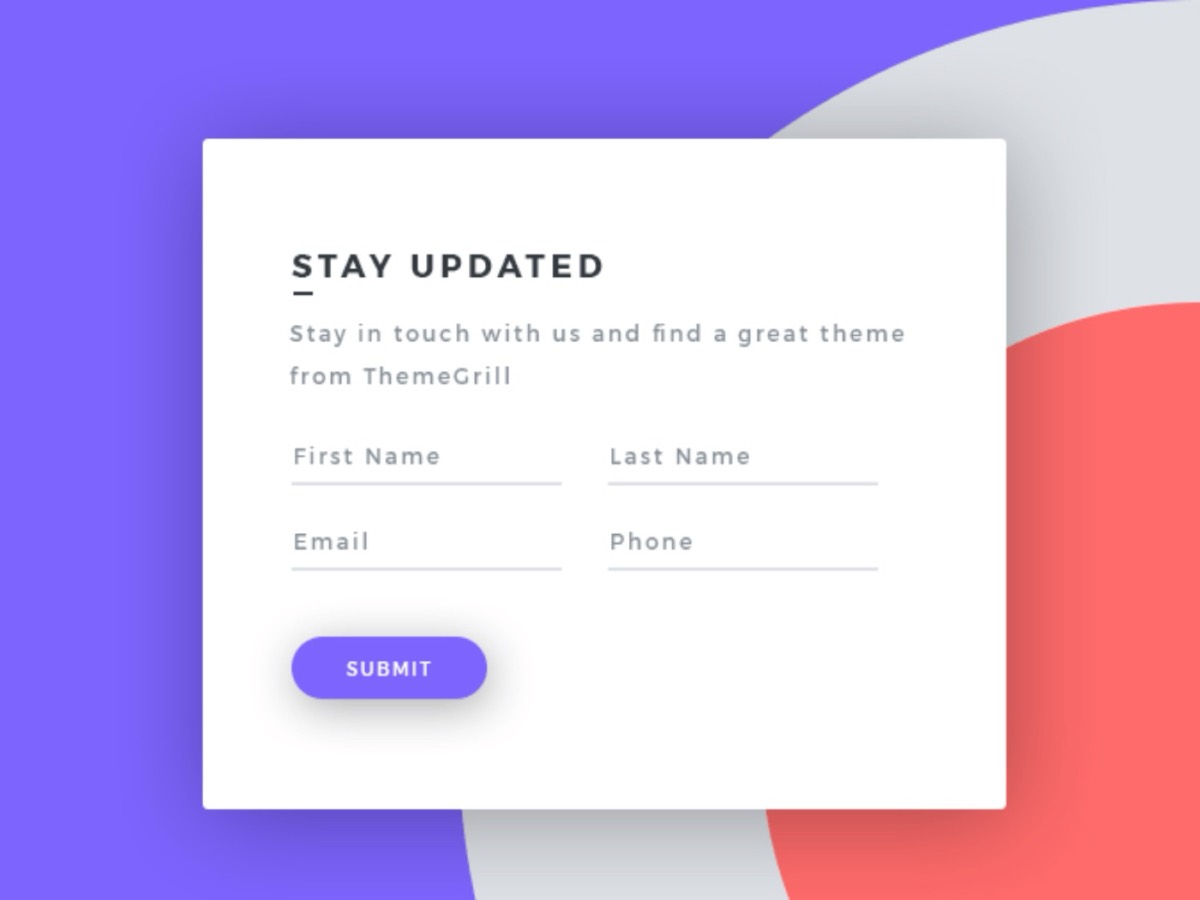
Every week, manually complete and submit each form on your site:
- Contact and inquiry forms
- Quote request or booking forms
- Newsletter signup forms
- Checkout and payment flows (for ecommerce)
Verify that the form submission triggers the correct response on the front end, that notification emails are received by the right person, and that the submission is recorded in your CRM or database.
3. Test the Order and Checkout Process (Weekly — ecommerce)
For ecommerce sites, the checkout flow is the site's entire commercial purpose. Testing it weekly ensures that payment processing, inventory updates, and order confirmation emails are all functioning correctly.

Run a test order through the full flow: product search → add to cart → checkout → payment → order confirmation email. Any breakage in this sequence is a revenue leak.
4. Back Up Your Site Files and Database (Weekly)
Backups are insurance — you don't appreciate them until you need them, and at that point you're very glad you have them.

Set up automated weekly backups of both your site files and your database. Store backups in a location separate from your web host — a cloud storage service like Google Drive, Dropbox, or S3. A hosting backup and a site backup stored on the same server are not redundant; if the server fails, you lose both.
Verify monthly that backups are actually completing and that a restoration from backup works.
5. Maintain Website Security (Monthly)
Security issues are among the most costly website maintenance failures — both in direct cost and in reputation damage.
Monthly security maintenance:
- Update your CMS (WordPress, Drupal, etc.) to the latest version — the majority of site compromises exploit known vulnerabilities in outdated CMS versions
- Update all plugins and extensions — outdated plugins are the most common attack vector for WordPress sites
- Review user access — remove accounts for past employees and contractors; enforce the principle of least privilege
- Verify SSL certificate validity — an expired SSL shows security warnings in every browser and immediately destroys user trust
- Scan for malware — tools like Sucuri, Wordfence, or your host's built-in scanner will flag infections early
If your site collects user data, review your GDPR/CCPA compliance posture annually — consent banners, data retention policies, and third-party cookie usage should be audited at least once per year.
6. Check Page Speed and Core Web Vitals (Monthly)
Page speed is a direct Google ranking signal via Core Web Vitals. A site that loads quickly in January can slow down significantly by June as new plugins, heavier images, and additional third-party scripts accumulate.
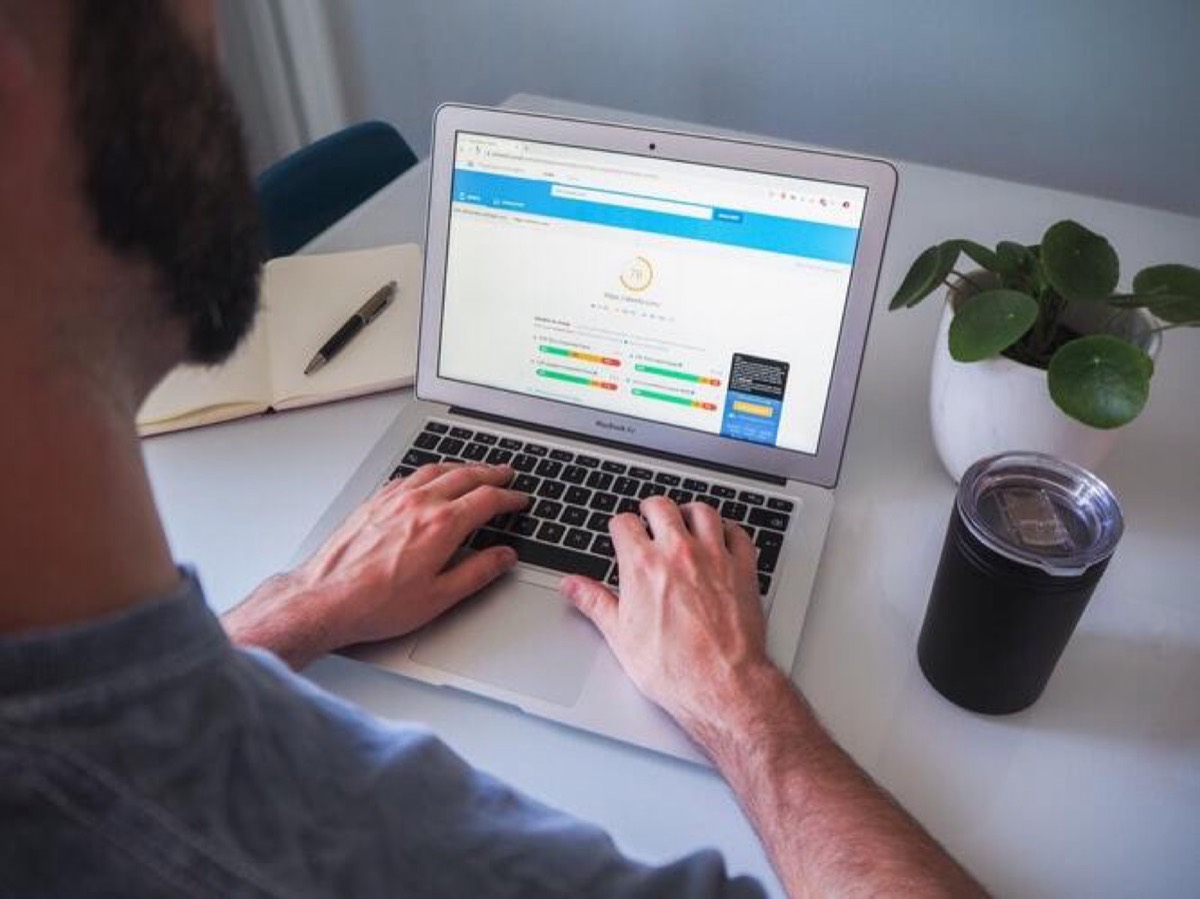
Monthly speed audit:
- Run your homepage and key landing pages through Google PageSpeed Insights
- Check LCP (target: under 2.5 seconds) and CLS (target: under 0.1)
- Identify the largest images and verify they're being served in WebP format at the correct dimensions
- Review the number of third-party scripts loading on each page — each one adds latency
Speed issues caught monthly are small fixes. Speed issues ignored for a year become architectural problems. When performance issues pile up to the point where a full overhaul is warranted, our website redesign strategy and checklist covers how to plan and execute the process without losing your SEO rankings.
7. Check for Broken Links and 404 Errors (Monthly)
Broken links — whether internal links to your own pages or external links to third-party resources — create a poor user experience and signal to Google that your site is not well-maintained.

Monthly link audit:
- Use Google Search Console's Coverage report to identify 404 errors Google has found
- Run a site crawl with Screaming Frog or a similar tool to find internal broken links
- Set up 301 redirects for any pages that have moved or been deleted
- Fix or remove external links that now point to 404 pages
Tools like Ahrefs, SEMrush, or the free Broken Link Checker plugin (for WordPress) can automate much of this process.
Need help keeping your website's visual assets fresh? Digital Polo's subscription includes unlimited design updates — banners, landing page graphics, and social media assets — from $399/mo. See what's included →
8. Update Website Content (Monthly)
Stale content is both an SEO problem and a credibility problem. Product prices that haven't been updated, team pages with former employees, blog posts referencing outdated statistics — these all erode the trustworthiness of your site.

Monthly content review:
- Check homepage messaging — is it still accurate for your current offer?
- Review the services/products page for accuracy
- Update any time-sensitive content (promotions, events, seasonal pages)
- Add a new blog post or content asset — fresh content is a positive signal to Google
The Complete Website Maintenance Schedule
| Task | Daily | Weekly | Monthly | Annual |
|---|---|---|---|---|
| Monitor analytics & traffic | ✓ | |||
| Review Core Web Vitals alerts | ✓ | |||
| Test contact forms | ✓ | |||
| Test checkout/payment flow | ✓ | |||
| Back up files and database | ✓ | |||
| Update CMS and plugins | ✓ | |||
| Check SSL certificate | ✓ | |||
| Run page speed audit | ✓ | |||
| Scan for broken links | ✓ | |||
| Malware scan | ✓ | |||
| Review and update content | ✓ | |||
| Review user access permissions | ✓ | |||
| Full security audit | ✓ | |||
| GDPR/privacy compliance review | ✓ | |||
| Accessibility audit | ✓ | |||
| Review and refresh design assets | ✓ |
Signs Your Website Needs Urgent Maintenance
Don't wait for your scheduled checks if you notice any of these:
- A sudden drop of more than 20% in organic traffic
- Google Search Console reporting a manual penalty or security issue
- SSL certificate showing as expired in browsers
- Payment processing errors reported by customers
- Site loading in over 5 seconds on a mobile connection
- Google PageSpeed score below 50
These are not routine maintenance situations — they need immediate attention.
Conclusion
A website that is actively maintained performs better in search, converts more visitors, and fails less. The tasks above are not complicated — most take minutes once you have the right tools and processes in place. The only way they become costly is when they're neglected long enough to compound.
Build a maintenance calendar and assign ownership for each task. Schedule it in your operations workflow like any other recurring business function — because that's exactly what it is.
Digital Polo keeps your website's visual layer fresh — unlimited design updates, banners, and graphic assets with every subscription. Start with Partner at $399/mo → | Soulmate at $899/mo →
Frequently Asked Questions About Website Maintenance
How often should I do website maintenance? Core tasks have different frequencies: analytics monitoring should be daily; form and checkout testing weekly; speed audits, plugin updates, and link checks monthly; full security audits and compliance reviews annually. Setting up automated alerts for traffic drops and security issues significantly reduces the daily time investment while ensuring nothing critical is missed.
What happens if I neglect website maintenance? Neglected sites accumulate broken links, outdated content, and outdated software with known security vulnerabilities. Over 12–24 months, this produces measurable declines in search rankings, rising bounce rates, and increasing risk of a security breach. The cost of repairing a hacked or severely degraded site is typically much higher than the cost of maintaining it.
How much does website maintenance cost? In-house maintenance costs the time of whoever manages it — typically 2–5 hours per month for a small business site. Agency maintenance retainers typically run $100–$500/month. For the design side of maintenance (refreshing banners, updating landing page graphics, creating new content visuals), a flat-rate design subscription like Digital Polo covers unlimited updates from $399/mo.
Can I do website maintenance myself, or do I need an agency? Most routine maintenance tasks — analytics review, plugin updates, backups, form testing — are manageable without technical expertise, especially on popular CMS platforms like WordPress. Technical tasks (server configuration, security hardening, performance optimization) often benefit from specialist involvement. Design updates — keeping your visual assets current — are best handled by a professional designer on an ongoing basis.
What's the difference between website maintenance and a website redesign? Maintenance is the ongoing upkeep that keeps a site performing well — updates, security, speed, and content freshness. A redesign is a structural overhaul of the site's architecture, UX, or visual design. A well-maintained site typically needs a redesign every 3–5 years; a neglected site may need one sooner because accumulated technical debt makes incremental improvements impractical.