If you own a business and are the public face of your brand, your personal social media pages matter more than you might think. People follow you — not just your company. What you post on your personal channels shapes how your audience perceives your expertise, your values, and your relevance to their lives.
The challenge is that constantly producing original content is exhausting. Content curation offers a smarter path: sharing valuable, relevant information that your audience cares about without having to create everything from scratch. Done well, it builds authority, grows your audience, and keeps your feed active — all without a full-time content team.

What is the Difference Between Content Creation and Content Curation?
Content creation means producing something new — a solution, insight, or perspective that has not been expressed in that form before. You are the original source.
Content curation means gathering existing information, organizing it thoughtfully, and sharing it in a way that provides new value to your audience. The content itself is not new, but your selection, framing, and context can make it genuinely useful. Think of it as being the editor of a publication, not just the author. The visual side of what you post matters as much as what you share — designing social media images to the right specs ensures your curated content always looks polished rather than thrown together.
Both have their place in a healthy social media strategy.
Why Should You Curate Content?
Ask yourself this: when you scroll through your social media feed, do you stop for every promotional post you see? Probably not. Most people scroll past anything that feels like push marketing.
Now consider your own posts. If every piece of content you share is about your company, your products, or your latest blog post, your followers will do the same thing — scroll right past you. Even your actual customers lose interest when a feed feels like a constant sales pitch.

Curating content solves this by letting you provide value without selling. You share useful articles, interesting data, relevant perspectives — content that your audience actually wants to engage with. This builds trust and keeps your name visible in their feed in a positive context.
Of course, you should still promote your business. The key is balance. A practical framework for achieving that balance is the Rule of Thirds.
The Rule of Thirds for Social Media Content
The Rule of Thirds divides your social media content into three equal parts. Think of it as a guideline, not a rigid formula.
One third: direct business promotion. This includes posts with a clear call-to-action — driving traffic, generating leads, announcing products, promoting services. These posts speak directly to commercial goals.
One third: curated content and ideas. Share case studies, expert quotes, industry research, and relevant news from your niche. This content does not have to be directly about your business, but it should be relevant to your audience's interests and professional context.
One third: conversation and engagement. Reply to comments on your posts, jump into discussions on other people's content, ask questions, and invite your followers to share their views. Engagement creates community and makes your presence feel human rather than automated.
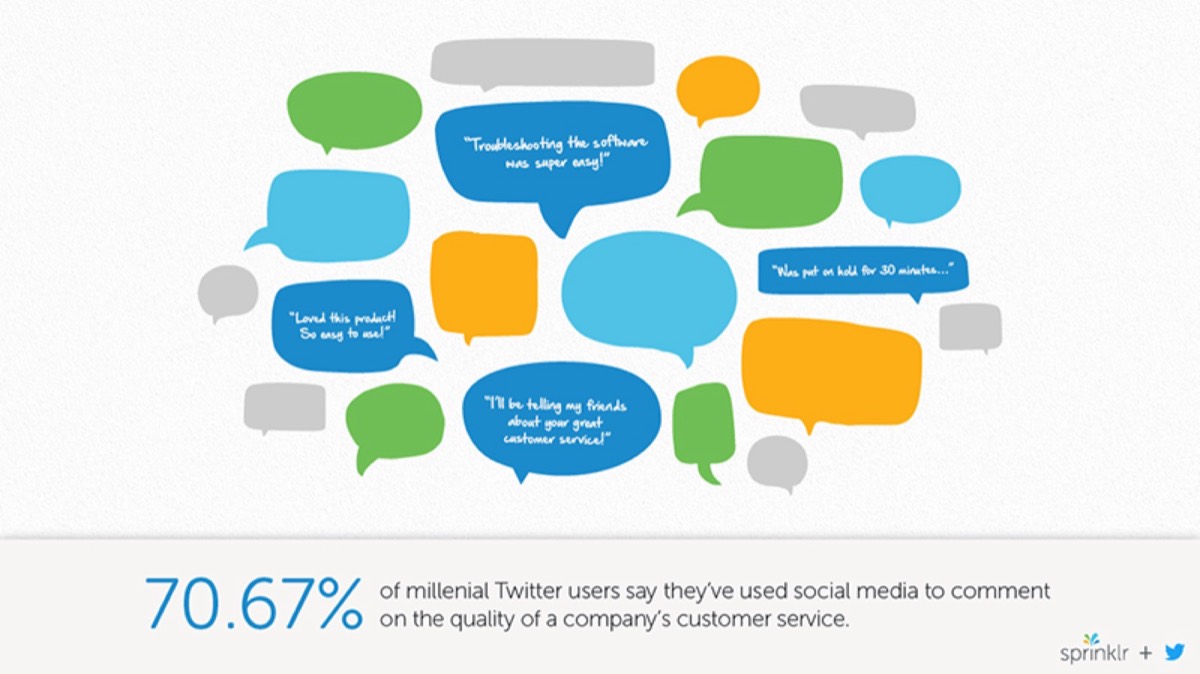
How to Start Curating Content
The practical challenge of content curation is finding enough high-quality content to share consistently without spending hours searching every day. The good news is that several tools make this process almost automatic.
Flipboard is a free tool that aggregates content from online magazines and publications organized by interest category. You select the topics relevant to your niche — say, social media marketing, product design, or SaaS growth — and Flipboard surfaces fresh content from publications covering those topics.
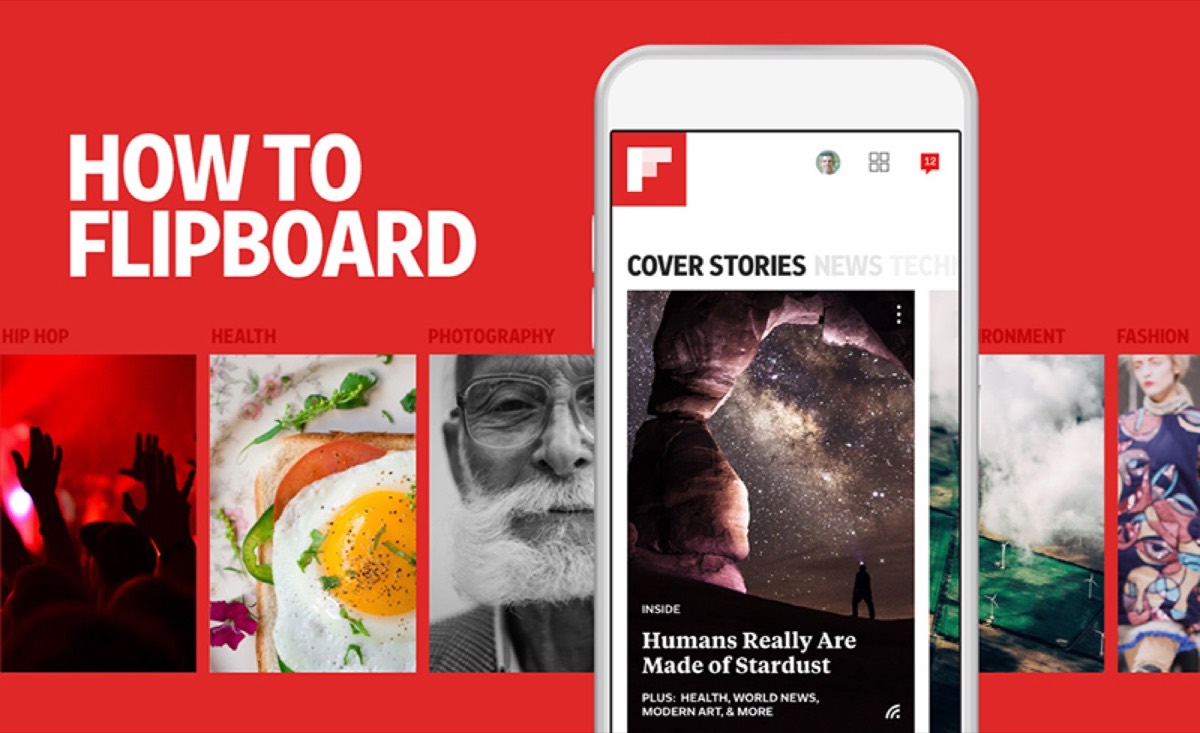
You can save magazines you like, create your own curated magazine by "flipping" content into it, and share access with team members or collaborators. Flipboard is not just a content discovery tool — it is a lightweight community-building platform that lets you organize and share your curation publicly.
Google Alerts
Google Alerts sends email notifications whenever new content matching your chosen keywords appears on the web. Set alerts for your industry, your competitors, relevant topics, and your own brand name to stay on top of what is being published and discussed in real time.
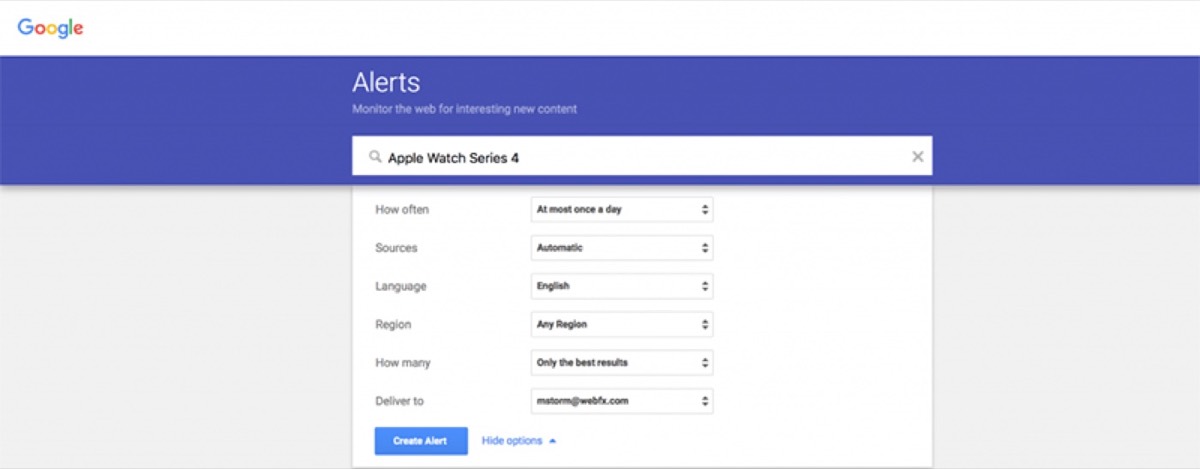
Given the prevalence of misinformation on social media, Google Alerts is particularly valuable because it surfaces credible, indexed news rather than random social posts. Always verify what you share before putting your name behind it.
Slack Groups
Many industries have active Slack communities where members share content, discuss trends, and surface news before it hits mainstream channels. Being part of the right Slack groups gives you an early-mover advantage — you can share insights your audience has not seen yet, which positions you as a genuinely well-connected voice in your field.
Twitter Lists
Twitter generates enormous volumes of content daily, making it easy to miss what actually matters. Twitter Lists let you group the accounts you follow by theme or category — for example, "content marketing leaders" or "AI tools" — so you can monitor specific areas of interest without wading through your entire timeline.
Retweeting excellent content from the people on your lists is one of the fastest ways to curate high-quality posts while also building goodwill with the original creators. If you're also managing your brand's social pages, designing your social media pages with a cohesive visual identity gives your curated content a professional home that reinforces your brand at every scroll.
Looking for professional designs that apply these strategies? See Digital Polo's plans →
Use a Scheduler to Curate Content Efficiently
Once you have content to share, the next challenge is posting it consistently across multiple platforms without logging in and out of each one manually. Scheduling tools solve this.
Sprout Social
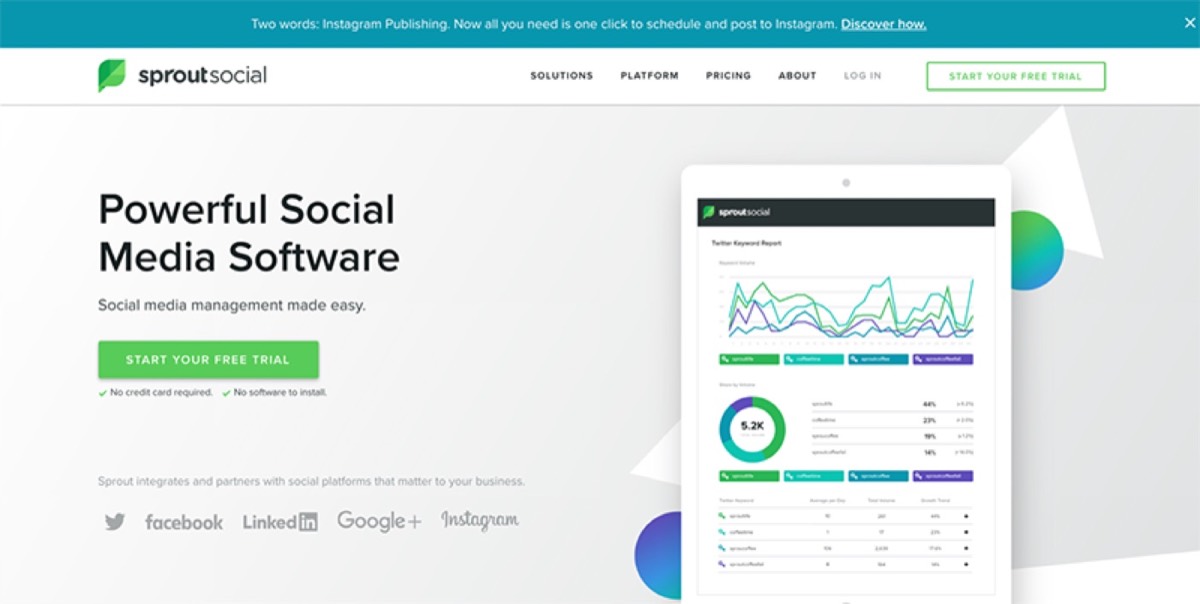
Sprout Social is a full social media management suite covering publishing, engagement, listening, and analytics. It is suitable for teams managing multiple accounts across multiple platforms simultaneously. Pricing ranges from $99 to $249 per month depending on the plan.
HubSpot
HubSpot goes beyond social media scheduling — it integrates with your sales, marketing, and customer service workflows so you can see how your social activity connects to pipeline and revenue. Free and paid plans are available, with paid tiers starting at $68 per month.

Tweetdeck
Tweetdeck is a free Twitter-native tool that lets you schedule tweets, monitor timelines and direct messages, track hashtags, and manage multiple Twitter accounts from a single dashboard. If Twitter is your primary channel, Tweetdeck is a no-cost option that covers the essentials.
Hootsuite
Hootsuite is built for high-volume publishers. It supports posting across multiple social channels through multiple accounts and provides a dashboard for tracking performance, tagging content, and viewing analytics. Plans start from approximately £25 per month.
What to Keep in Mind When Curating Content
When you curate content, your primary job is selection — choosing what is worth your audience's attention. Quality always beats quantity. It is better to share three excellent pieces a week than twenty mediocre ones.
Once you have your content queued up in a scheduler, adding a relevant visual — an infographic, a branded image, or a pull-quote graphic — significantly boosts engagement compared to text-only posts. Curated content does not have to look generic just because you did not create it from scratch.
The brands and professionals who build the strongest audiences on social media are the ones who show up consistently, provide genuine value, and mix promotion with education and conversation. Content curation is how you maintain that presence without burning out on original content creation. Build the habit, use the right tools, and let your feed become a resource your audience actually looks forward to seeing.
Digital Polo creates social media graphics, branded post designs, and visual content for one flat monthly fee with unlimited revisions. Start for $399/mo → | Soulmate at $899/mo →
Frequently Asked Questions About Social Media Content Curation
What is content curation in social media marketing? Content curation is the practice of finding, organizing, and sharing relevant content from external sources with your audience. Rather than creating every post from scratch, you act as a filter — surfacing the most useful articles, insights, and perspectives in your niche. It keeps your feed active and valuable without requiring a constant pipeline of original content.
How much curated content should I post versus original content? The Rule of Thirds is a widely used guideline: one third of your posts should promote your business directly, one third should be curated content and shared ideas, and one third should be focused on conversation and engagement. This ratio keeps your feed balanced and prevents your audience from feeling sold to every time they see your posts.
What is the best free tool for curating social media content? Flipboard and Google Alerts are both excellent free options. Flipboard aggregates content by interest category from online publications. Google Alerts monitors the web for new content matching your keywords and sends email notifications. Tweetdeck is also free and useful specifically for Twitter curation and scheduling.
Is it okay to share other people's content on social media? Yes, and it is encouraged — as long as you give proper credit to the original creator. Retweeting, sharing, and citing sources is standard practice on social media and is generally appreciated by the content creators. Avoid copying and reposting content as your own without attribution.
How do I find high-quality content to curate in my niche? The best sources are Google Alerts for industry news, Flipboard for magazine-style content aggregation, Slack groups for early access to community discussions, and Twitter Lists for following specific experts and accounts. Industry newsletters and RSS feeds are also strong sources worth building into your curation workflow.