Social media started as a way to stay connected with friends and family. Today it is one of the most powerful marketing platforms in the world, with billions of users scrolling through feeds every day. With 11 new people joining social media platforms every second, the audience available to marketers has never been larger.
Getting your images right on these platforms is not optional. The wrong dimensions make your posts look unprofessional, get cropped in awkward places, and hurt engagement. This guide gives you the correct image sizes and design guidance for the four platforms that matter most to marketers: Facebook, Instagram, Twitter, and LinkedIn.
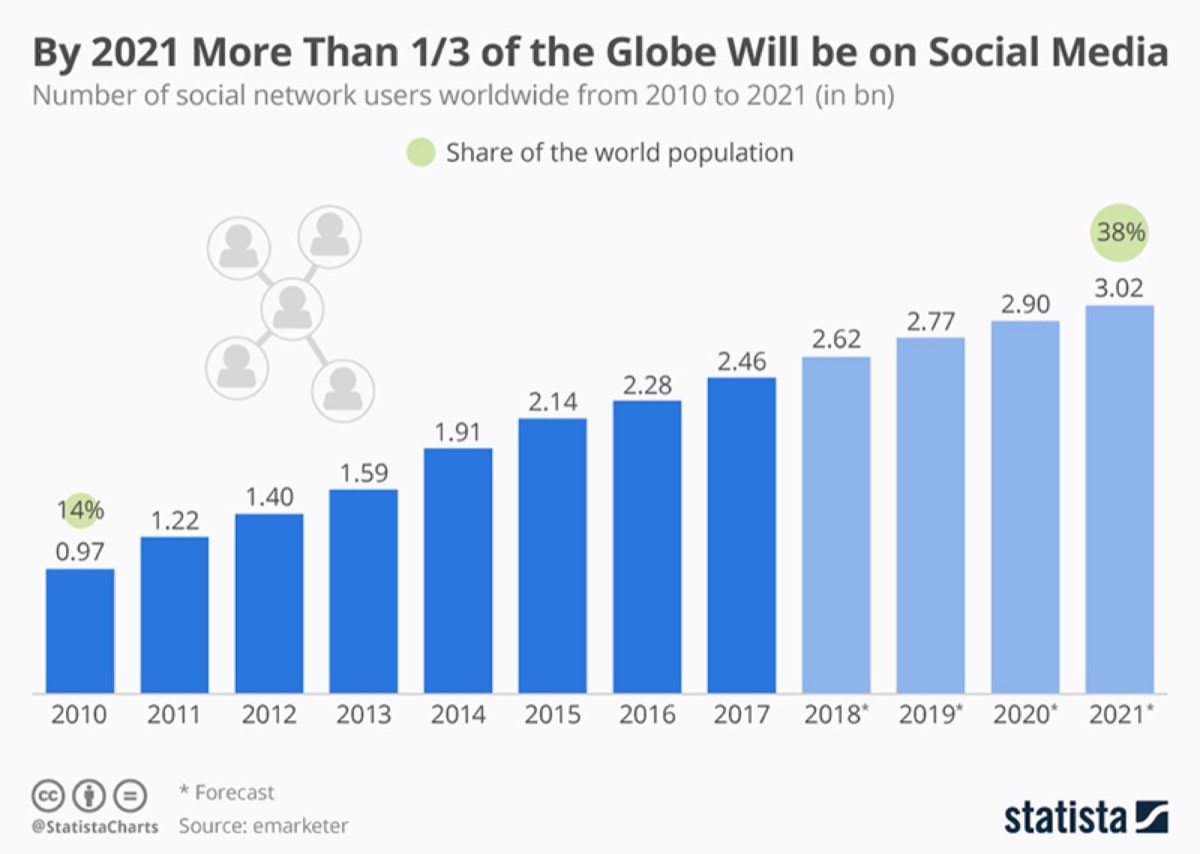
Social media platforms collectively have over 3 billion users. Seventy-five percent of marketers report increased traffic to their business pages, and 90% say social marketing has improved their brand exposure. The opportunity is massive — but only if your visual content is optimized to perform.
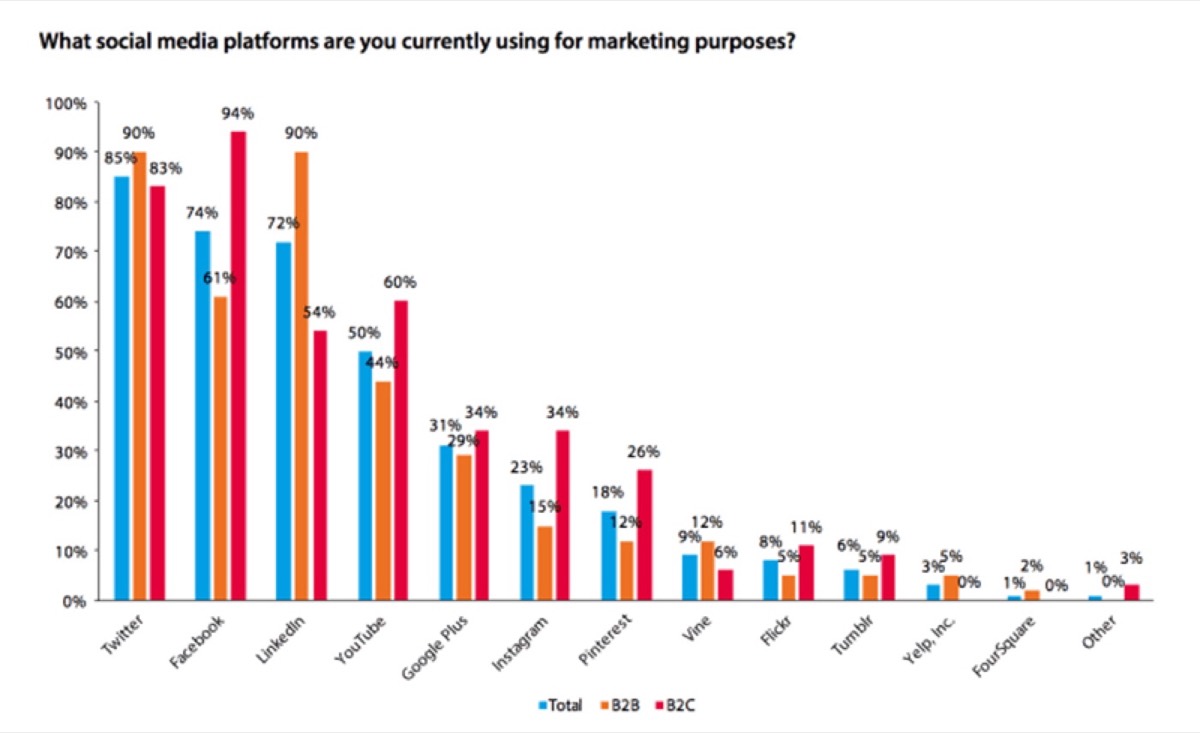
Images are the most important element of any social media post. They determine whether someone stops scrolling or keeps moving. And since platforms update their size requirements regularly, staying current with the specs is what separates brands that look polished from those that look amateurish. Getting your image dimensions right is just one part of the equation — designing cohesive social media pages for your brand covers how all the visual elements of a profile work together to build recognition.
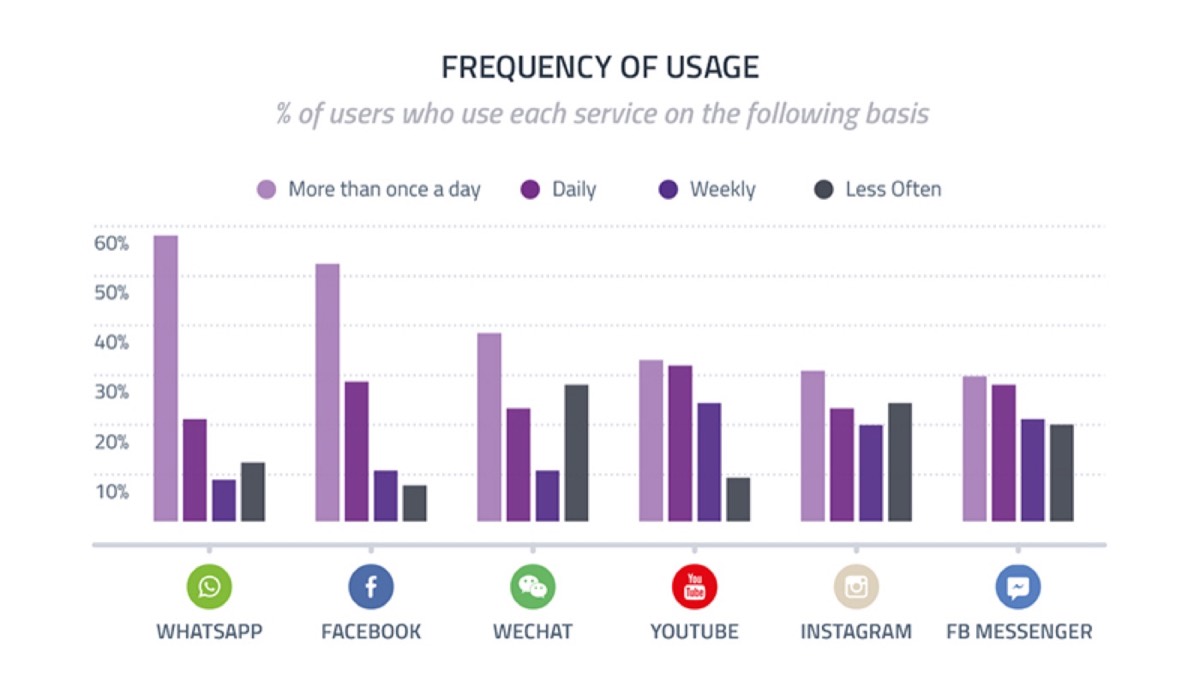
Facebook is the most widely used social media platform for advertising. Getting the image dimensions right matters because the same image will appear across desktops, smartphones, and tablets — and it needs to look good on all of them.
Profile picture: Facebook recommends a minimum of 180x180 pixels, but uploading at 360x360 pixels ensures your image looks sharp across all devices. Your profile picture appears everywhere your page shows up — posts, comments, messages, and search results — so quality here matters more than anywhere else.
Cover photo: Cover photos display at 820x312 pixels. Facebook recommends a minimum resolution of 400x150 pixels, but uploading at or above the display size ensures the image does not appear stretched or pixelated. Use JPG for photographs and PNG if your cover image contains text or your logo.
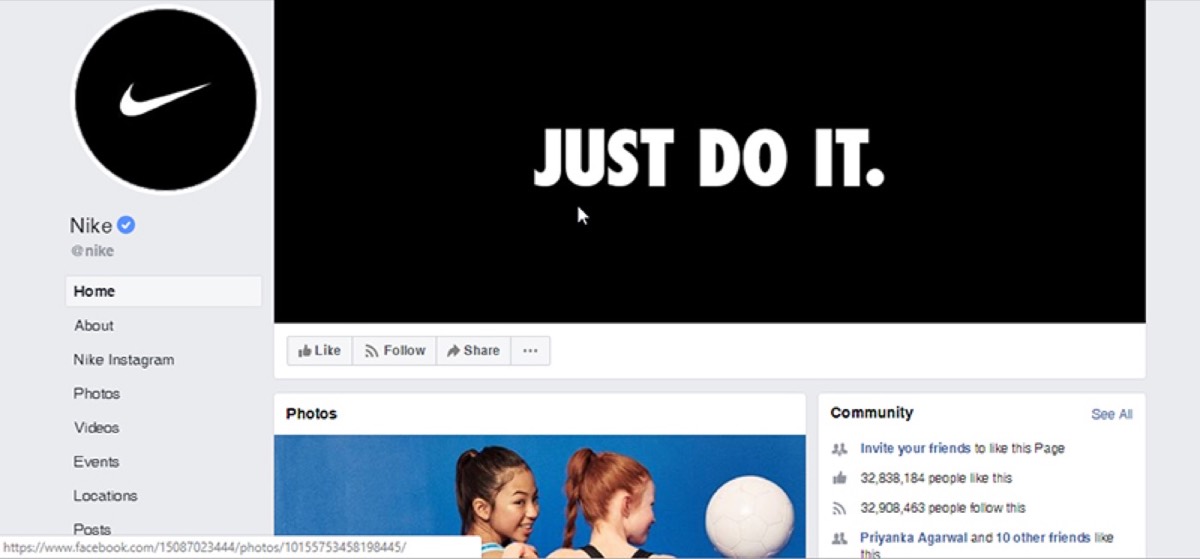
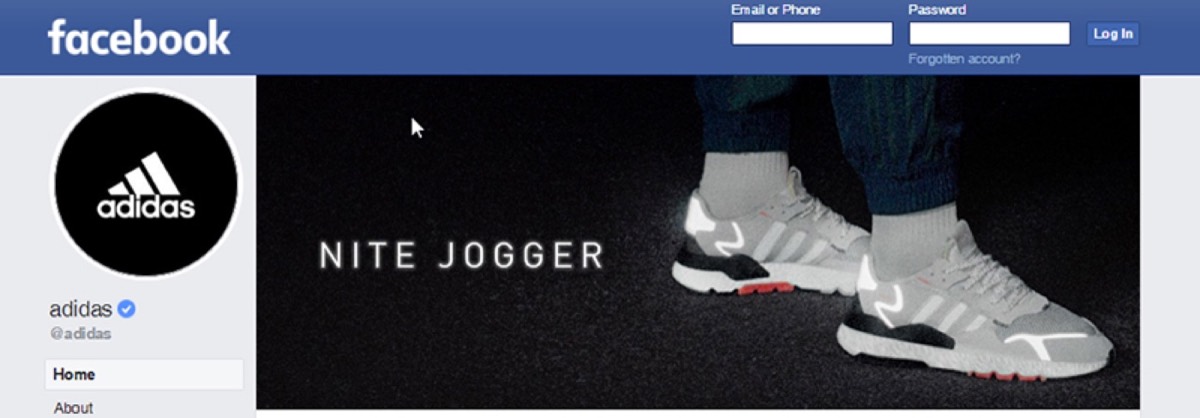
Shared images: The ideal size for shared images is 1200x630 pixels. This ensures the image displays clearly even on larger screens. If you cannot hit the ideal resolution, 600x315 pixels is the minimum that still looks acceptable. Shared images appear at up to 470 pixels wide in the feed and 507 pixels on your page.
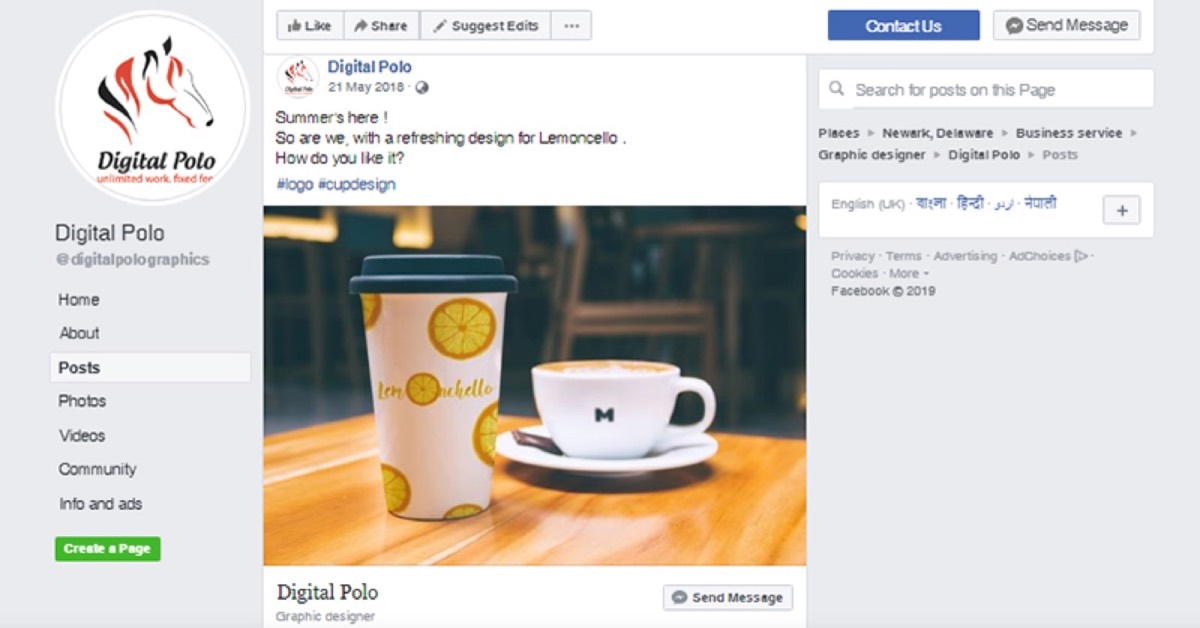
Link preview images: Link preview images follow the same dimensions as shared images. Previews display at 470 pixels on desktop and 560 pixels on mobile. If your image is smaller than 470 pixels wide, Facebook will display it as a small square thumbnail rather than a full rectangular preview — which significantly reduces click-through rates.
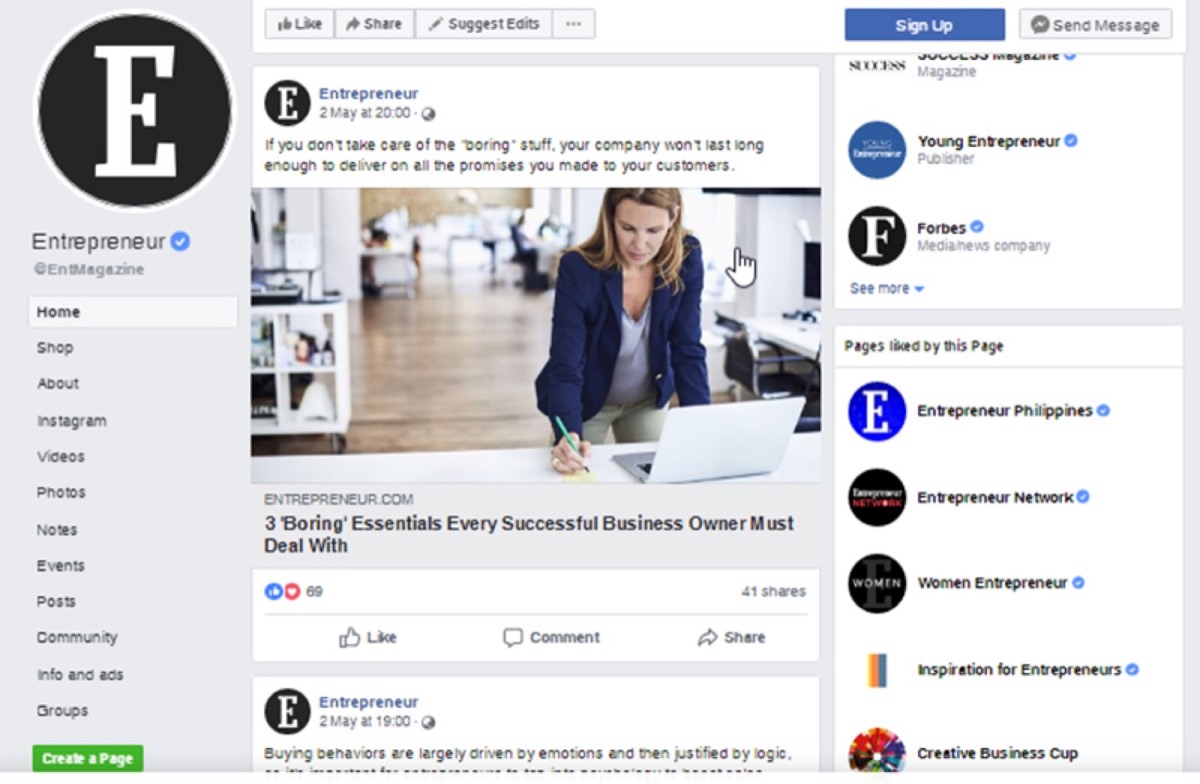
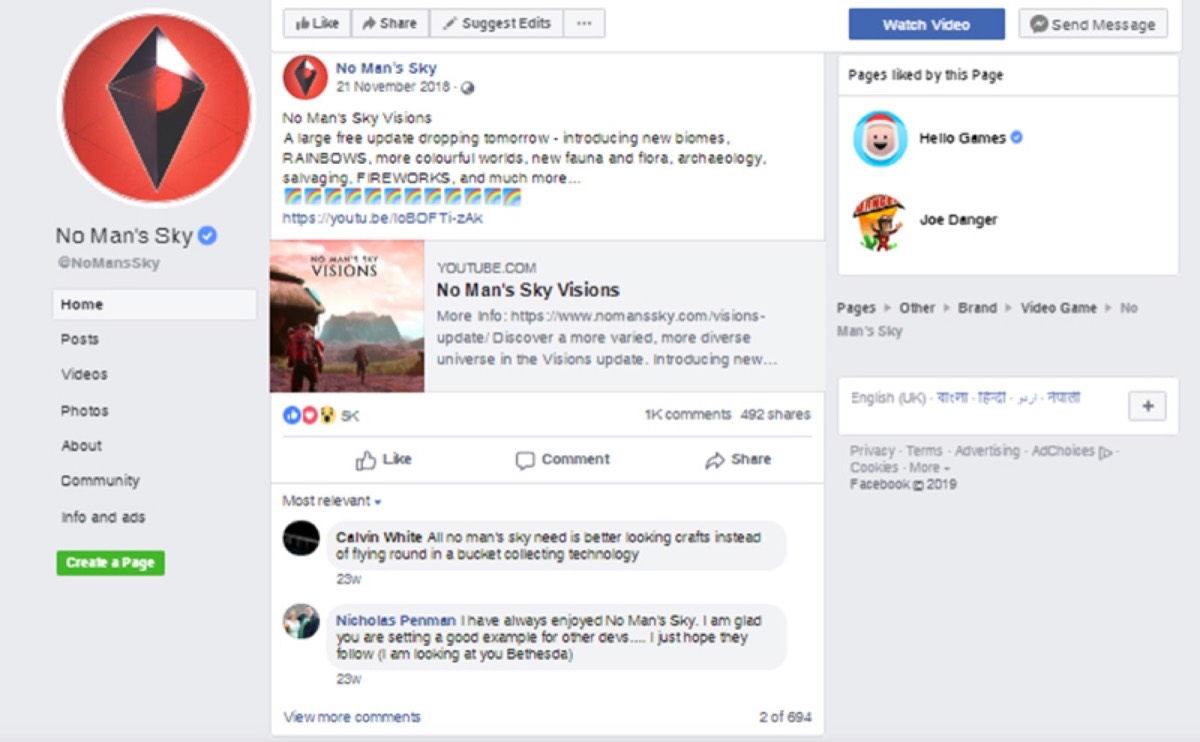
Event images: For event covers, uploading at 1980x1080 pixels provides enough resolution that when Facebook scales the image down to 470 pixels, the quality remains strong.
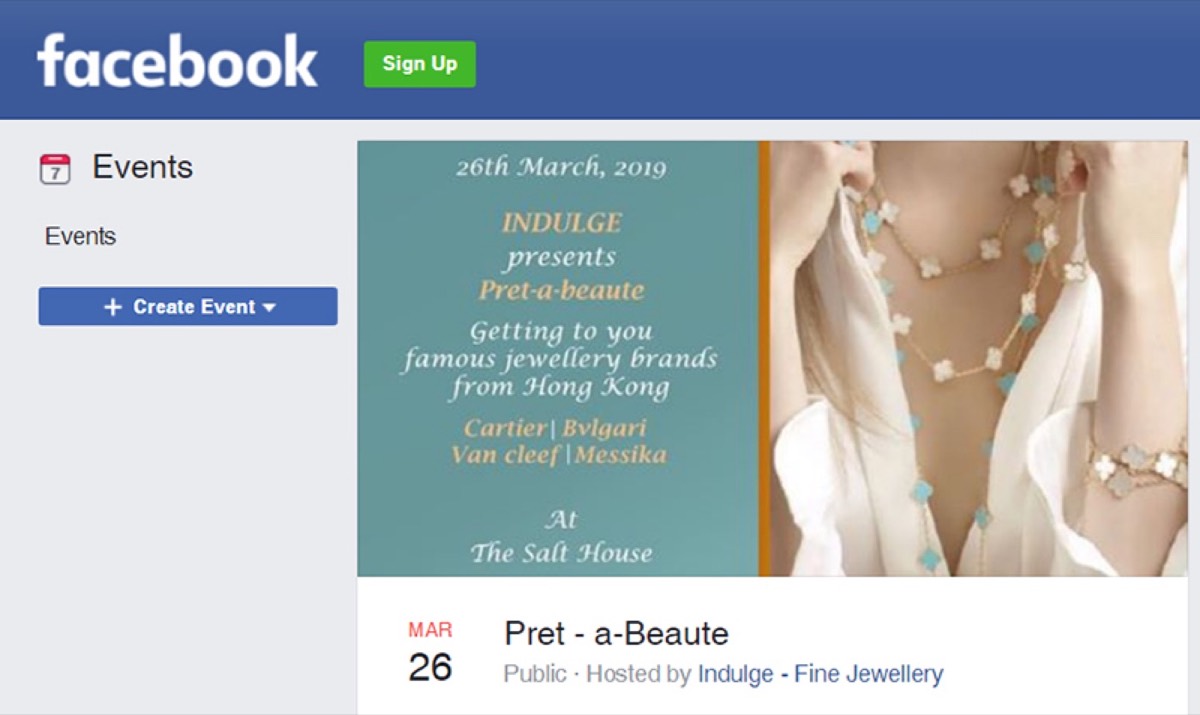
Instagram is the second most used social media platform for marketing and is built almost entirely around visual content. The platform now supports three image orientations — square, landscape, and portrait — giving marketers more flexibility than ever.
Profile picture: The ideal size is 180x180 pixels. On mobile, images display at 110x110 pixels, but uploading at a higher resolution ensures sharpness when viewed on desktop. Whatever image you use, make sure your logo or face is clearly legible at small sizes.
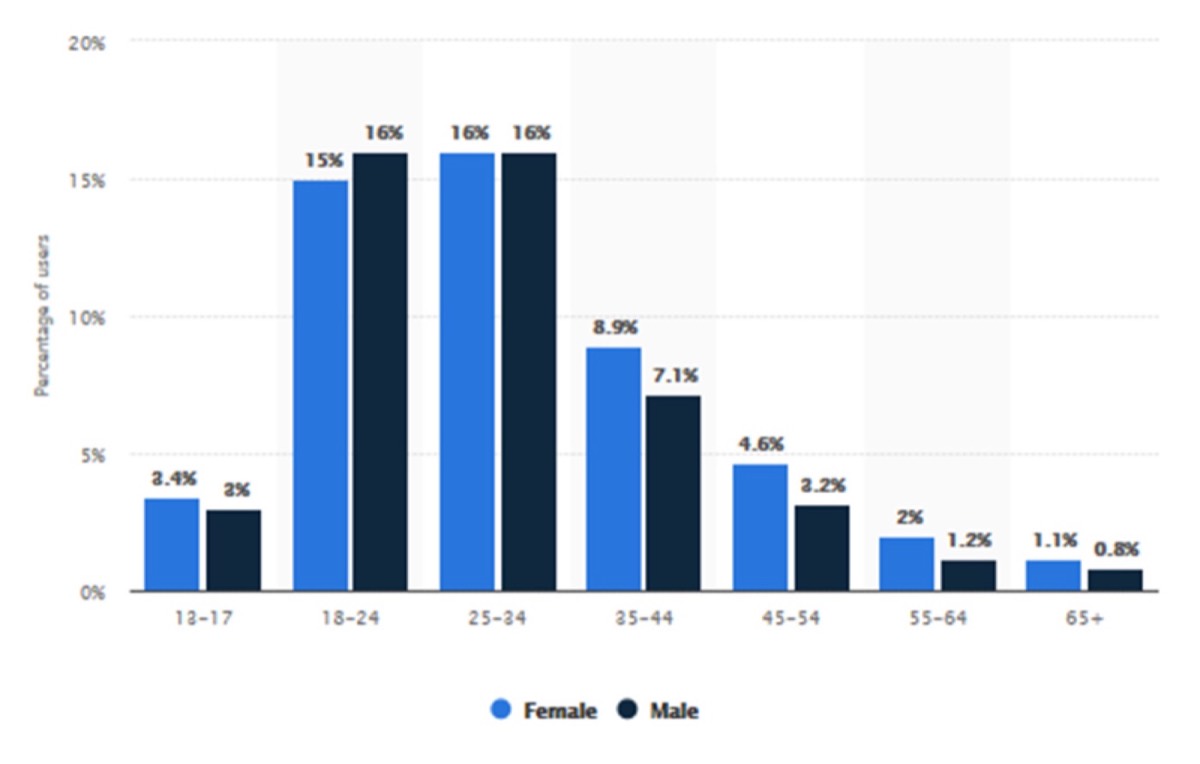
Square images: Still the most popular format on Instagram, square images should be uploaded at 1080x1080 pixels. This ensures they display crisply at every screen size. Square format videos also outperform landscape videos, offering 80–100% more engagement according to Buffer research.
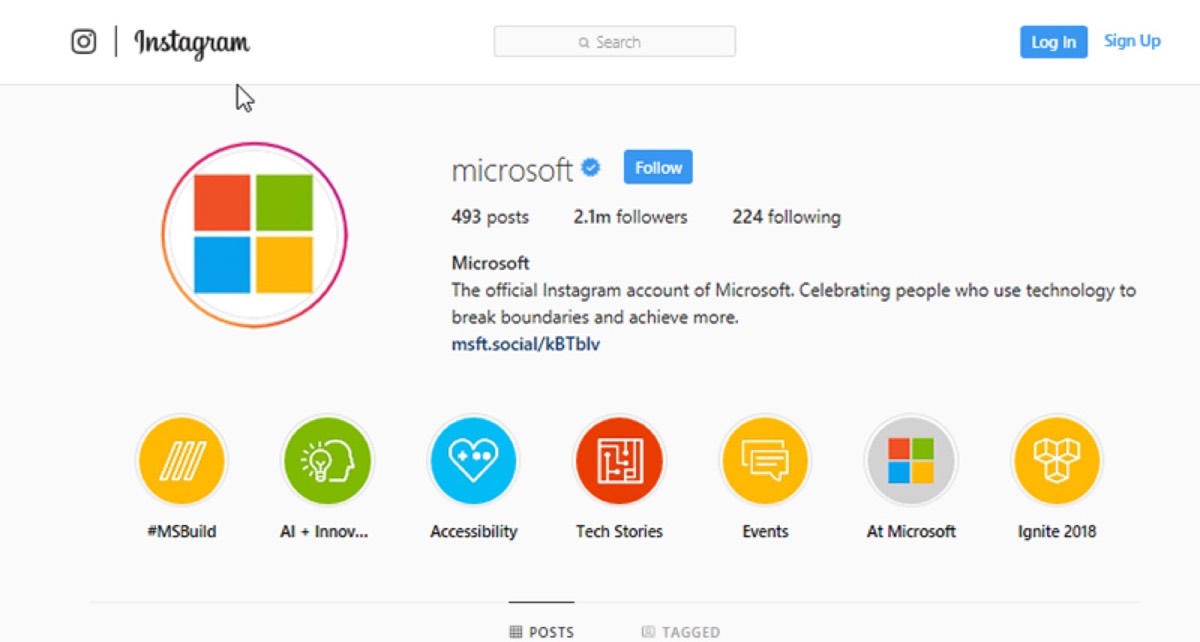
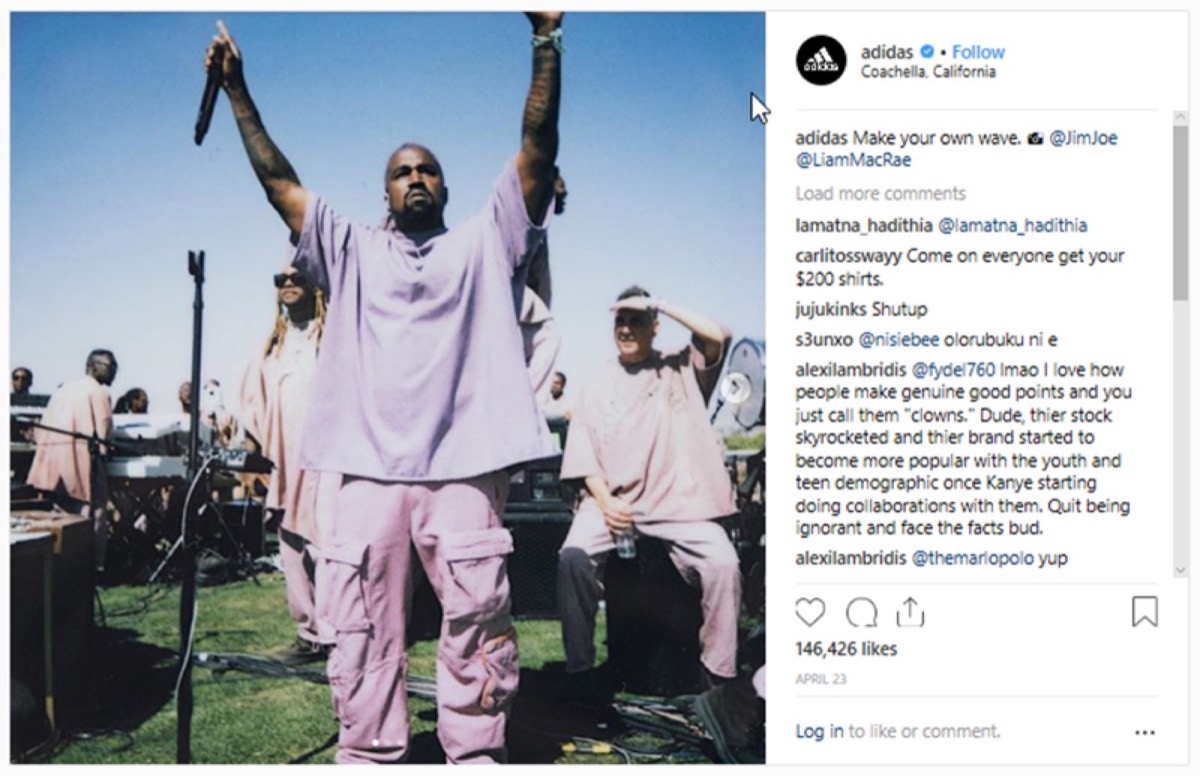
Landscape images: The recommended size for landscape posts is 1080x556 pixels. Instagram scales these down to 600x337 pixels. Landscape format is worth using when the image genuinely requires the horizontal space — but for marketing purposes, square generally performs better.
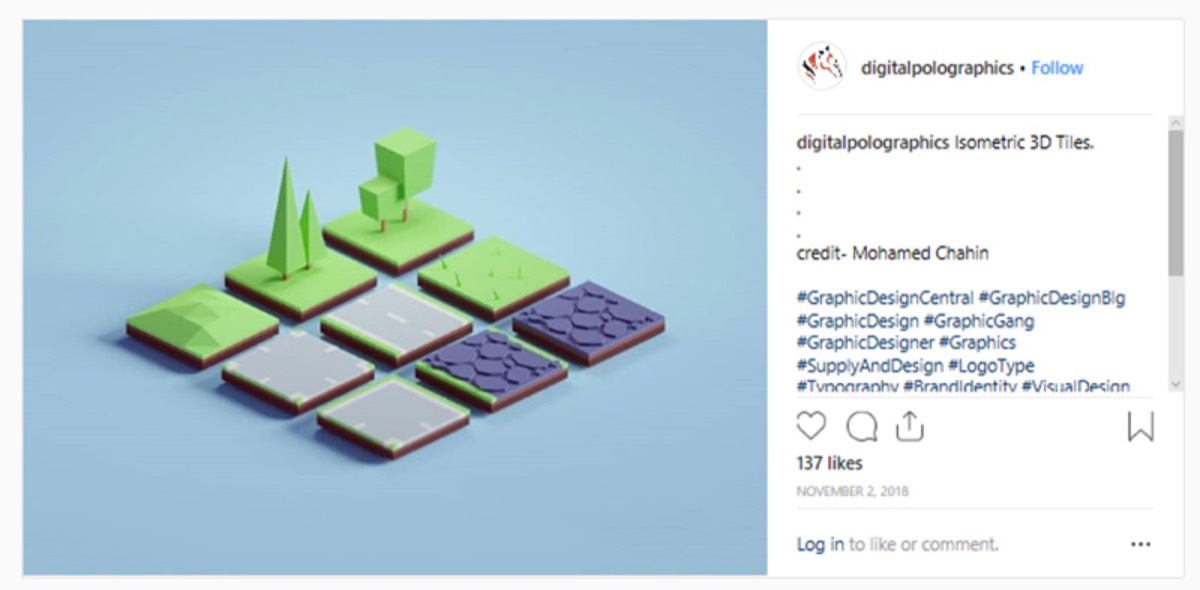
Portrait images: The recommended size for vertical posts is 1080x1350 pixels, with a 4:5 aspect ratio. Portrait images take up more screen real estate than square or landscape posts, which naturally draws more attention as users scroll. They are especially effective for showcasing products, people, and statistics that benefit from vertical framing.
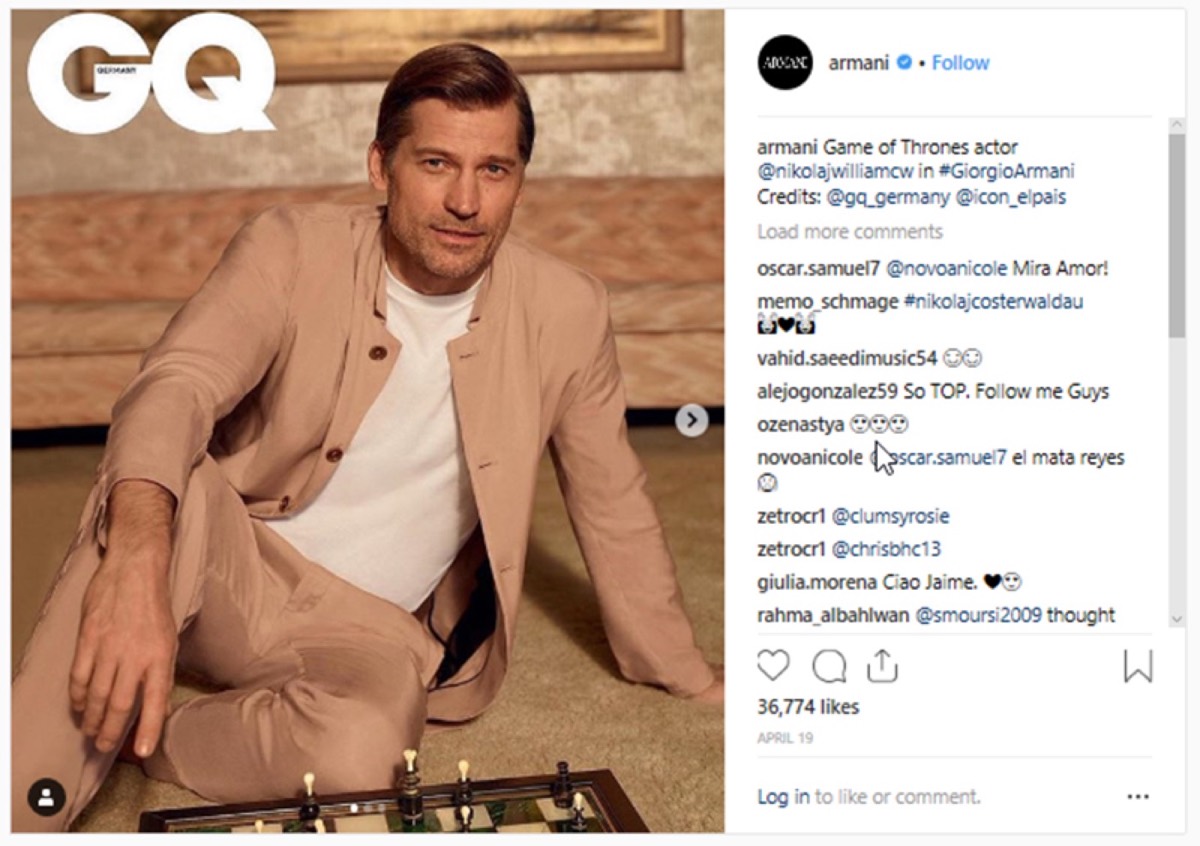
Instagram Stories: Stories use the full screen. The ideal dimension is 1080x1920 pixels — a 9:16 aspect ratio. This applies to both images and videos. Stories do not appear in the main feed, so users who tap on your Story are actively choosing to engage with your brand. That makes them a high-intent audience worth investing creative effort for.
Looking for professional designs that apply these strategies? See Digital Polo's plans →
Twitter remains a significant marketing platform with over 321 million monthly active users. Image quality matters on Twitter just as much as any other platform — a pixelated or poorly sized image will be scrolled past, no matter how good the copy.
Profile picture: Use a 400x400 pixel image. Twitter displays profile pictures in a circular crop alongside every tweet you post, so prioritize images where the key subject is centered and legible even when round-cropped.
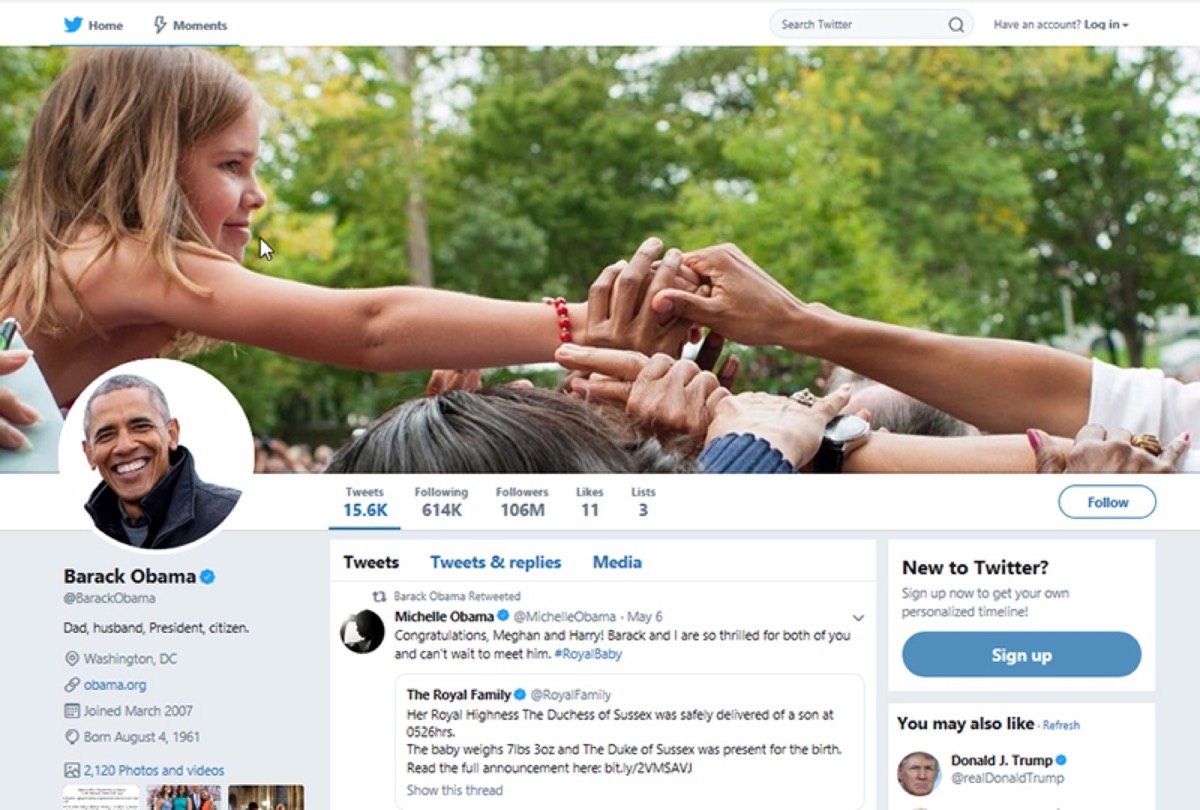
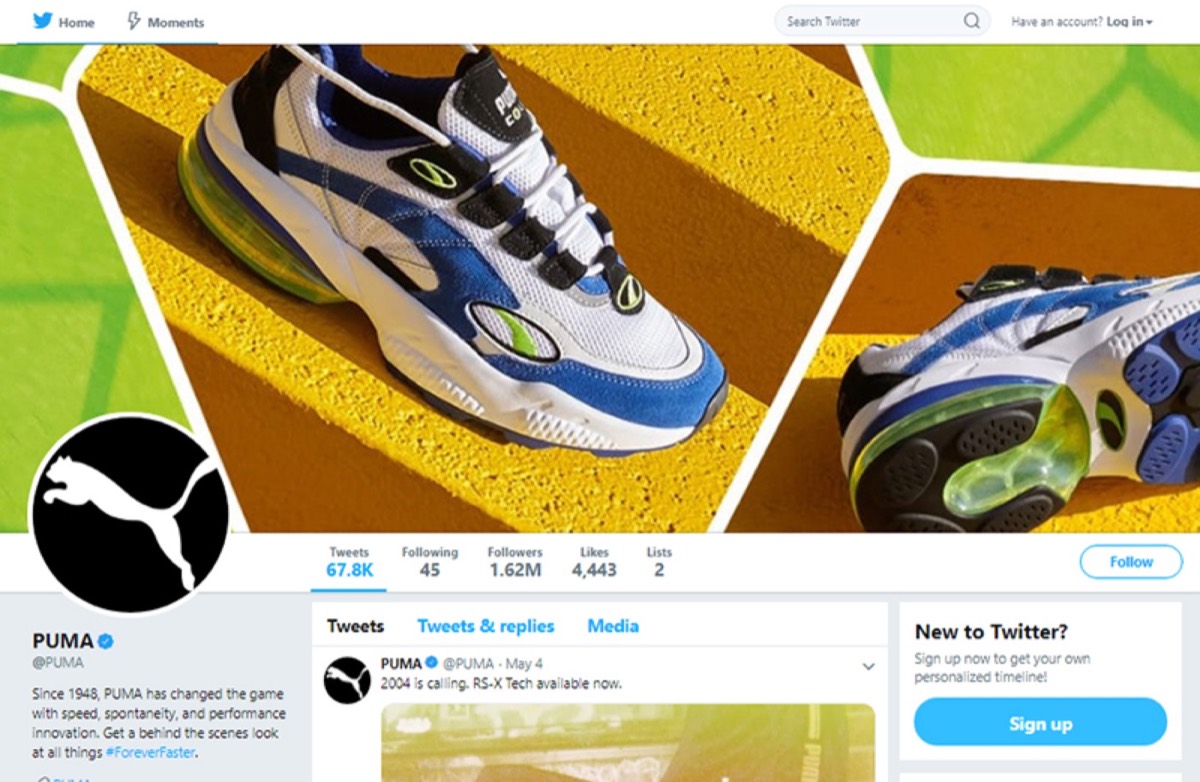
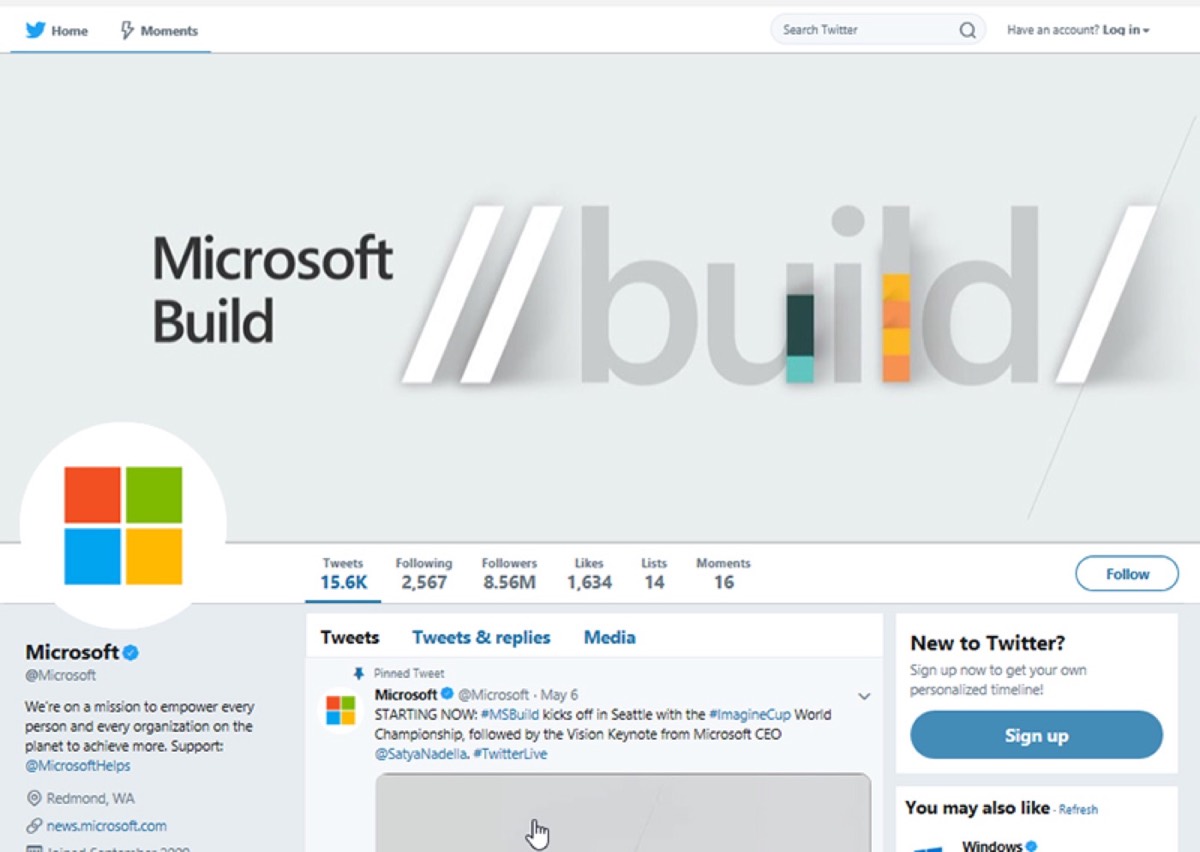
Header image: Twitter's header image is 1500x500 pixels. This is significantly larger than Facebook's cover photo, giving brands more canvas to communicate their identity. Whatever image you choose, avoid placing critical text or logos near the edges — these get cropped in responsive display.
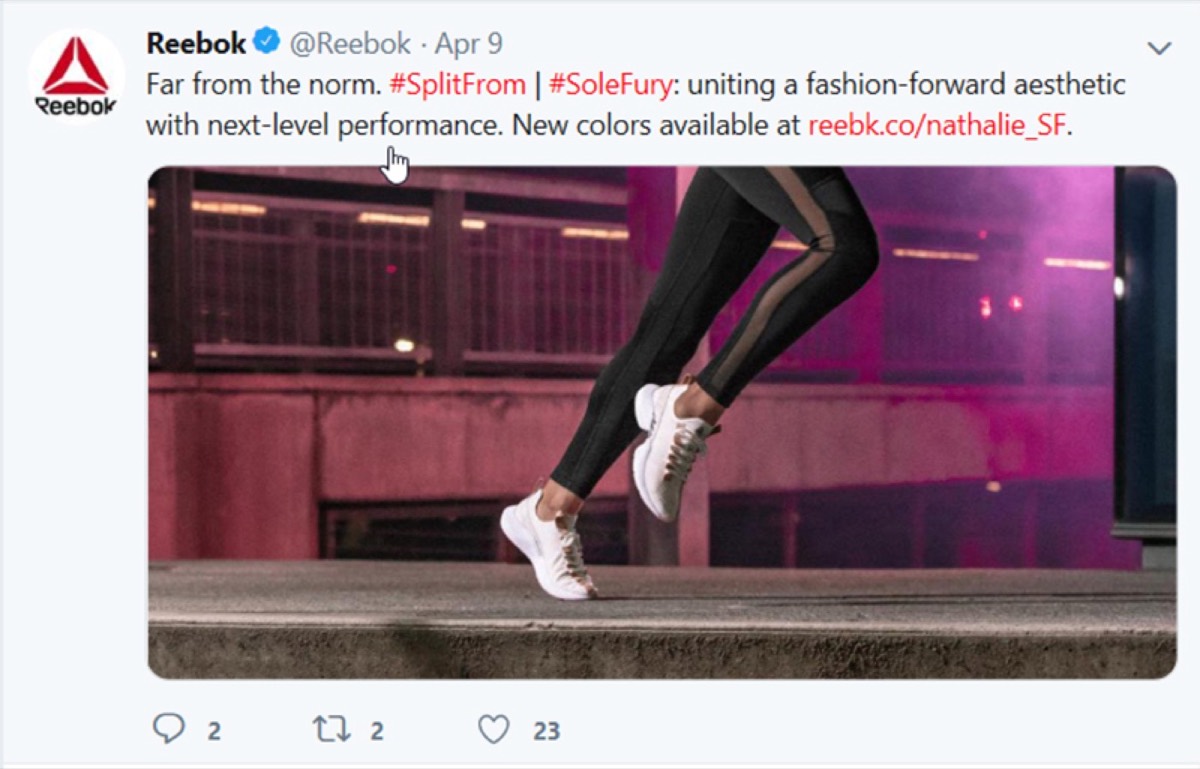
Tweet images: The optimal image size for tweets is 1024x512 pixels. Twitter will compress images automatically, so uploading at the recommended size ensures you retain as much quality as possible. Keep image file sizes under 5 MB; GIFs must be under 15 MB.
Videos: Twitter supports video up to 2 minutes and 20 seconds at a maximum resolution of 1920x1200 pixels. Higher resolution videos perform better on desktop and retina displays.
LinkedIn is an essential platform for B2B marketers. It is where professionals actively seek industry knowledge, which means the bar for visual quality and professionalism is higher than on more casual platforms.
Profile picture: A 400x400 pixel image is ideal. Since LinkedIn is a professional network, your photo — whether a headshot or company logo — should reflect the level of quality you want associated with your brand.
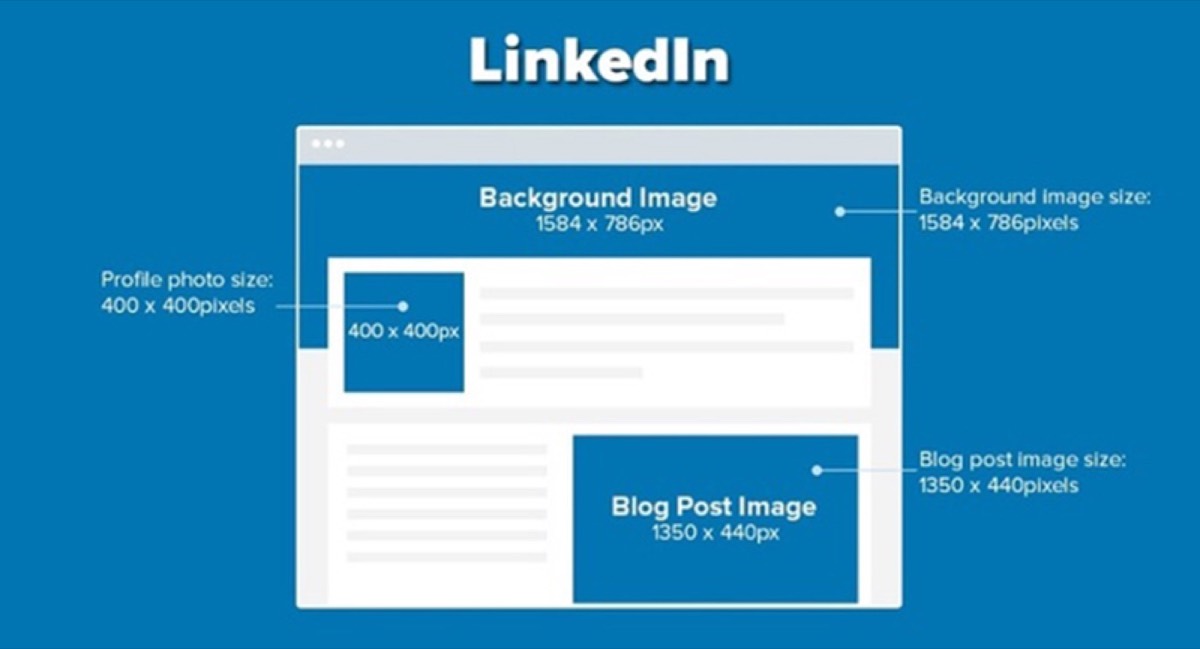
Background image: LinkedIn provides a large background banner space that many brands leave blank — a missed opportunity. Use it to reinforce your brand, showcase a product, or communicate a core message. The optimal size is 1584x396 pixels. Avoid placing key content near the edges, which can be cropped on smaller screens.
Blog post images: When sharing blog posts on LinkedIn, the recommended image size is 1350x440 pixels. Posts that include a strong, well-sized header image consistently receive more clicks than those using thumbnail-sized images.
Well-sized images are one of the simplest improvements you can make to your social media performance. The investment is small — mostly it is just knowing the right numbers — and the payoff in engagement, click-through rate, and brand perception is significant. Knowing what to post alongside your well-sized images is equally important — curating content for your social media feed gives you a practical framework for keeping your feed active and valuable without burning out on original content creation. Update your templates to match these specs and you will see the difference in your results within weeks.
Social media platforms update their recommendations periodically, so it is worth revisiting these numbers annually. In the meantime, uploading at the highest recommended resolution gives you a buffer against minor specification changes and ensures your content looks its best on every device.
Digital Polo creates optimized social media images, branded templates, and visual content for Facebook, Instagram, Twitter, and LinkedIn — for one flat monthly fee with unlimited revisions. Start for $399/mo → | Soulmate at $899/mo →
Frequently Asked Questions About Social Media Image Design
What is the best image size for Facebook posts? For shared images, the ideal size is 1200x630 pixels. For profile pictures, upload at 360x360 pixels minimum. For cover photos, use 820x312 pixels. Always upload at or above the recommended size to ensure quality across all devices.
What image size should I use for Instagram? Square posts should be 1080x1080 pixels. Portrait posts work best at 1080x1350 pixels (4:5 ratio). Landscape posts should be 1080x556 pixels. For Instagram Stories, use 1080x1920 pixels (9:16 ratio). When in doubt, square is the safest and most universally effective format.
What is the recommended Twitter header image size? The Twitter header (cover) image should be 1500x500 pixels. Profile pictures display at 400x400 pixels. For tweet images, use 1024x512 pixels and keep files under 5 MB.
Does image size affect social media engagement? Yes, significantly. Images that are undersized get compressed and appear blurry or pixelated, which hurts credibility and reduces engagement. Properly sized images display crisply on all devices and are more likely to stop a user mid-scroll. The difference between correctly sized and incorrectly sized images is often immediately visible.
What is the best image format to use for social media — JPG or PNG? Use JPG for photographs as it provides smaller file sizes with minimal quality loss. Use PNG for images containing text, logos, or graphics with transparency, as PNG preserves sharpness and clean edges that JPG compression can degrade. For social media cover images with logos, PNG is usually the better choice.