Adapting to change is the price of sustained success in any career — and nowhere is this more true than in graphic design. The profession is built on technology, and technology never stops evolving. A designer who masters a tool today must be prepared to learn its successor tomorrow. Those who embrace this cycle of continuous learning consistently outperform those who do not.
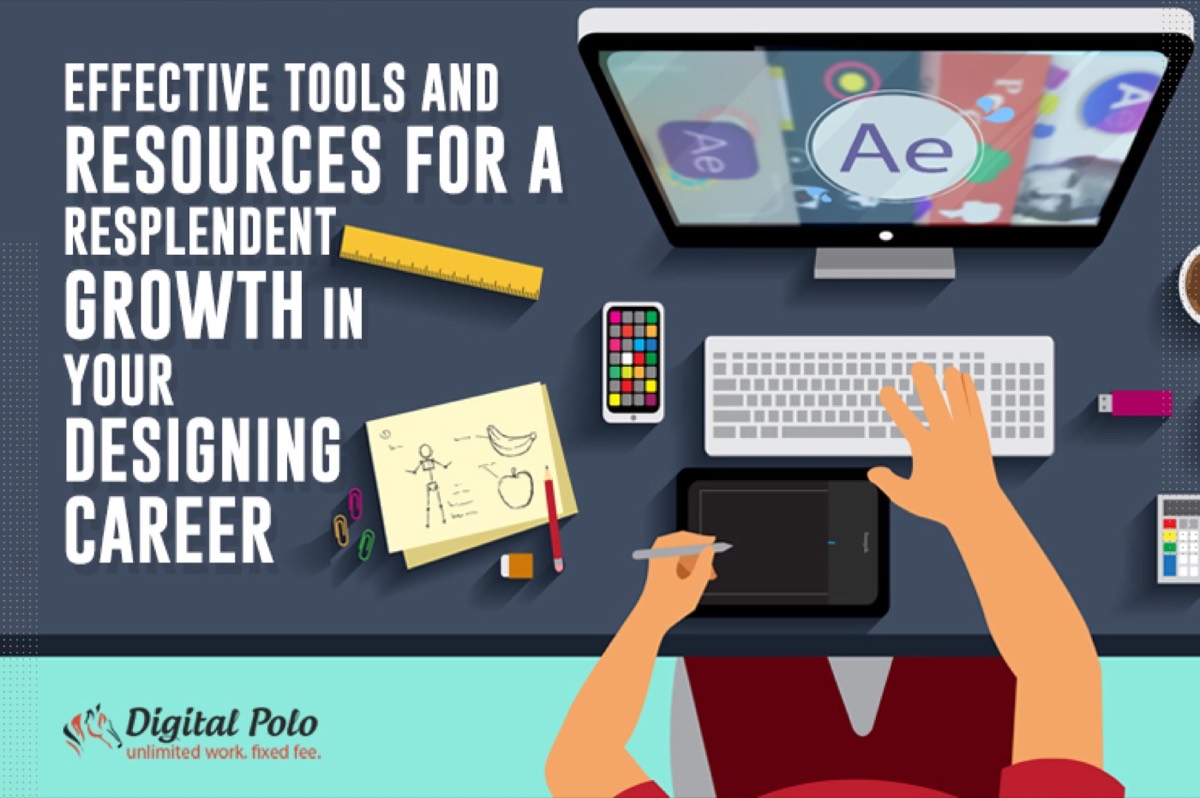
The design industry has produced an enormous variety of tools and resources — for vector graphics, raster editing, typography, stock photography, collaboration, mockups, and more. Staying current with the best options in each category is one of the most effective things you can do to advance your career and deliver better work to clients.
Newer and better tools also change what clients and employers expect. Growing design companies are looking for versatile designers who are comfortable with cross-platform tools and modern workflows. Knowing the right tools — and knowing them well — signals to clients and employers that you are a serious, current professional.
Below is a curated breakdown of the most valuable designing tools and resources across every major category, organized to help you build a complete, professional toolkit.
Vector Graphic Tools
Vector tools have become more intuitive and accessible than ever. They now exist across both online and offline environments, giving designers more flexibility than previous generations ever had.
Vectr: An easy-to-learn, free vector design tool suited for designers who do not need advanced features. Ideal for creating clean, simple vector designs quickly without a steep learning curve.
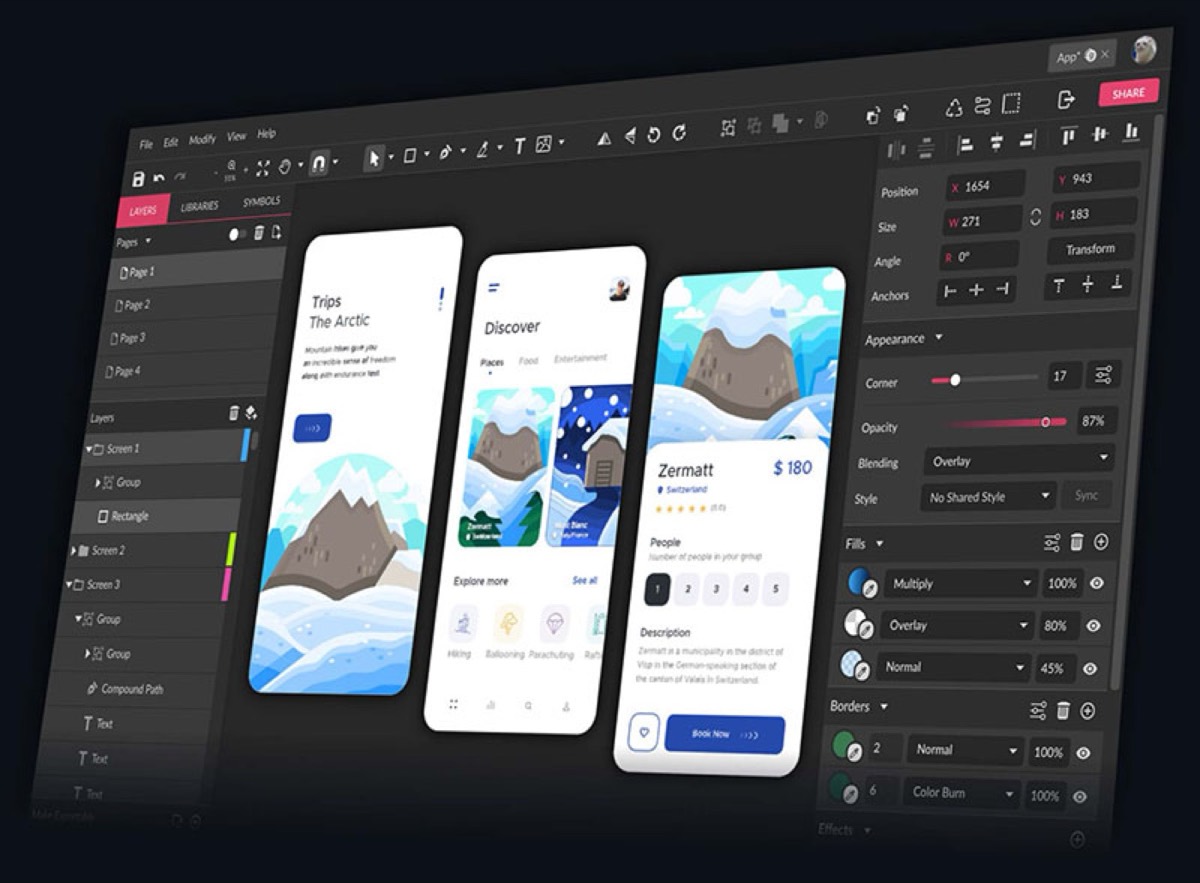
Vectornator: A vector design tool built for iPad and iOS devices. Its drag-and-drop interface makes it accessible for beginners, while features like unlimited layers, live blend modes, auto-trace, and alignment tools give it depth for more advanced work.
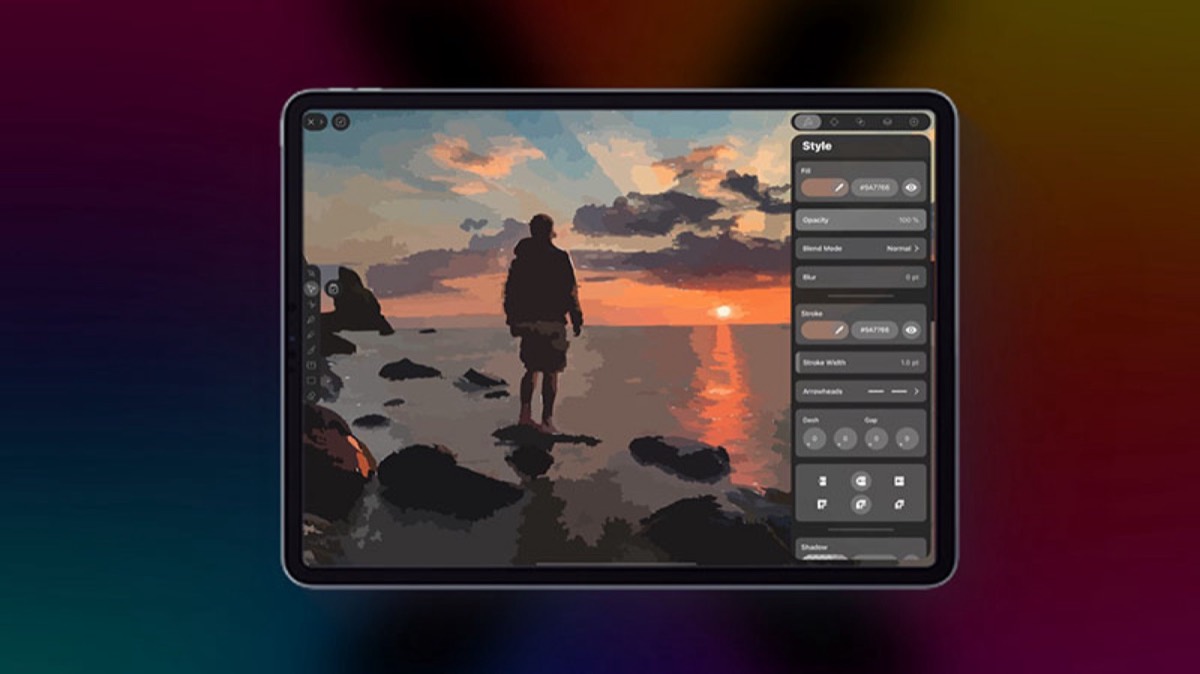
Affinity Designer: A high-end vector editor with advanced features for creating icons, illustrations, typography, web graphics, branding, and UI designs. Its responsiveness and zoom precision make it a favorite among professional designers looking for an Adobe Illustrator alternative.
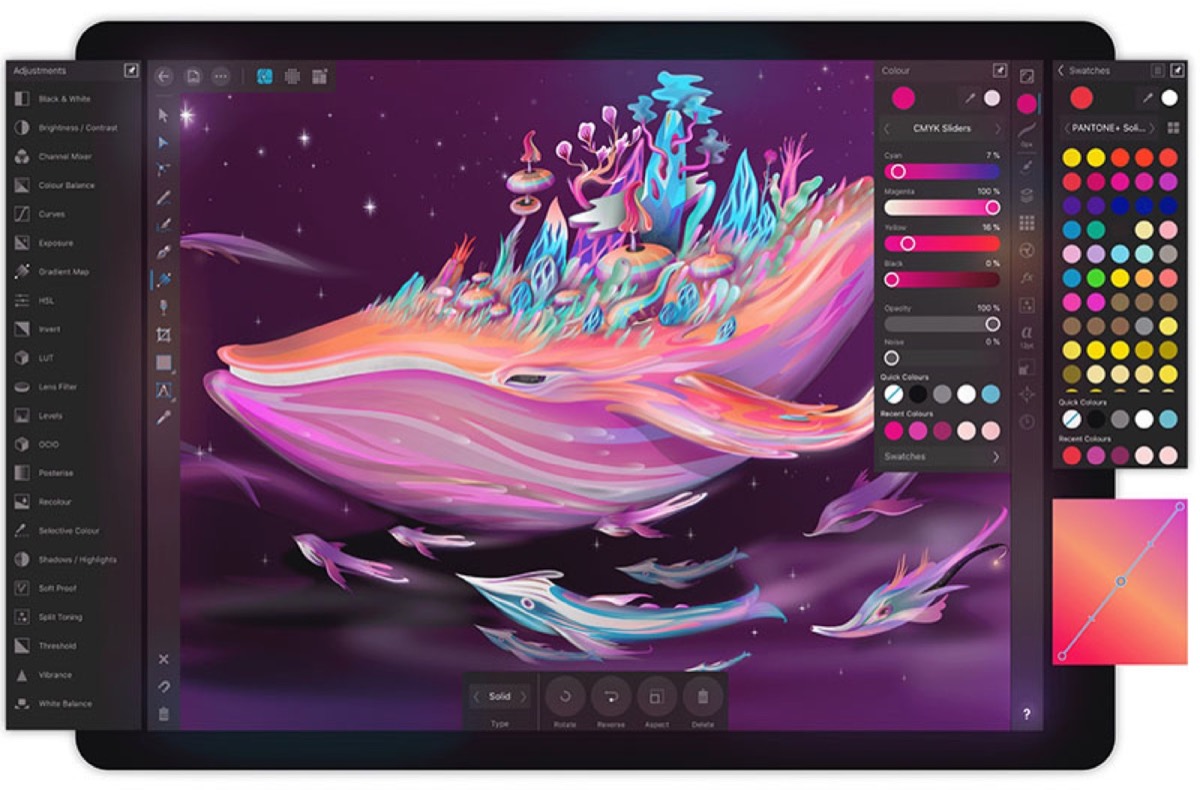
Raster Graphic Tools
Raster tools remain essential for photo editing, digital illustration, and detailed image manipulation.
Procreate: Available exclusively on Apple devices, Procreate is one of the most powerful raster tools available for mobile. Its stylus support and extensive brush library make it a go-to for illustrators and concept artists who prefer a tablet workflow.
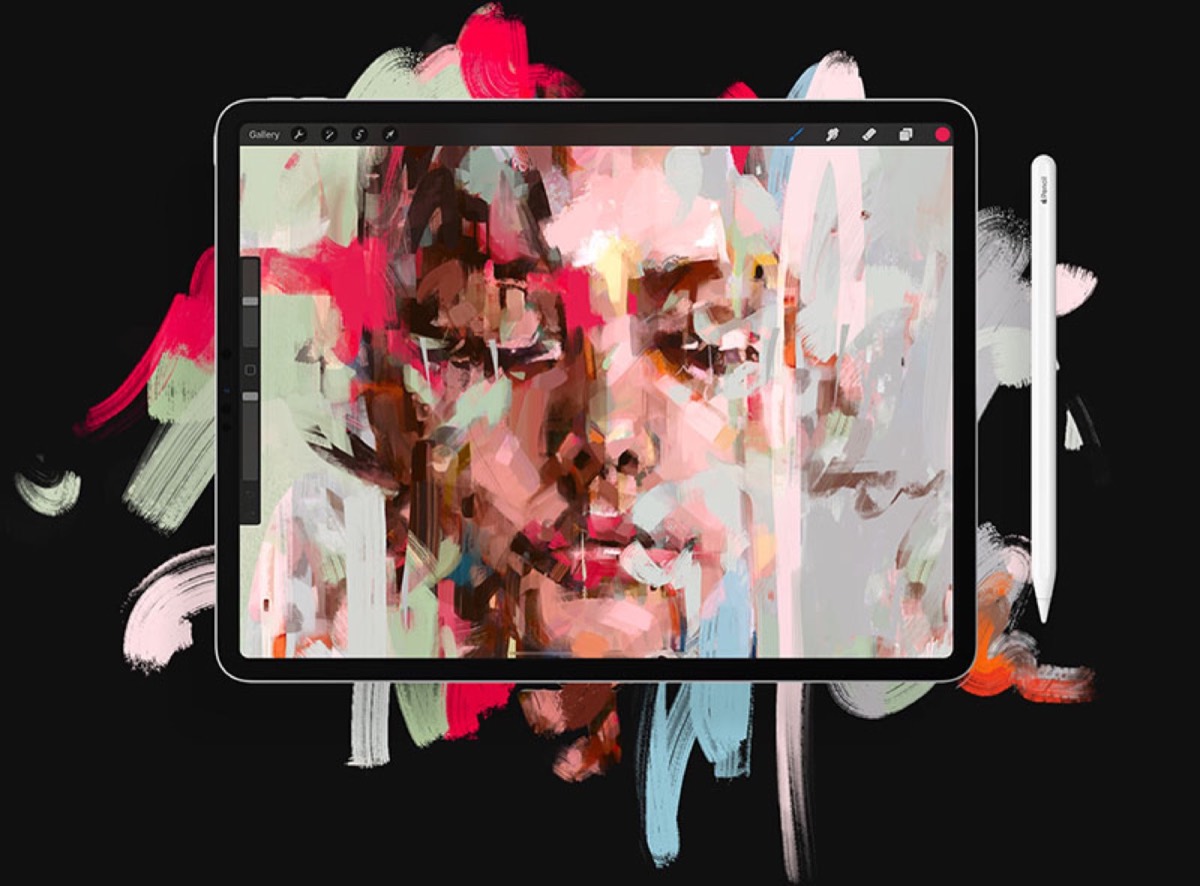
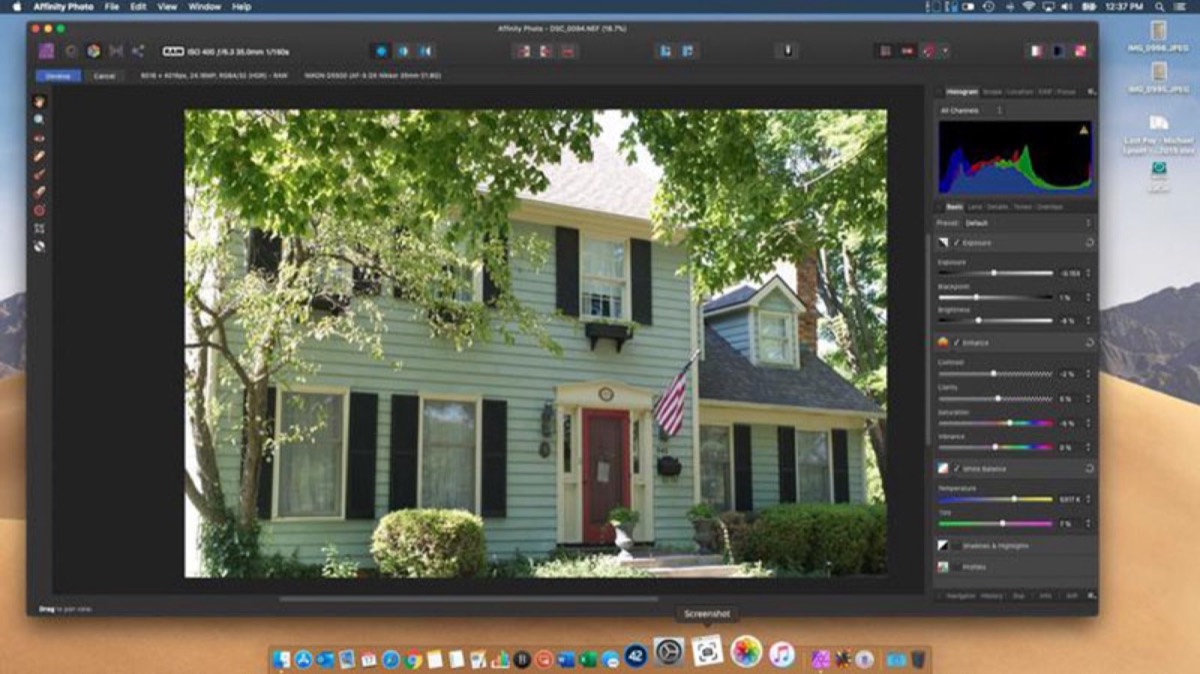
Affinity Photo: A professional-grade, affordably priced photo editing tool that does not compromise on quality. Designers can fine-tune images, adjust color and depth, and work directly in raw files — all with a polished interface that rivals much more expensive software.
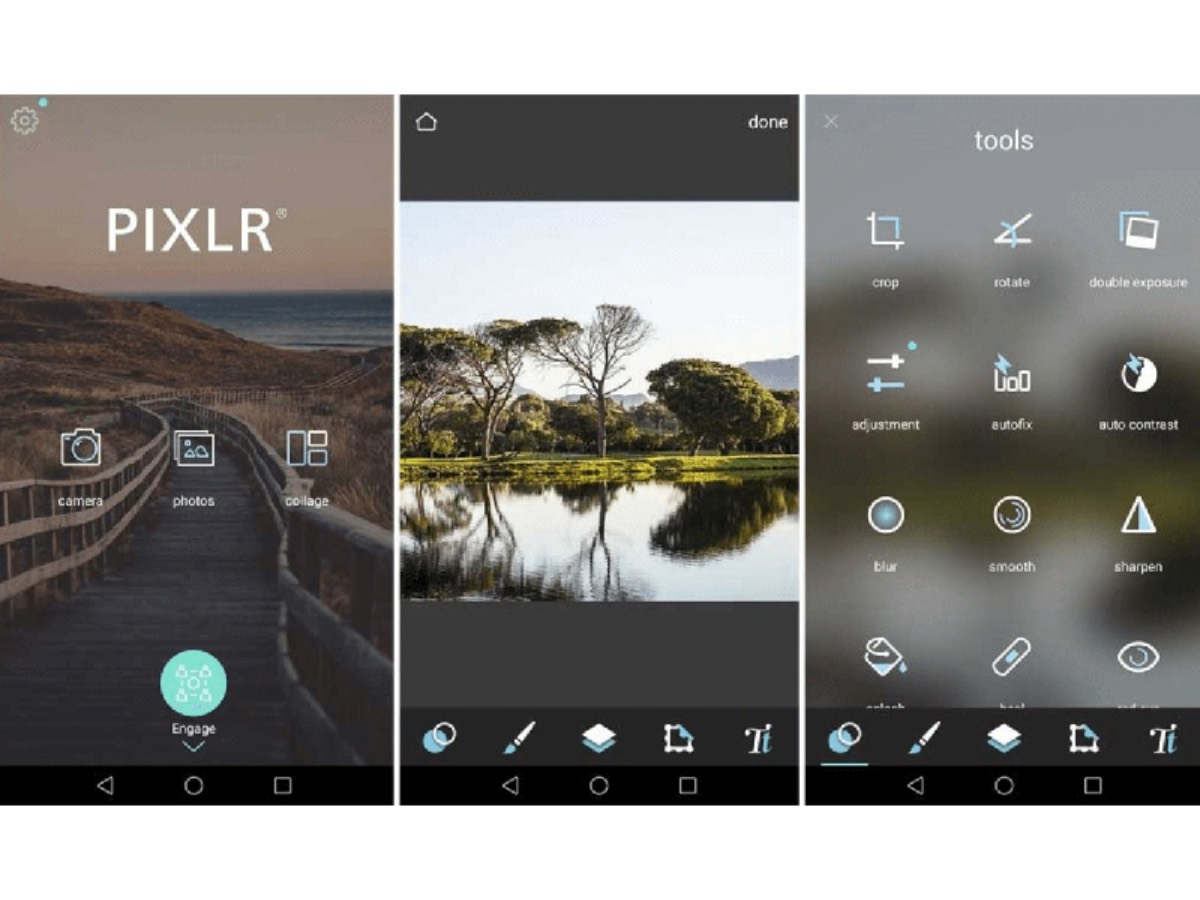
Pixlr: A capable online photo editor that functions as a competitive alternative to desktop applications. While some features are still in development, Pixlr handles fine-tuning and complex photo compositions effectively — and it is free to use.
Looking for professional designs that apply these strategies? See Digital Polo's plans →
Stock Photos
Access to high-quality, royalty-free photography is essential for designers working across branding, web, and print. These platforms offer excellent free options:
- Unsplash: The most widely used free stock photo platform with a vast, curated library
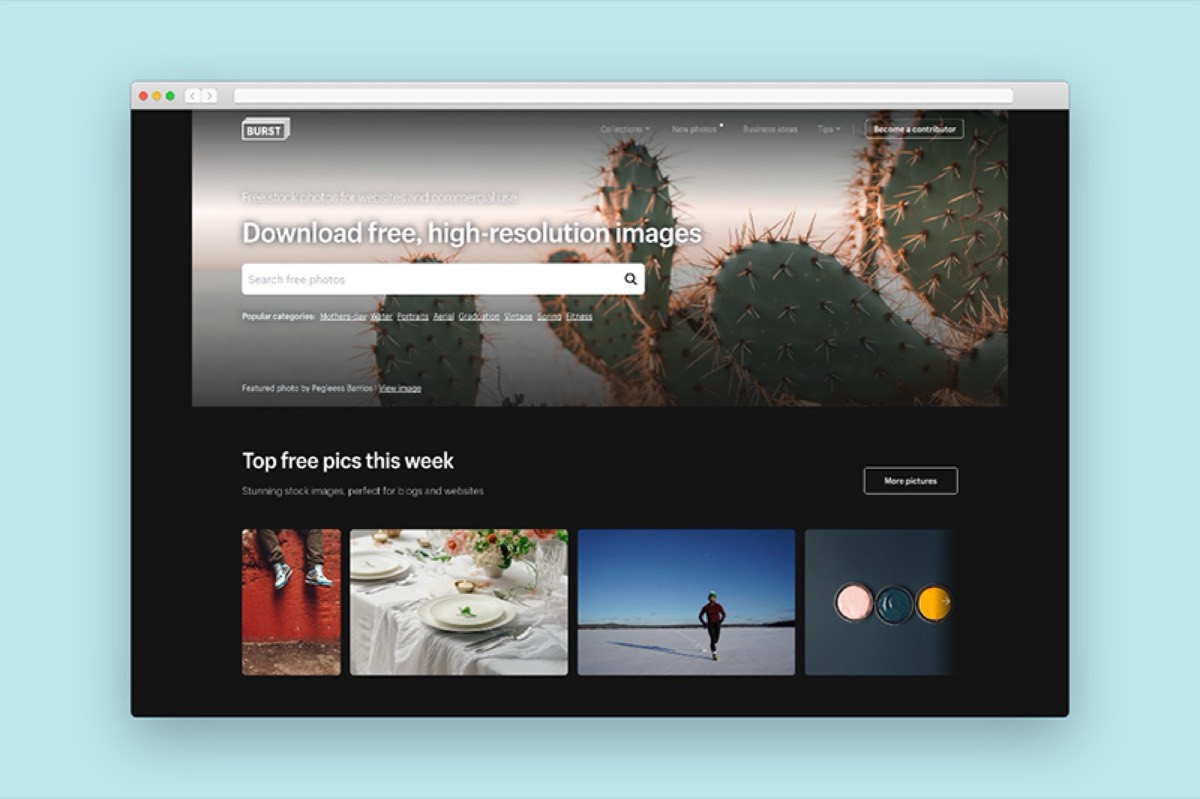
- Burst: Optimized for commercial and website use
- Pexels: Known for large-format, high-resolution images
- StockSnap.org: High-resolution images released under Creative Commons CC0
- FoodiesFeed: High-quality food photography for culinary brands
- Duotone: Specialized for duotone-style imagery
- New Old Stock: Vintage photography from public archives, free of copyright
Font and Color Tools
Befonts: A free platform for discovering and downloading designer fonts. Members can also submit their own fonts to the community.
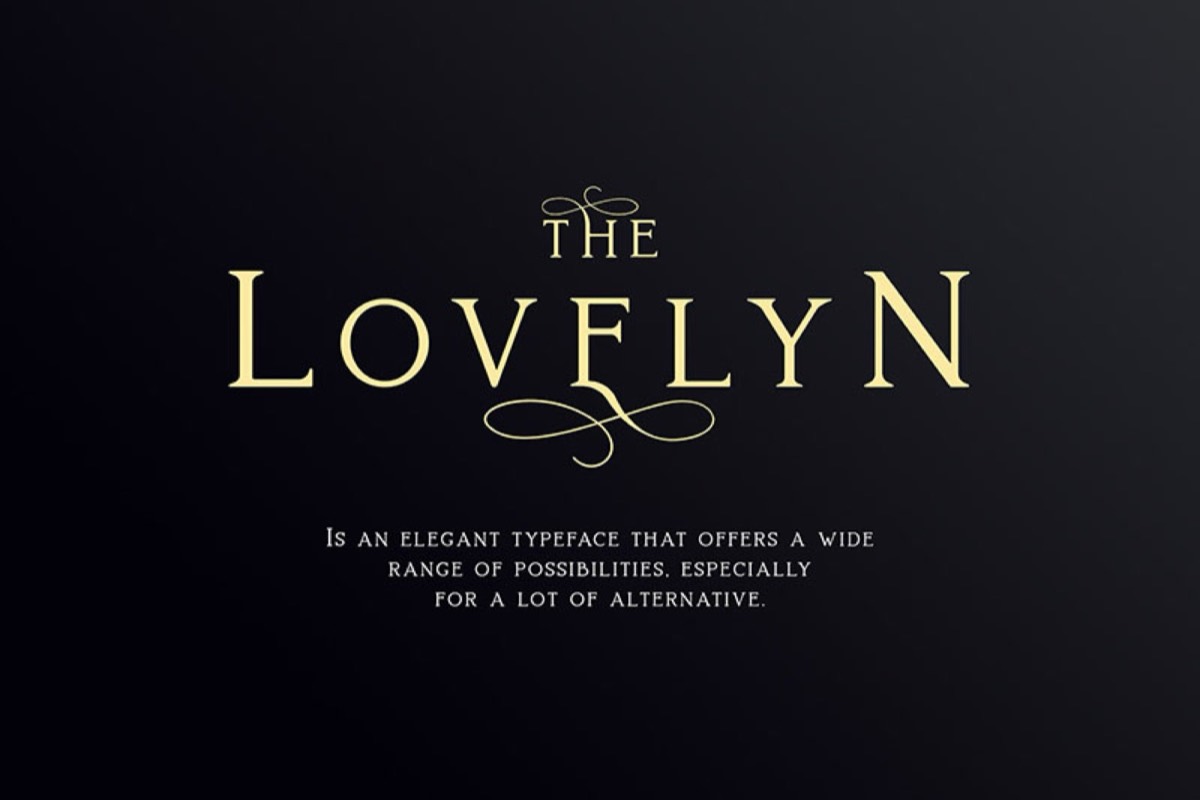
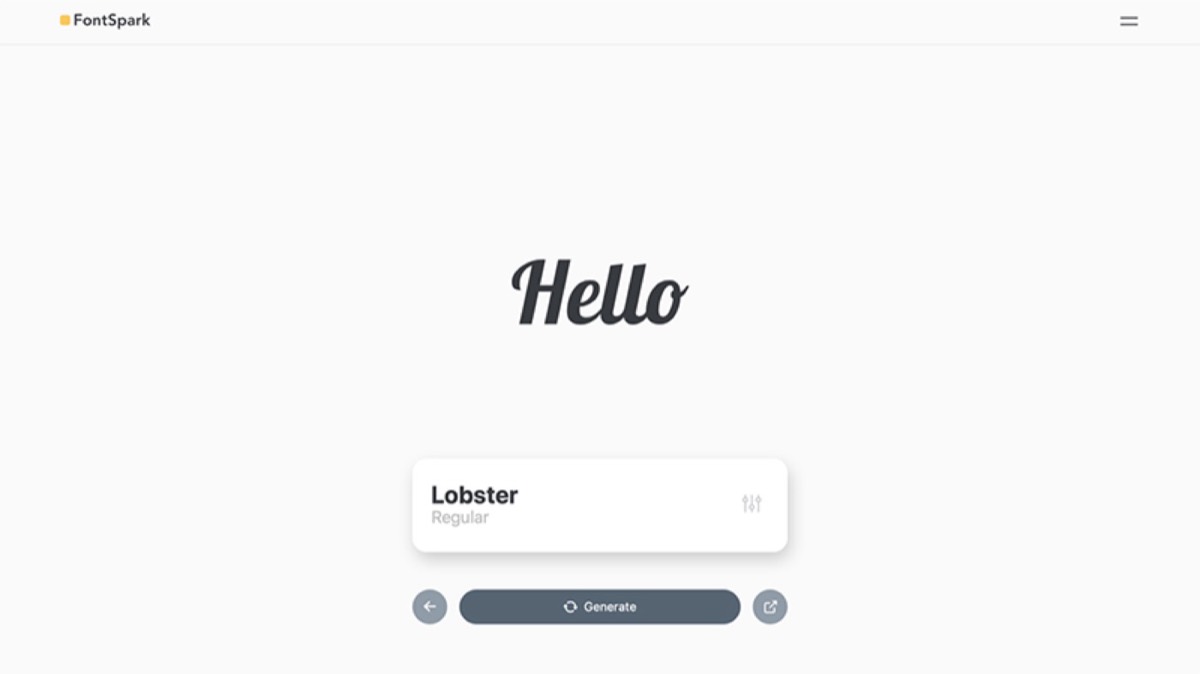
Fontspark and Colorspark: Two compact but powerful tools for discovering fonts and generating color palettes. Fontspark lets designers preview fonts interactively, while Colorspark provides a broad range of colors and gradients to explore.
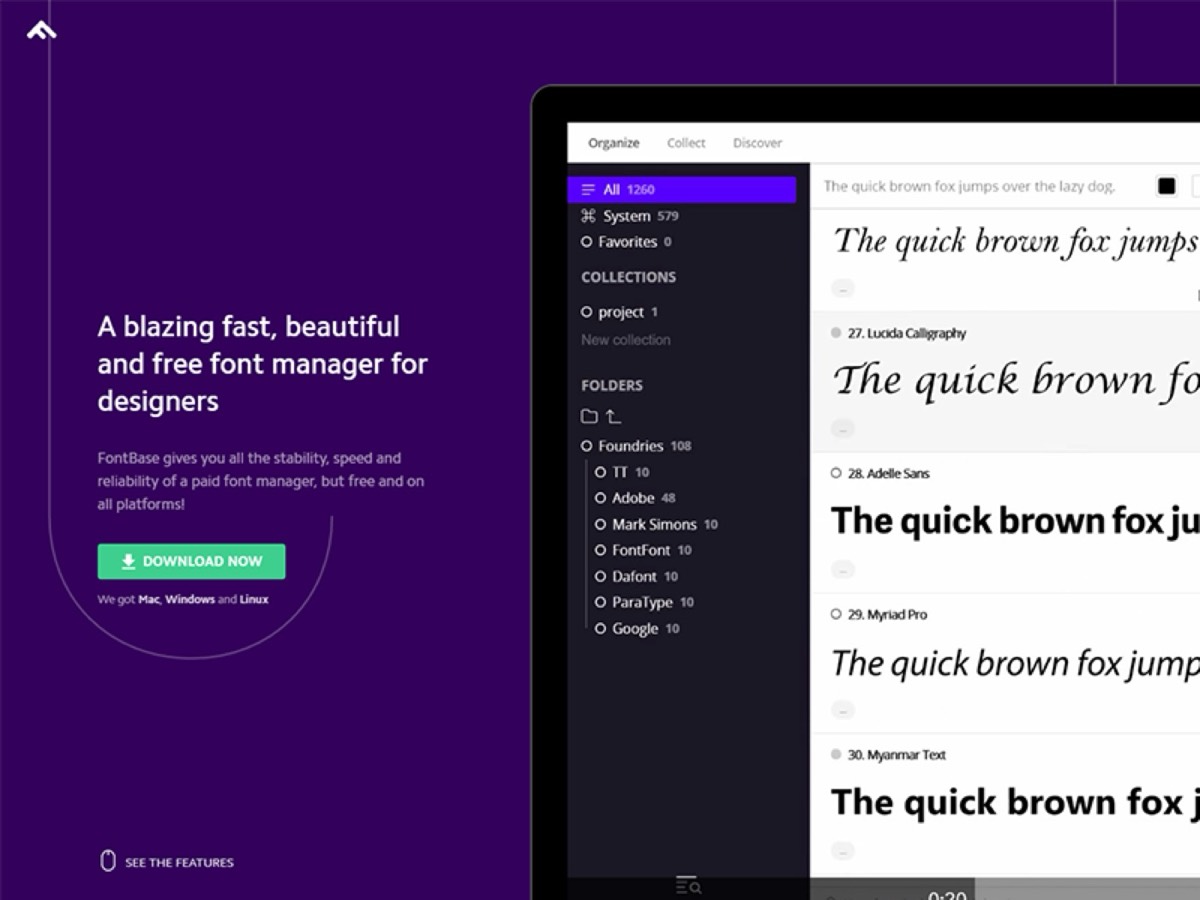
Fontbase: A cross-platform font management tool that lets designers organize downloaded fonts into collections, preview them with adjustable backgrounds, and experiment with styles. The free version covers most needs, while the premium plan adds auto-activation, advanced glyph support, and enhanced search.
Stock Icons and Illustrations
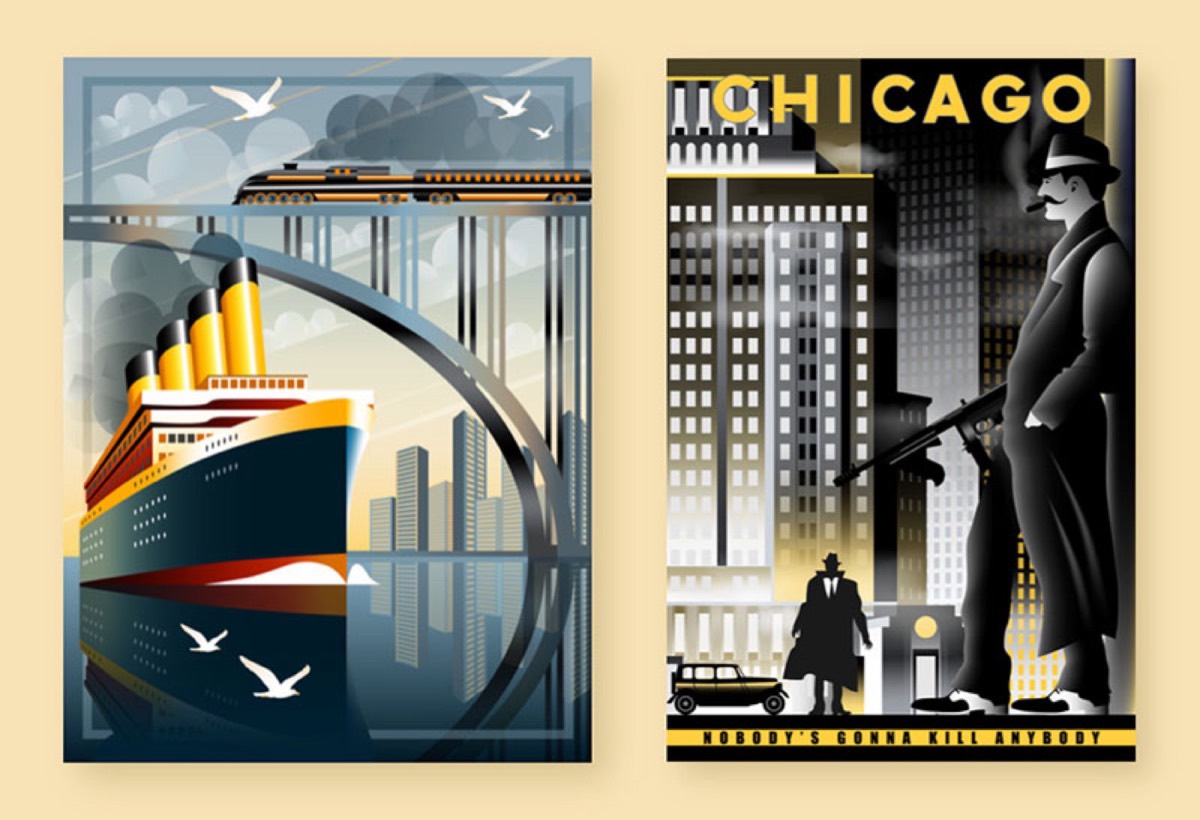
Ready-made icons and illustrations save time and allow designers to focus on higher-level creative decisions. The best sources include:
- Iconfinder: A well-organized gallery of SVG vector icons
- Flaticon: Over 1.5 million vector icons in PSD, EPS, SVG, and PNG formats
- Iconmonstr: A large, popular directory of clean, minimal icons
- Iconscout: Images and icons contributed by over 400 creators, royalty-free
- Font Awesome: Open-source, widely used icon set and toolkit
- Drawkit: A range of free, paid, and customizable illustrations for print and digital use
- Vexels: Fully customizable, minimalist illustrations
Logo Design Tools
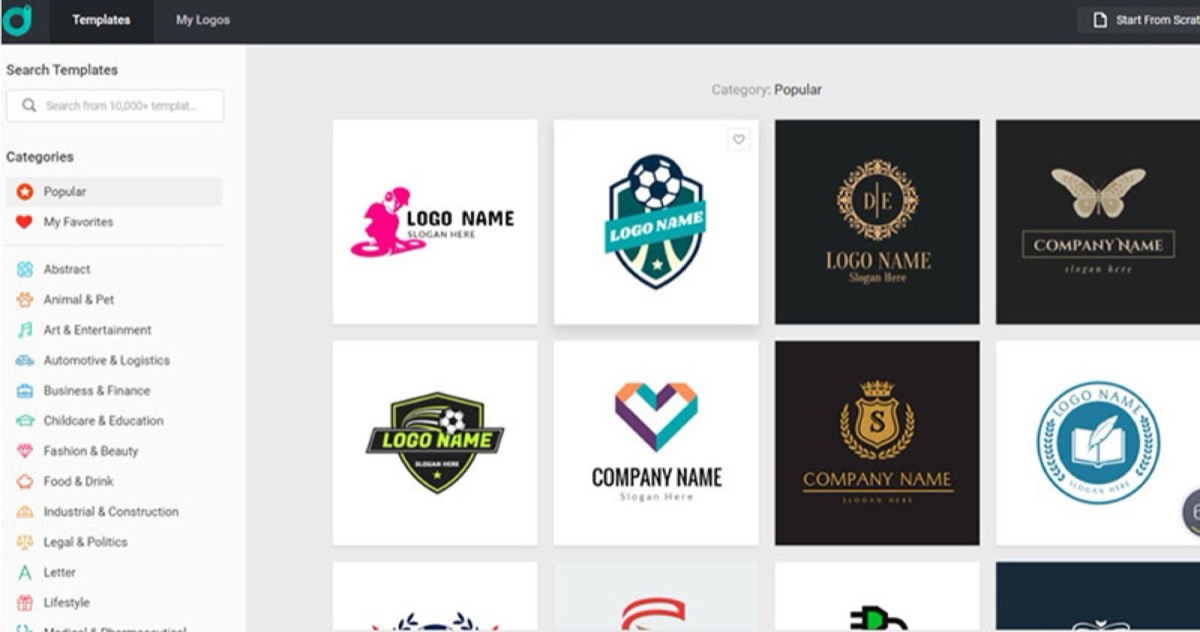
DesignEvo: A free web-based logo design tool offering over 10,000 templates that can be customized to suit any brand's needs. It is fast, accessible, and ideal for rapid concept work.
Looka: An AI-powered logo design platform that generates multiple logo concepts based on your selected templates, symbols, and color schemes. It is a strong starting point for logo exploration.
Social Media Design Tools
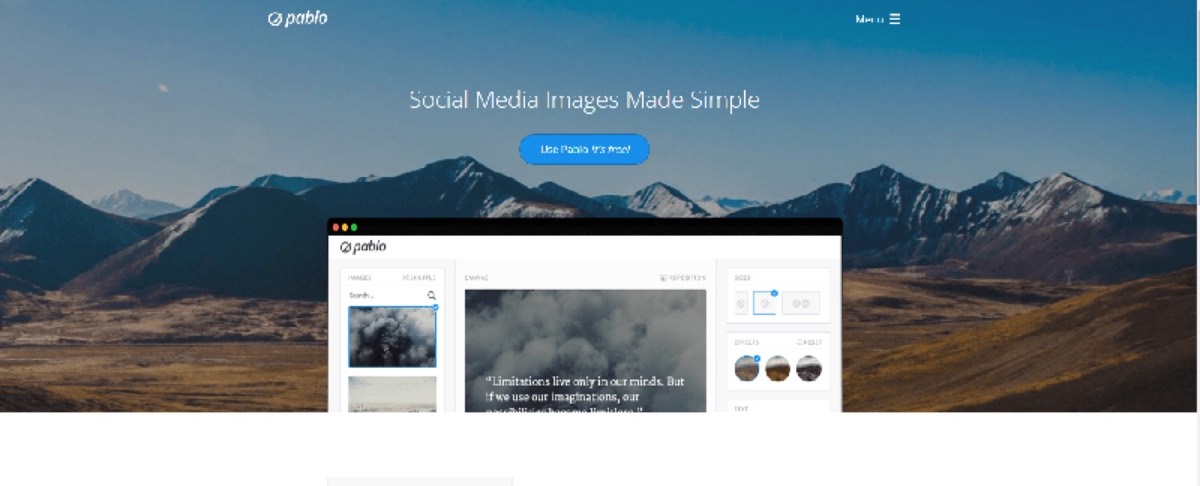
Pablo: A free, no-sign-in-required tool for creating social media images, blog post headers, testimonial graphics, and quote cards. Fast and simple.
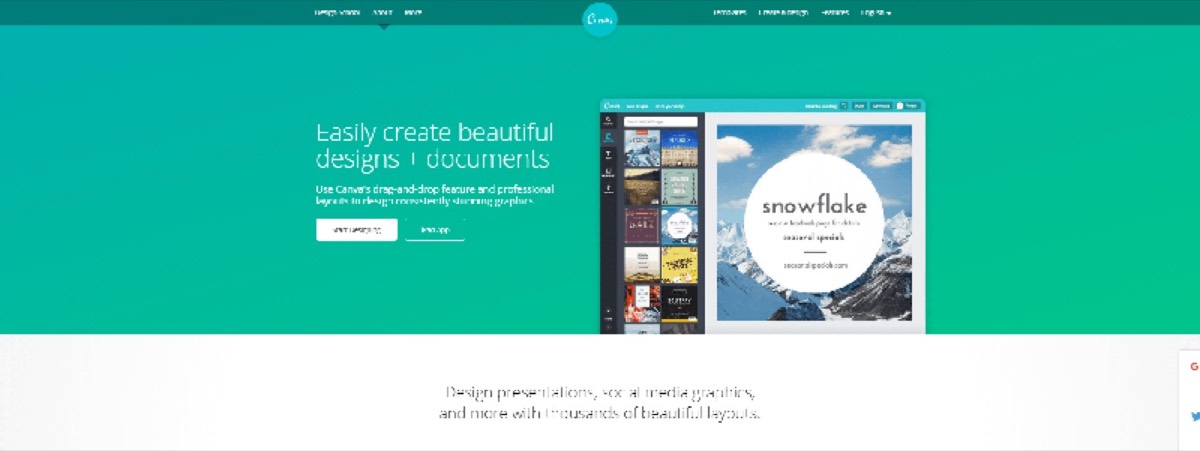
Canva: One of the most popular design tools across all skill levels. Canva's drag-and-drop interface, layered imagery, typography options, and vibrant color palette make it versatile enough to produce Instagram stories, Facebook cover photos, presentations, and more — in minutes.
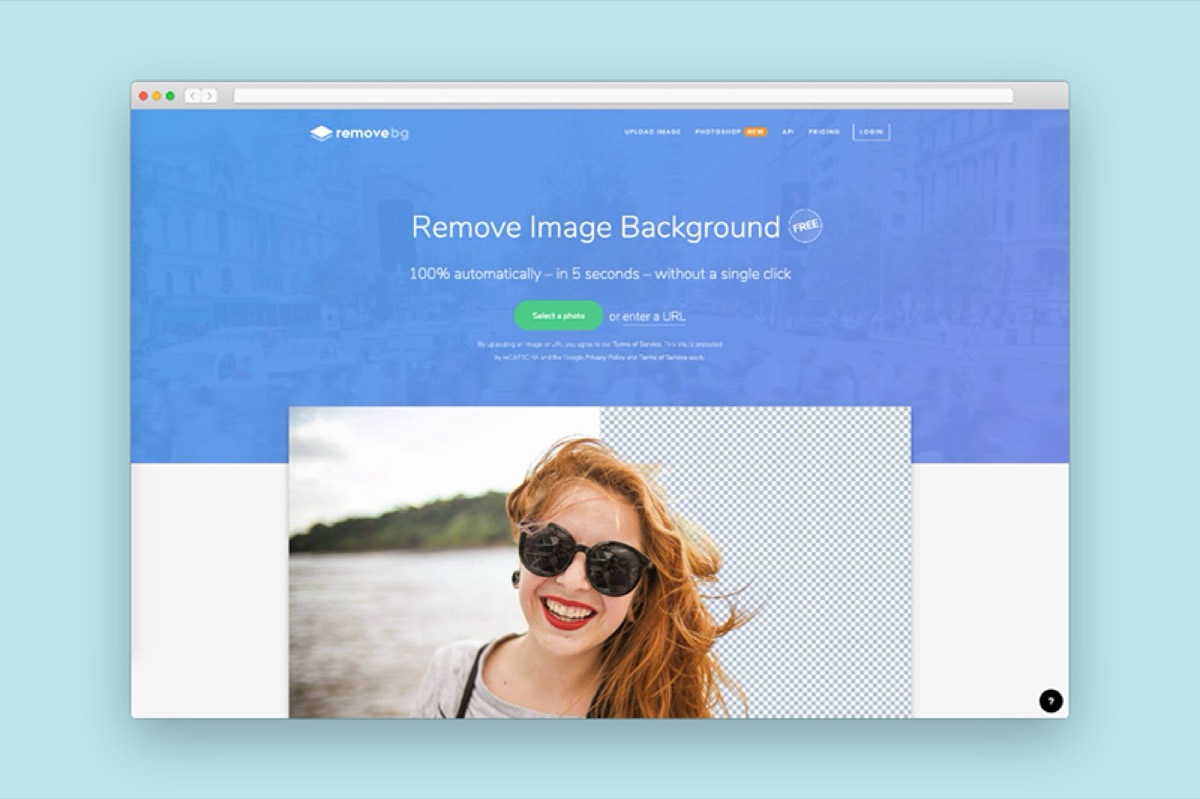
RemoveBG: An automated background removal tool that keeps the elements you want and strips the rest. Simply upload an image, and the tool delivers a clean result within seconds.
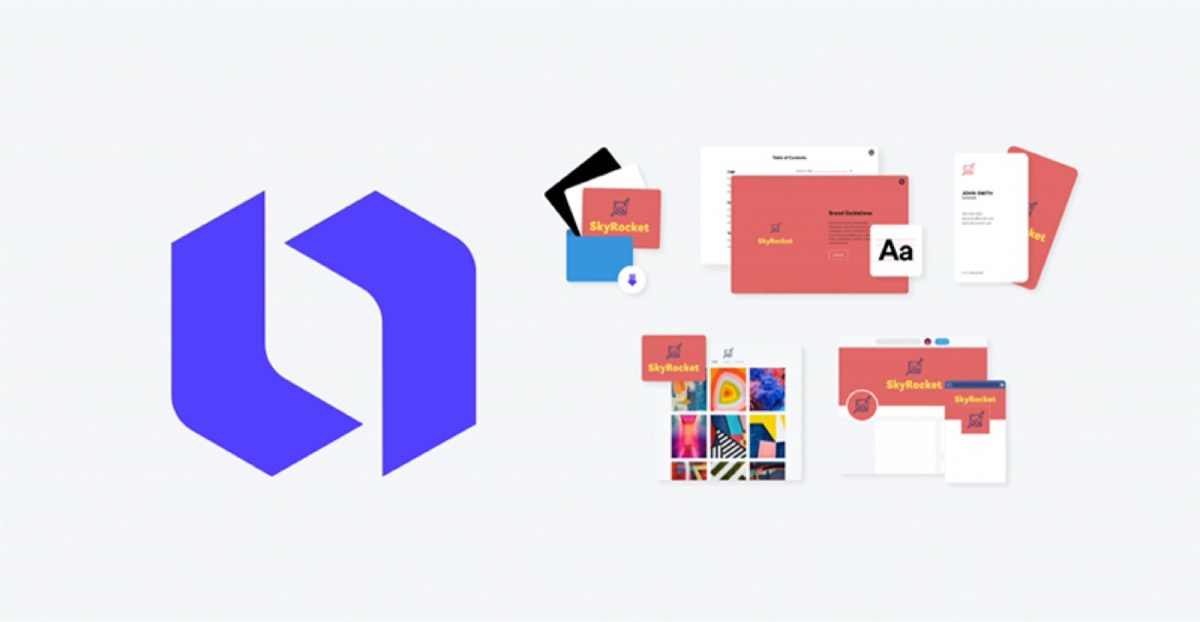
DesignWizard: A tool for creating custom images and videos for social media and web pages. The free tier covers the basics, while the paid version unlocks premium visuals, video templates, and the ability to upload your own assets.
Collaboration Tools
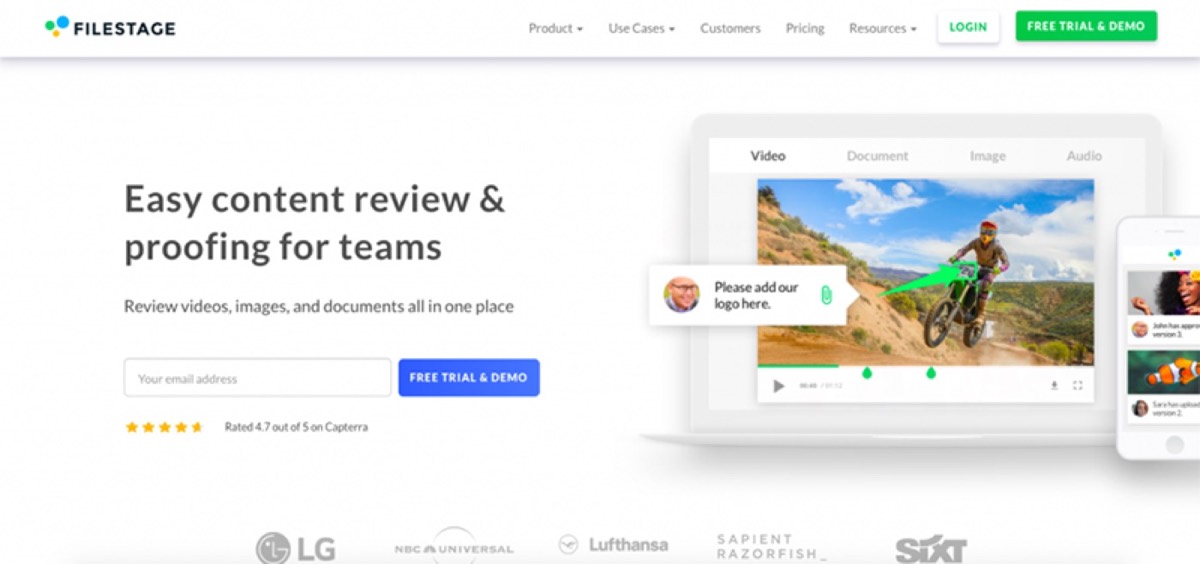
Filestage: A real-time collaboration tool for reviewing images, videos, and documents with a team. It supports file version management, exportable comments, and custom branding — everything a design team needs to stay organized and aligned on feedback.
Infographic Tools
Venngage: A popular infographic creation tool with a drag-and-drop editor and thousands of professionally designed templates. The free version provides access to a substantial library with no upfront investment.
Mockup Tools
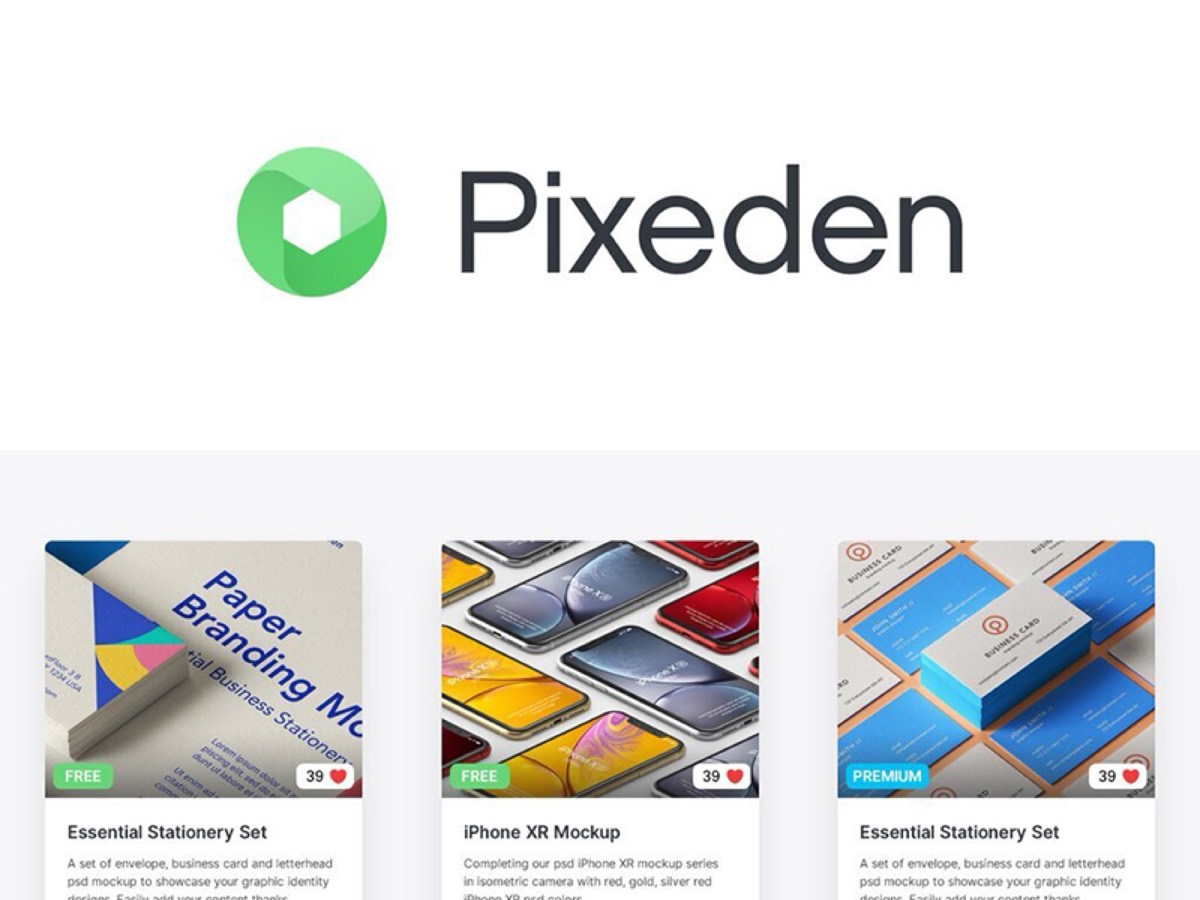
Pixedon: A one-stop mockup tool available in free and premium versions. Choose backgrounds, objects, fonts, and textures to present your design work in context — ideal for client presentations and portfolio pieces.
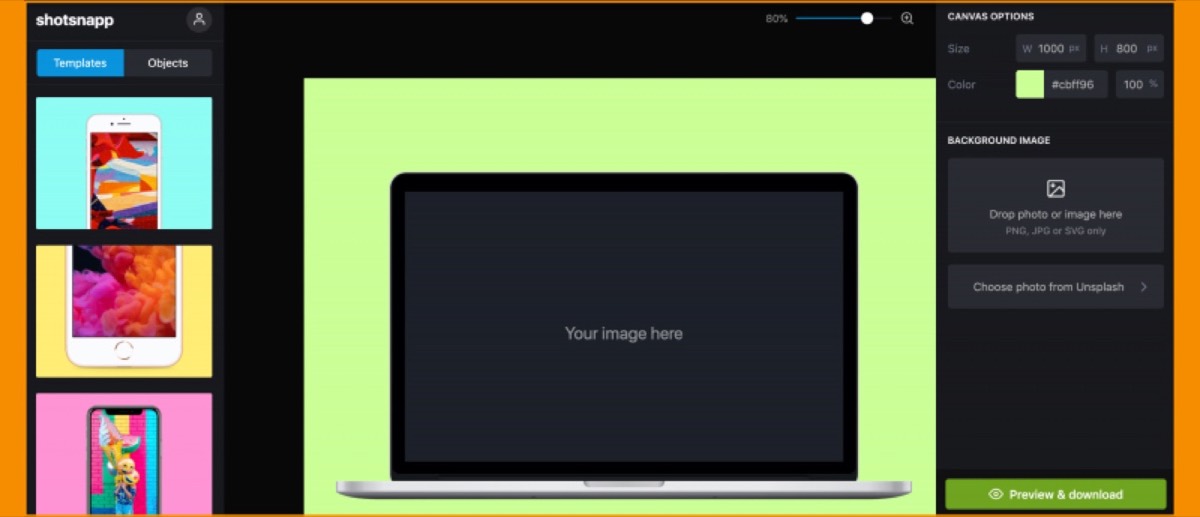
Shotsnapp: An online tool for creating mockups of website and app designs. Its clean interface makes it straightforward to use for any type of digital design.
Screenshot Tools
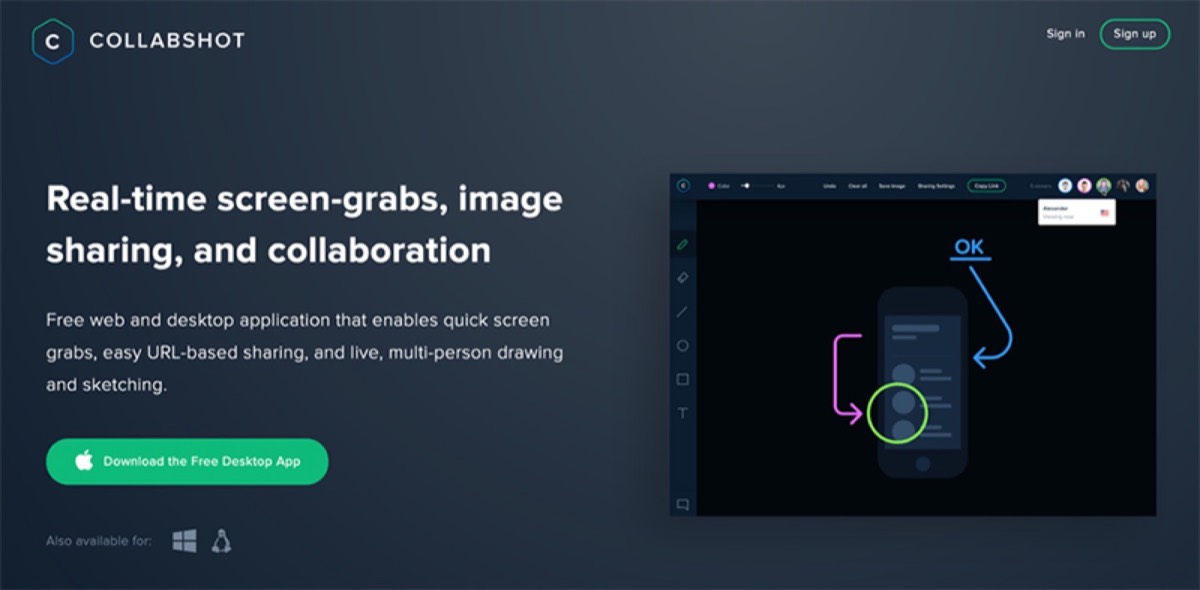
Collabshot: A desktop tool for capturing, annotating, and sharing screenshots and screencasts — all at no cost. Useful for quick visual feedback and documentation.
The tools listed above span every stage of the design process — from initial concept to final delivery. What they demonstrate clearly is that professional-quality design does not require expensive software. The right free and affordable tools, combined with skill and practice, are more than enough to produce outstanding work.
Mastering the tools in this guide is not a one-time achievement — it is an ongoing practice. New versions are released, new tools emerge, and the standard for what "good design" means continues to rise. Designers who commit to keeping their toolkit current and their skills sharp will always find work, regardless of how the industry evolves.
Digital Polo creates professional graphic design work across every category for one flat monthly fee with unlimited revisions. Start for $399/mo → | Soulmate at $899/mo →
Frequently Asked Questions About Graphic Design Tools
What is the best free vector design tool for beginners? Vectr is an excellent starting point for beginners because it is free, browser-based, and requires no installation. For those working on iPad, Vectornator offers a more feature-rich experience with an equally approachable interface.
Do professional graphic designers use free tools? Yes, frequently. Many of the tools listed above — including Unsplash, Canva, RemoveBG, and Font Awesome — are used daily by professional designers. The quality of a tool matters more than its price tag.
What is the difference between vector and raster graphics? Vector graphics are made of mathematical paths and can be scaled infinitely without losing quality. Raster graphics are made of pixels and lose quality when enlarged. Logos and icons are typically created as vectors; photographs are rasters. Most design workflows use both.
How important is font selection in graphic design? Font selection is critically important. Typography communicates tone, brand personality, and hierarchy. A mismatched font can undermine an otherwise strong design. Tools like Fontbase, Fontspark, and Befonts make it easier to explore and manage a strong type library.
What collaboration tools do design teams use? Filestage is a strong choice for feedback and version management. Other popular options include Figma (for UI design collaboration), Notion (for project documentation), and Slack (for team communication). The best setup depends on your team's size and workflow preferences.