Every company — large or small — ultimately wants a profit hike. Whatever agenda a company takes up and no matter how much it invests, the goal that lurks behind every decision is how to drive profit consistently. The very concepts of sales and marketing evolve from this desire.
With the idea of marketing comes the concept of the sales sheet — one of the most effective yet underused tools in a marketer's arsenal.
What is a Sales Sheet?

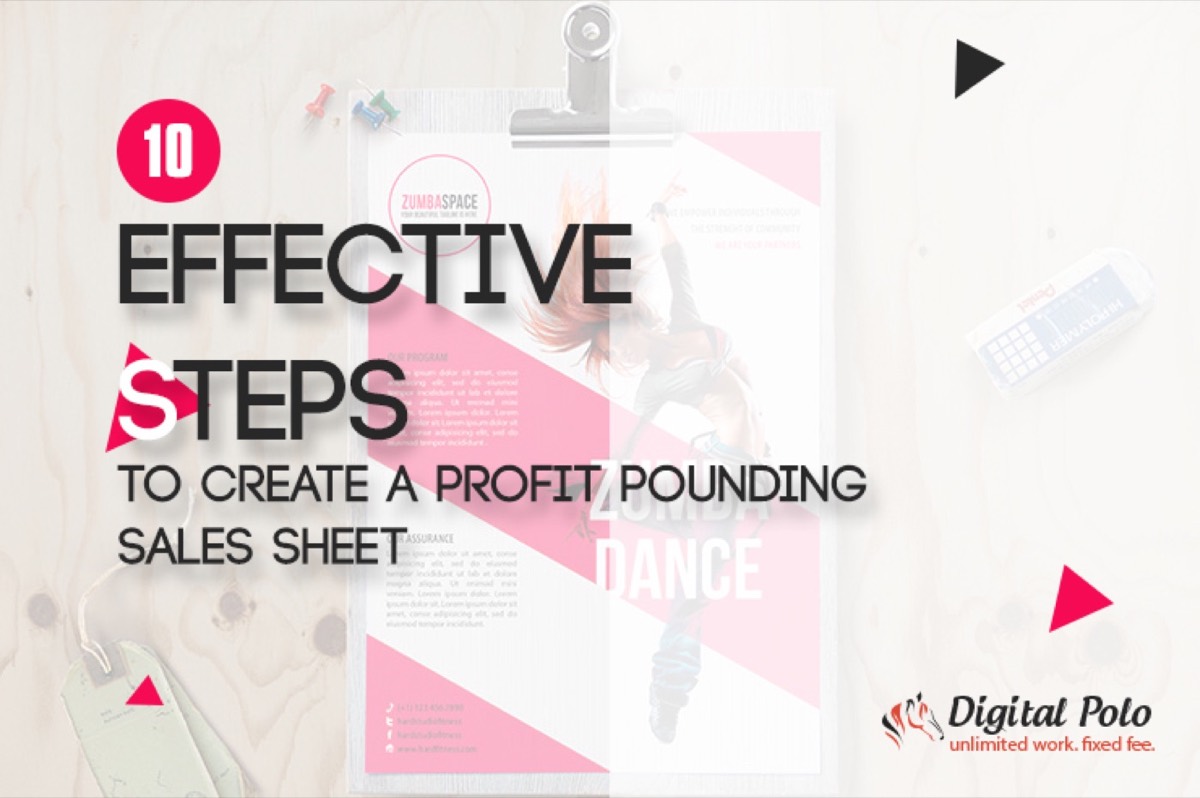
A sales sheet is also variously termed a product data sheet, a sales slick, or a sell sheet. Its primary task is to relay product and service details to buyers in a single-page format. A well-designed sales sheet covers multiple facets of the product — aspects, benefits, pricing, and more. Business owners use sales sheets to help customers make buying decisions and to generate interest in their offerings.
Once a new product hits the market, the product sales sheet is a mandatory marketing material you must create.
Why Your Business Needs a Sales Sheet
Your website or blog can also display the features and benefits of newly launched products. So why specifically does your business need a sales sheet?
The answer is simple: a sales sheet does something your website cannot always do. It places a physical (or digital) document directly into a prospect's hands, creating an immediate and personal connection. A great sales sheet can make a party interested enough in your product that they feel compelled to call, place an order, or refer others.
The Core Elements of a Sales Sheet
A product sales sheet should incorporate:
- Colored photos of the product, preferably from multiple angles
- A concise product description
- A list of product specifications
- A benefit-driven feature list highlighting the product's appeal
- Key details like SKU, UPC, or item number for easy ordering
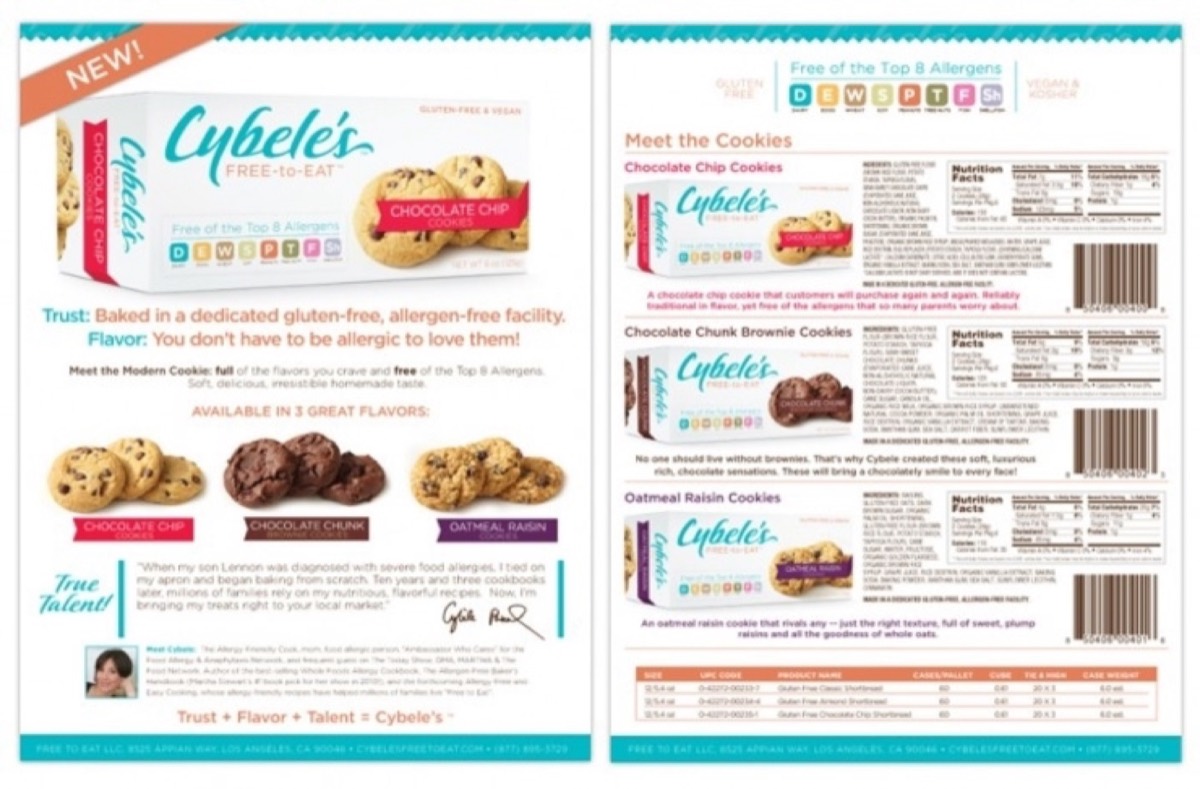
A good sales sheet captures the vital details your buyers need to make a confident purchasing decision.
Now let's look at the practical steps to create one that actually converts.
1. Fix Your Goals

How do you want your customers to act after seeing your sales sheet? Should they visit your website, call your number, fill in a form, or place an order directly? Answering these questions is the foundation of a great sales sheet.
Without clear goals, your sales sheet is just a pretty document. Define what action you want readers to take, then design everything around that outcome.
To Do: Set goals in advance and review them with a peer. Make sure every design and copy decision serves those goals. Reassess periodically and adjust your targets as results come in.
2. Build a Strong Database
Once your goals are set, identify the data your sales sheet needs to achieve them. This requires research — inspect your product, study your competitors, and understand what your customers care about most.
To Do: Build a content list that reflects your product's branding, features, benefits, credentials, and photography. Support these with pricing details, customer testimonials, ratings, and any awards. Strengthen the case with charts, comparison tables, and graphs wherever possible.
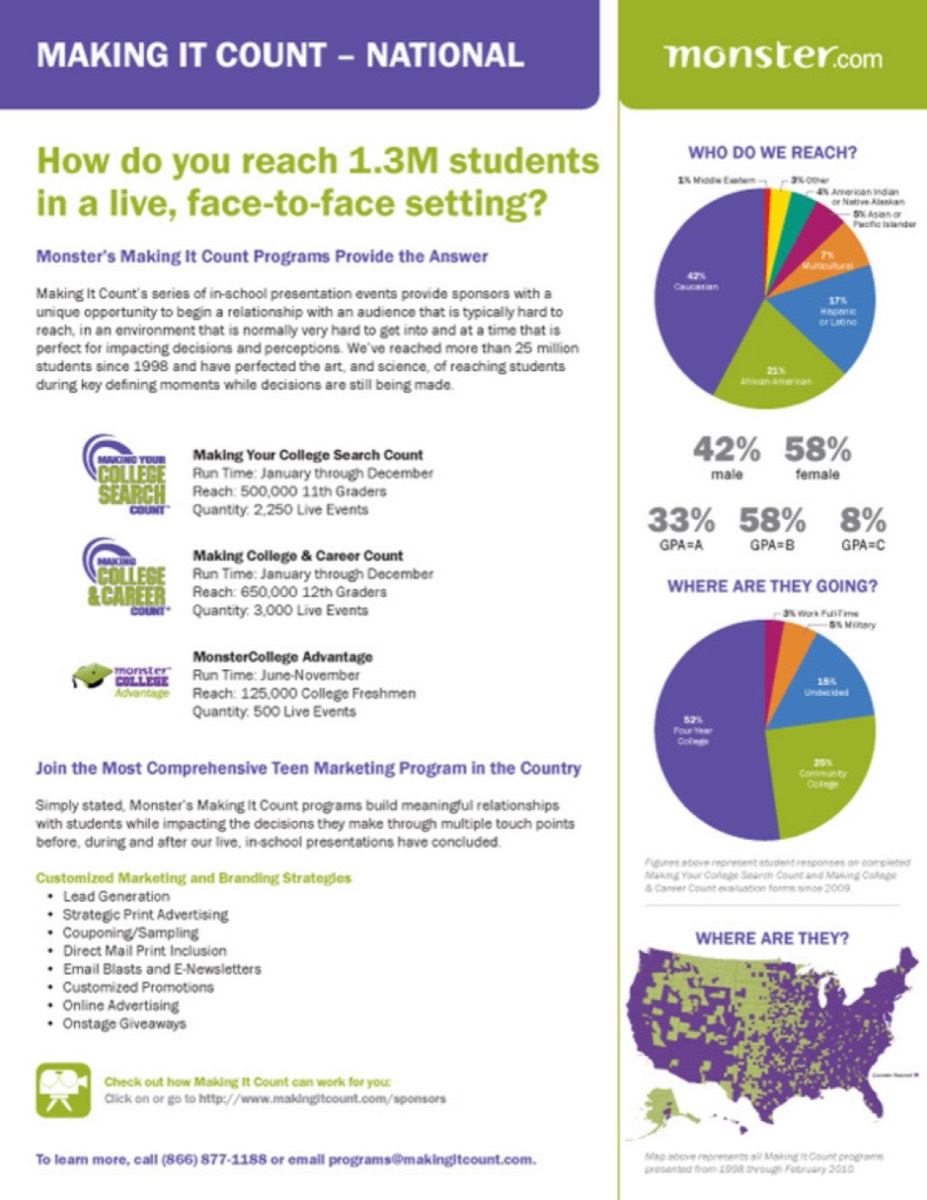
Diagrammatic representations — like service statistics and performance charts — can make your sales sheet far more persuasive than text alone.
3. Make It Tempting and Motivating
Want to draw attention? Give readers a little extra. Incentives work. Make your sales sheet stand out by incorporating irresistible offers and, to accelerate urgency, make those offers time-limited.
To Do: Include compelling promotional offers with clear expiration windows. Even a small discount or a free bonus can dramatically improve response rates.

4. Break Up the Monotony
Variation makes content more engaging. Long, unbroken paragraphs of text in a sales sheet are a conversion killer. Don't make the mistake of using extended text blocks. Keep your sales sheet visually dynamic and easy to scan.
To Do: Replace chunky paragraphs with brief, punchy copy. Use photos strategically to give the reader's eye breathing room. The goal is to enlighten — not overwhelm.
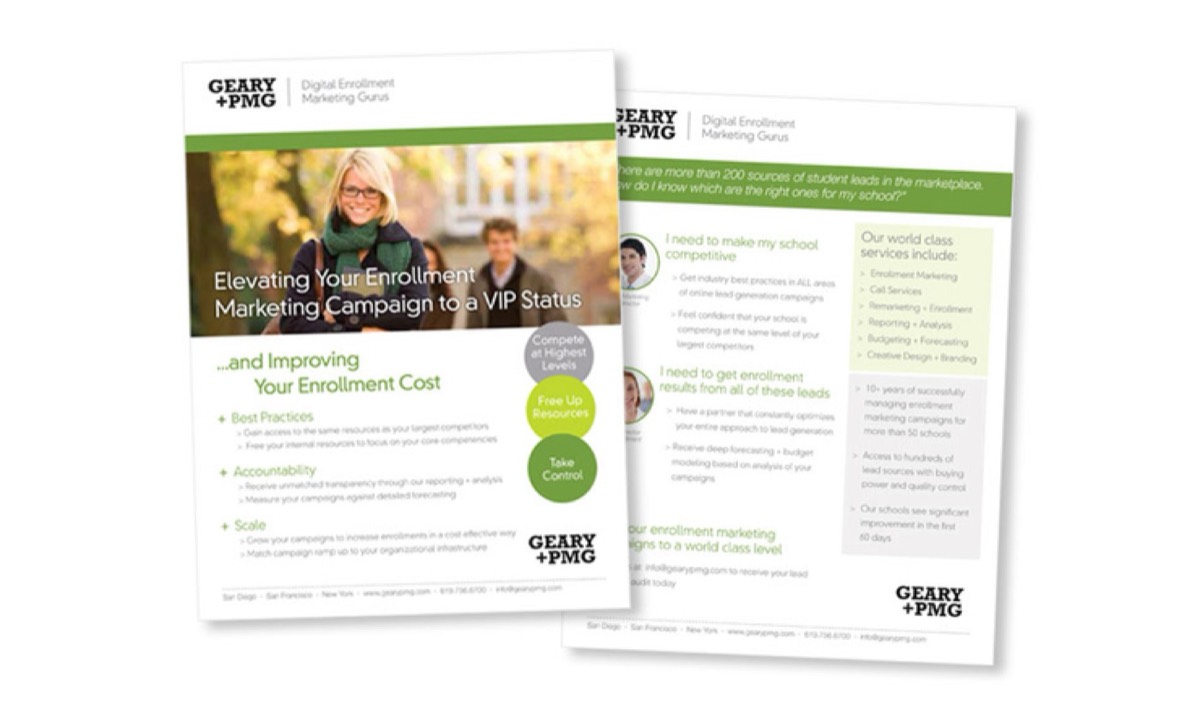
Notice how well-spaced paragraphs and images create a visually welcoming experience that keeps readers engaged.
5. Frame the Sales Sheet Properly
A sales sheet must contain the right elements to be compelling, not just comprehensive. Every component should earn its place.
To Do: Include a strong headline and tagline, bullet points for features and benefits, high-quality photos, comparison charts, and a clear Call to Action. Don't forget to highlight your product's Unique Selling Point — the USP is often the single most powerful motivating factor for buyers.

Need design that applies these elements strategically to your brand? See Digital Polo's plans →
6. Iterate and Keep Improving
Perfection isn't achieved in one pass. A great sales sheet is the result of multiple rounds of editing and refinement. Don't fall into the trap of treating your first draft as final.
To Do: Edit and re-edit. Analyze what's missing, what's redundant, and what can be sharper. Each revision should bring you closer to a document that truly represents your product at its best.
7. Get the Design Right
Think of eye-catching packaging on a store shelf — it draws you in before you even know the product. Your sales sheet works the same way. Design is not decoration; it is strategy. Investing in the right design tools and resources can make this process faster and more effective.
To Do: Keep your headline and tagline prominent. Highlight your USP visually. Use large, clear photos and supporting diagrams. Make sure every visual element reinforces the story your copy is telling.
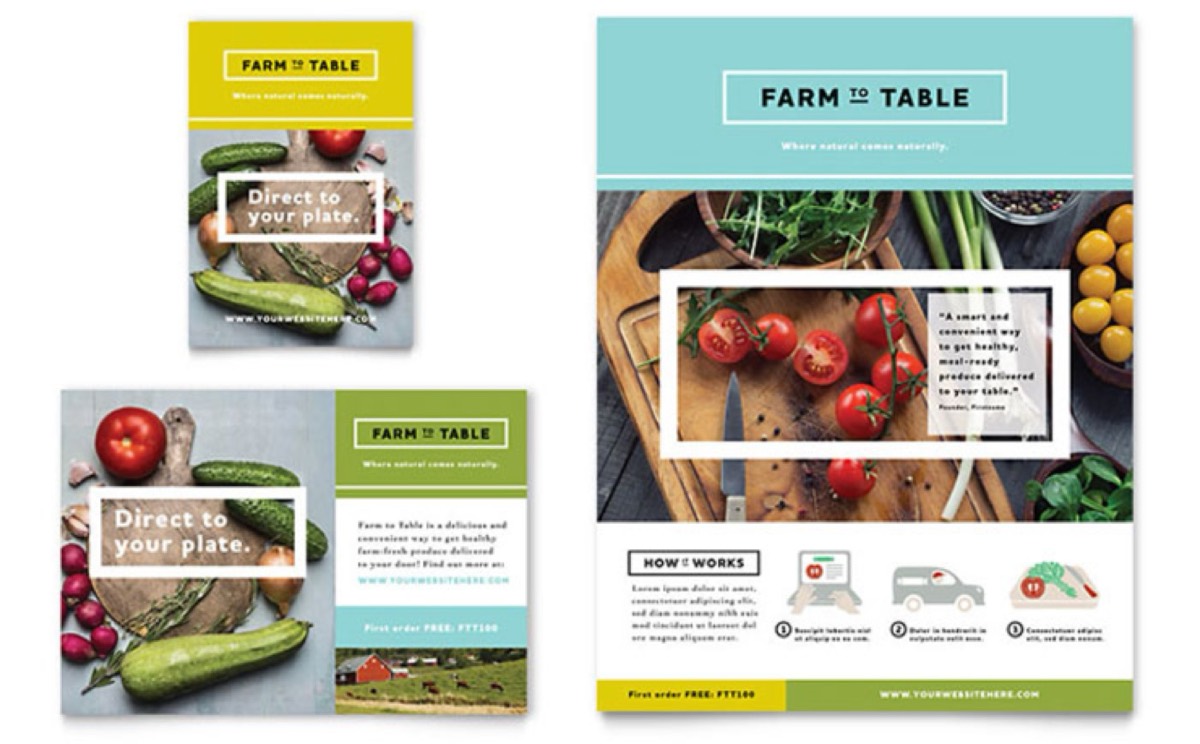
Notice how this sales sheet uses color, hierarchy, and imagery to guide the reader's eye toward the most important information.
8. Don't Cut Corners on Printing
All that design work is wasted if your print quality doesn't match. The physical feel of a sales sheet leaves an impression — for better or worse.
To Do: Use premium paper stock. Either 100lb or gloss text with UV or AQ coating are excellent choices. Higher-quality paper signals that your business takes pride in its products and presentation.
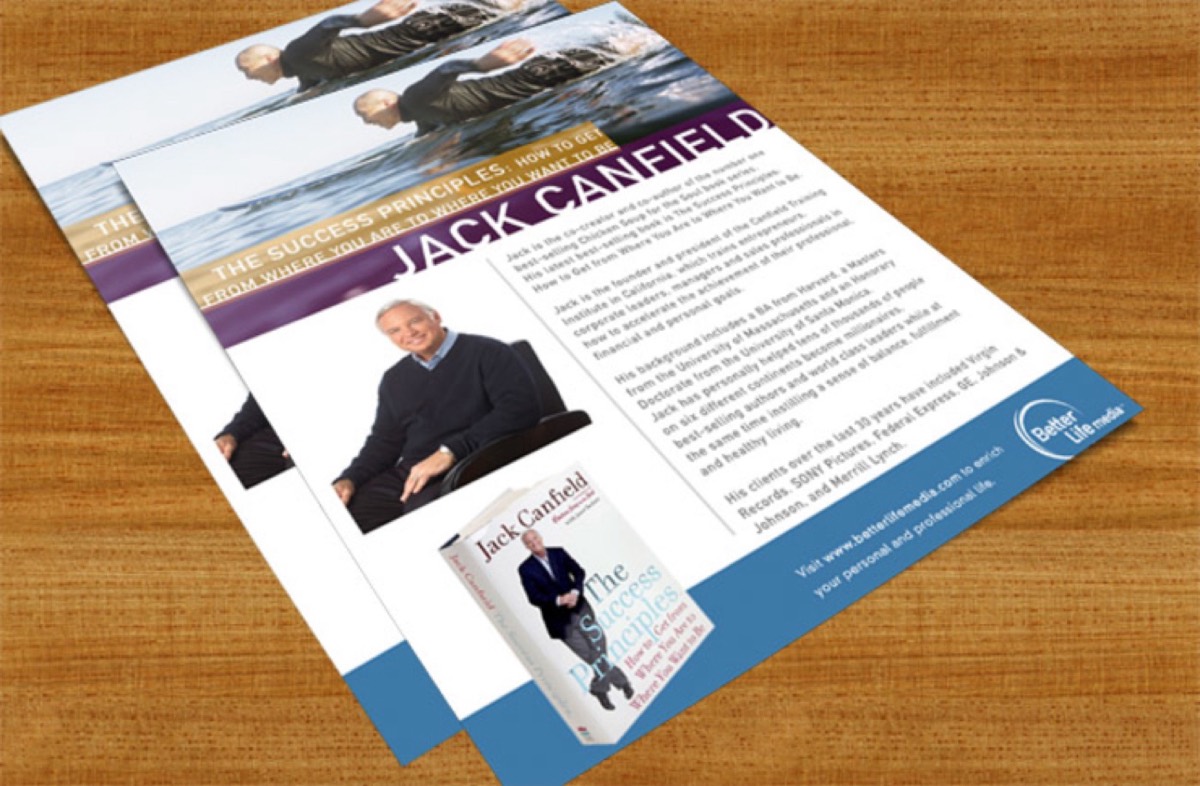
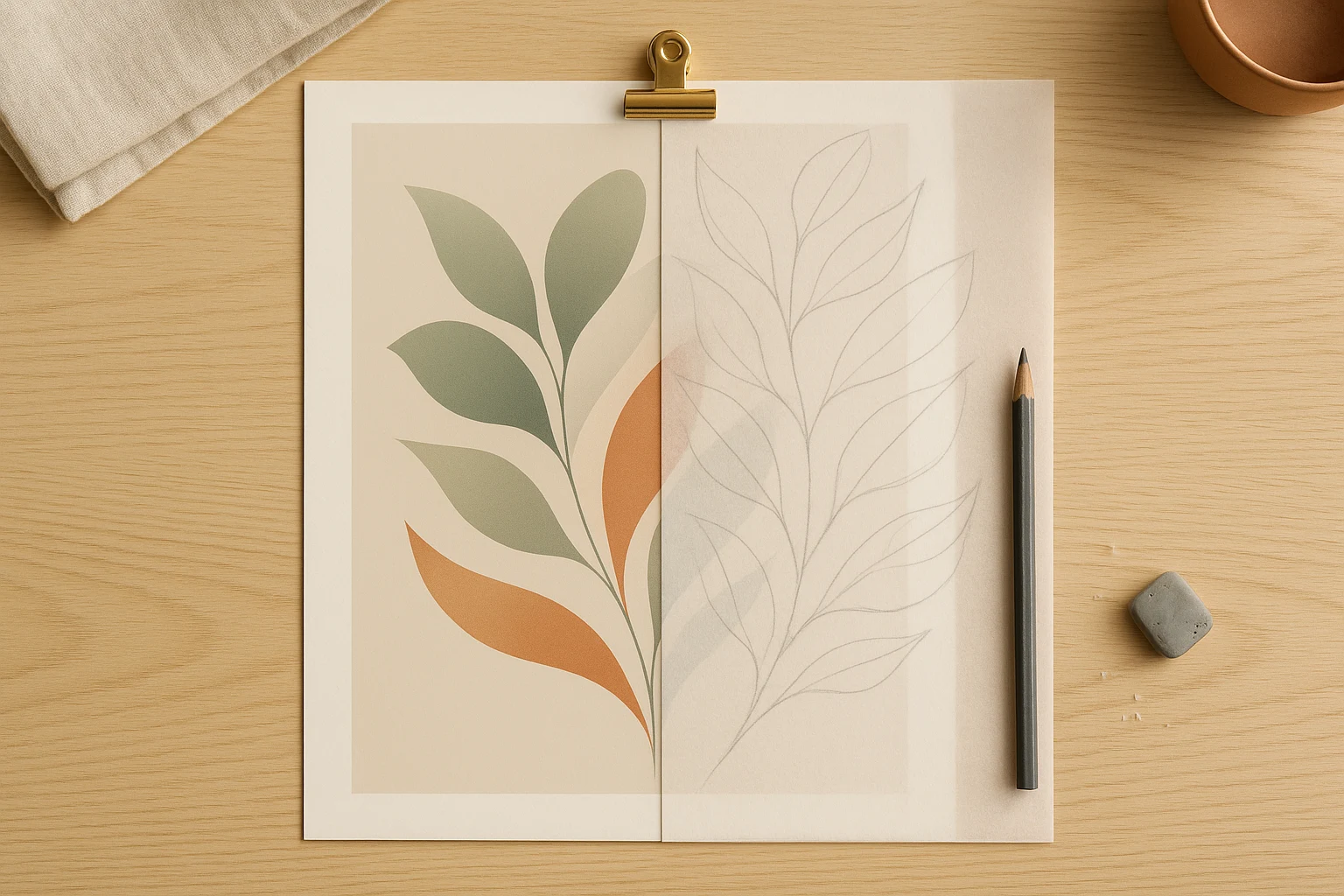
Premium-quality paper gives your sales sheet a professional, glossy look that reinforces your brand's credibility.
9. Test Different Versions
Don't lock in a single design forever. A fixed mindset can prevent you from discovering what really works. Test multiple layouts and measure the results.
To Do: Create alternate versions of your sales sheet and compare performance. Track which design drives more calls, more clicks, or more orders. Your copy and design choices can have a measurable impact on your Return on Investment (ROI).
10. Make It Easy for People to Reach You
Contact information is one of the most critical elements of any sales sheet — and one of the most commonly neglected.
To Do: Always include clear contact details — your phone number, email address, website URL, and any other relevant channels. Make sure the information is prominent, not buried at the bottom. A reader who can't easily reach you is a lost opportunity.
Designing a Sales Sheet: At a Glance
- Use large, clear images alongside graphics, charts, and graphs
- Include all essential product information, but replace long text blocks with concise, scannable copy
- Write headlines that immediately grab attention and communicate value
- Use customized templates that align with your brand
- Highlight your product's USP prominently
- Apply color with intention — aesthetically, not excessively
Promoting and Marketing Your Sales Sheet
Your sales sheet is ready. Now the question is: how do you get it in front of the right people?
1. Distribute It Actively
A sales sheet only works if people see it. Distribute it widely — at trade shows, conferences, seminars, and events. Include it in mailer campaigns. Studies show that over 80% of people are more likely to engage with a brand when given physical materials during an introduction.
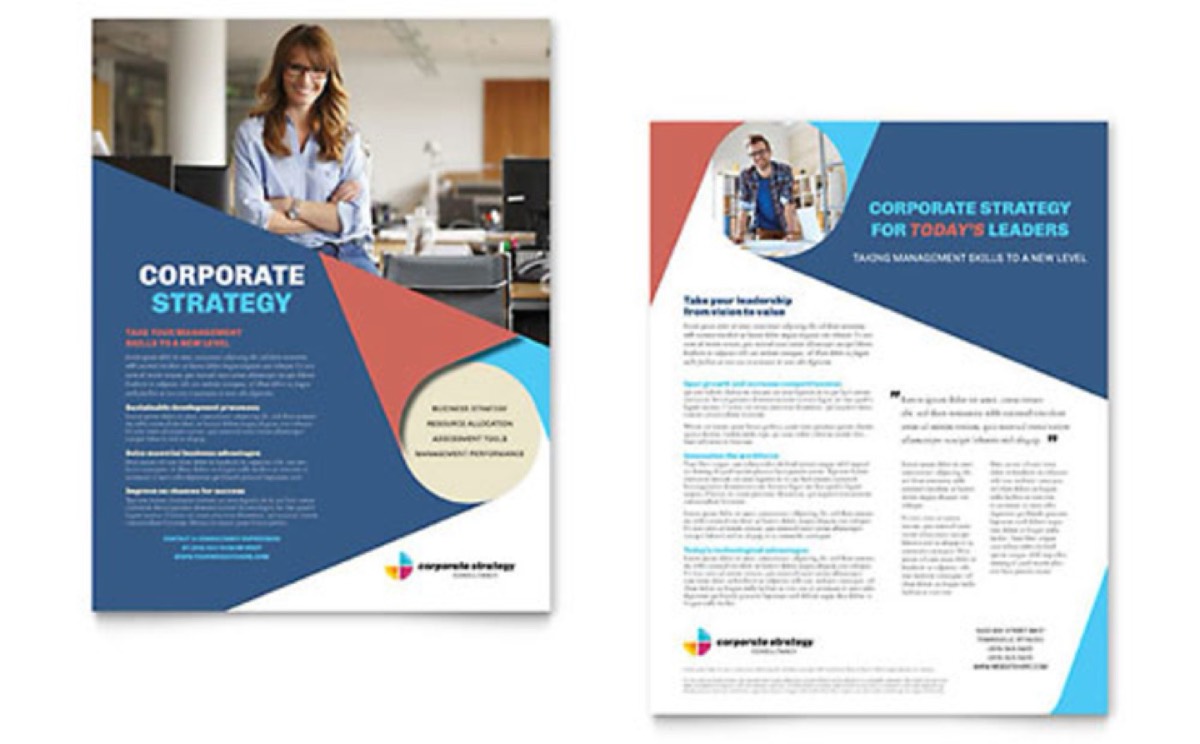
2. Use Interesting Templates
Stand out from the competition. A generic template signals a generic brand. Keep your templates flexible enough to allow quick edits, so you can tailor them for different audiences or update them as your product evolves.
3. Promote It Online
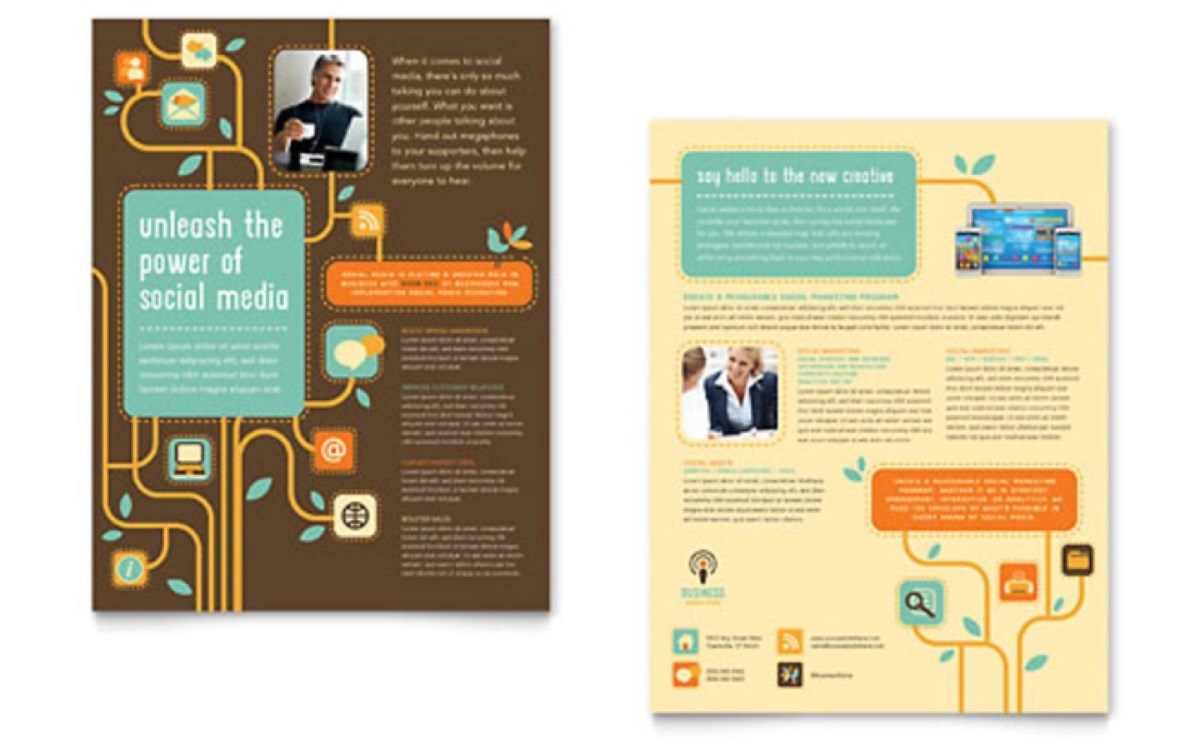
In addition to print, leverage digital channels to extend the reach of your sales sheet. Use die-cut or foil-stamp effects for premium print versions. Distribute digital versions via email campaigns and your website.
4. Send It to Independent Retail Stores
If you have a physical product, reach out to independent retailers. Let them know about your brand, your product, and the service you offer. A well-placed sales sheet in the right retail environment can open doors that cold outreach cannot.
5. Never Skip the Call to Action
CTA is one of the most important design elements in any sales sheet. It bridges the gap between interest and action — and without it, even interested readers may not follow through.
To Do: Make your CTA visually prominent. Experiment with the size, shape, and color of CTA buttons. A well-placed, well-designed CTA can meaningfully lift your conversion rate.
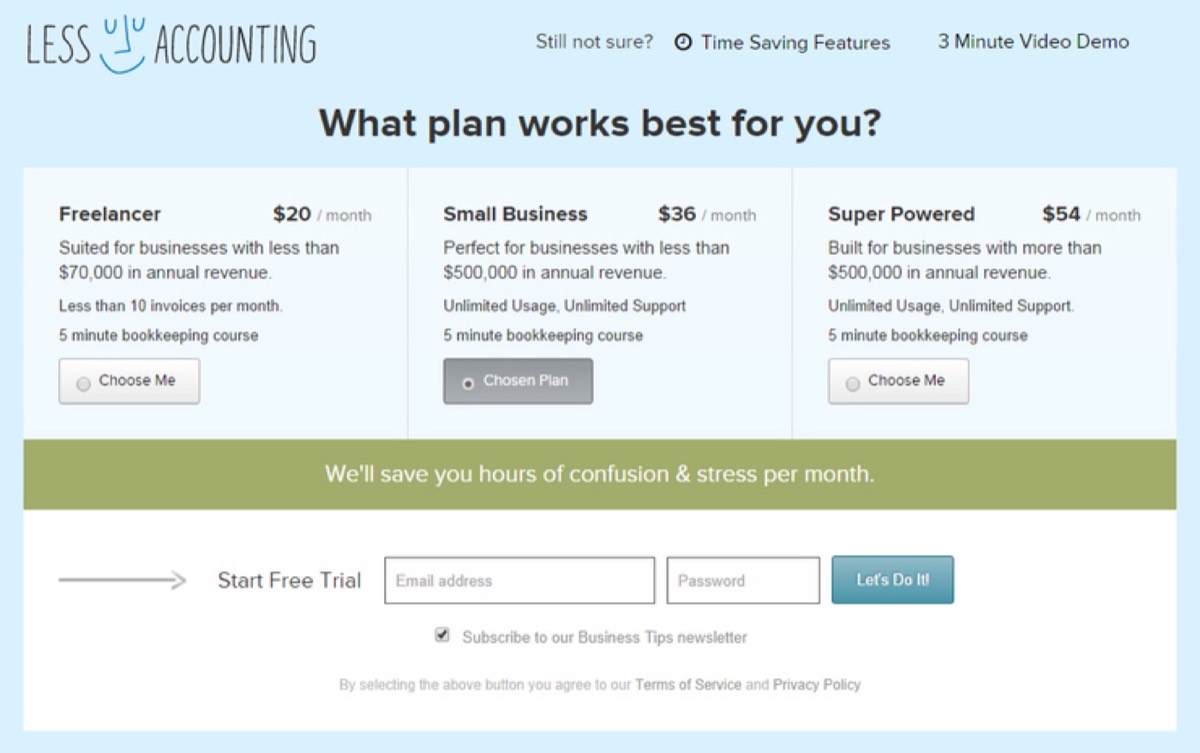
A compelling CTA encourages readers to take the next step — whether that's a call, a click, or a purchase.
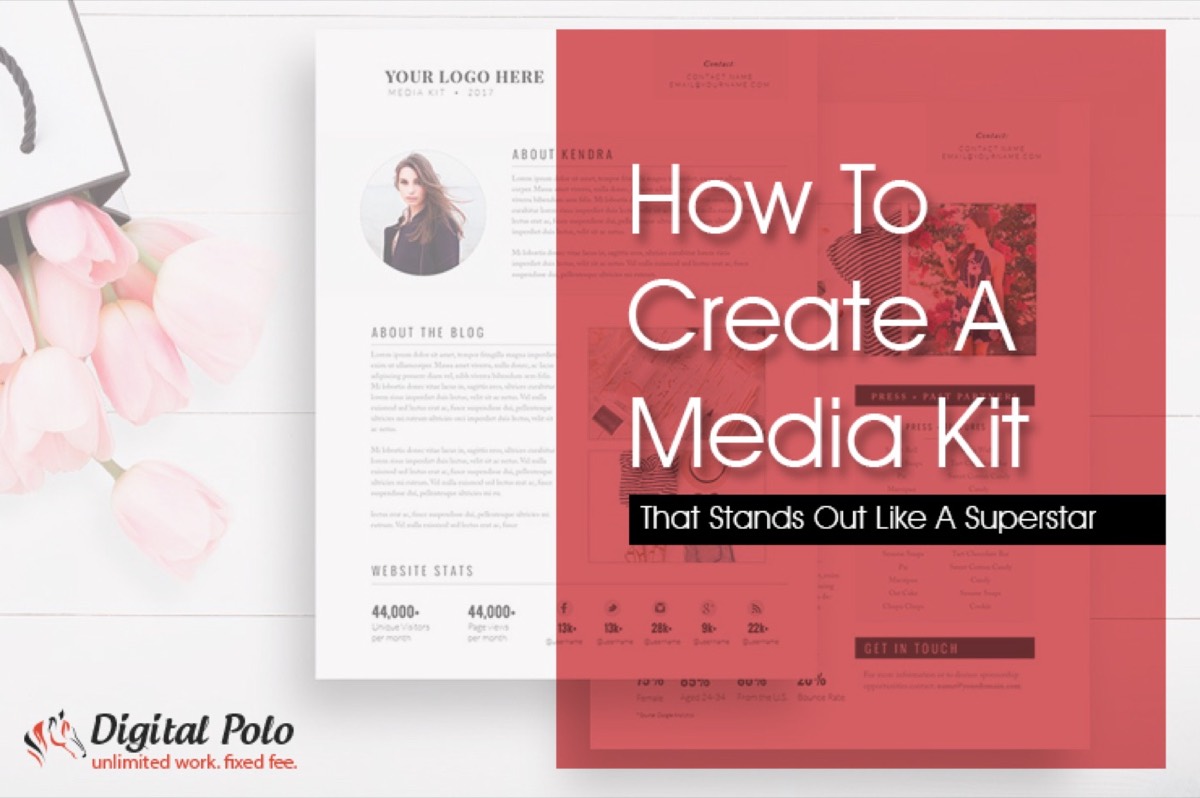
A sales sheet is not a replacement for your website, your social media presence, or your pitch deck. It's a complement to all of them — a focused, portable document that does one thing very well: moves prospects closer to a decision. Pair it with a compelling media kit and you'll have a complete suite of materials for any prospect conversation.
Whether you place a finished product directly in front of customers or build a layered sales strategy, a great sales sheet will always be an integral part of the process. Invest in it accordingly.
Digital Polo creates professional sales sheets, brochures, and print marketing materials for one flat monthly fee with unlimited revisions. Start for $399/mo → | Soulmate at $899/mo →
Frequently Asked Questions About Sales Sheet Design
What is a sales sheet and how is it different from a brochure? A sales sheet (also called a sell sheet or product data sheet) is typically a single-page document focused on one product or service, designed to drive a specific action like a call or order. A brochure is usually multi-page and covers broader company information. Sales sheets are more focused, easier to distribute, and better suited for prospect-facing conversations.
What information should I include on a sales sheet? At minimum, include your product's name and description, key features and benefits, pricing (if appropriate), high-quality product images, your Unique Selling Point, and a clear Call to Action with contact details. Supporting data like testimonials, ratings, or statistics can significantly strengthen the sheet.
Should I use a single-sided or double-sided sales sheet? A single-sided sheet is cleaner and more scannable, making it ideal for quick handouts. Double-sided sheets allow more room for specifications, testimonials, and charts. The best choice depends on how complex your product is and where you'll be distributing the sheet.
What paper stock is best for printing sales sheets? 100lb gloss text with UV or AQ coating is a popular professional choice. It provides a premium feel, vibrant color reproduction, and durability. Matte finishes work well for more understated or luxury brands. Avoid thin, uncoated paper as it feels cheap and doesn't photograph well in printed displays.
How often should I update my sales sheet design? Review your sales sheet at least once per year or whenever your product, pricing, or brand changes significantly. A/B testing different designs periodically can reveal which version generates better engagement and higher conversion rates.