An eCommerce website doesn't get days off. It's open 24 hours a day, serving customers in every timezone, without a sales team to compensate for a confusing layout or an unclear checkout. The design has to do the work that salespeople do in physical retail.
Research shows that 48% of people determine the credibility of an eCommerce business from its web design alone. What visitors see in the first few seconds of landing on your site creates an impression that either encourages them to explore — or prompts them to leave. These 13 design elements determine which outcome you get.

Why eCommerce Website Design Directly Affects Revenue
An eCommerce store invests significantly in product sourcing, inventory, and marketing — but the website is the conversion point where all that investment either pays off or doesn't. An outdated, poorly organized, or confusing website creates doubt at the exact moment a customer is close to a purchase decision. As the broader research on how website design can make or break your business shows, design quality directly influences whether visitors convert or leave.

A well-designed online store builds trust, guides customers to what they're looking for, and removes friction from the path to purchase. Each design element below contributes to that outcome.
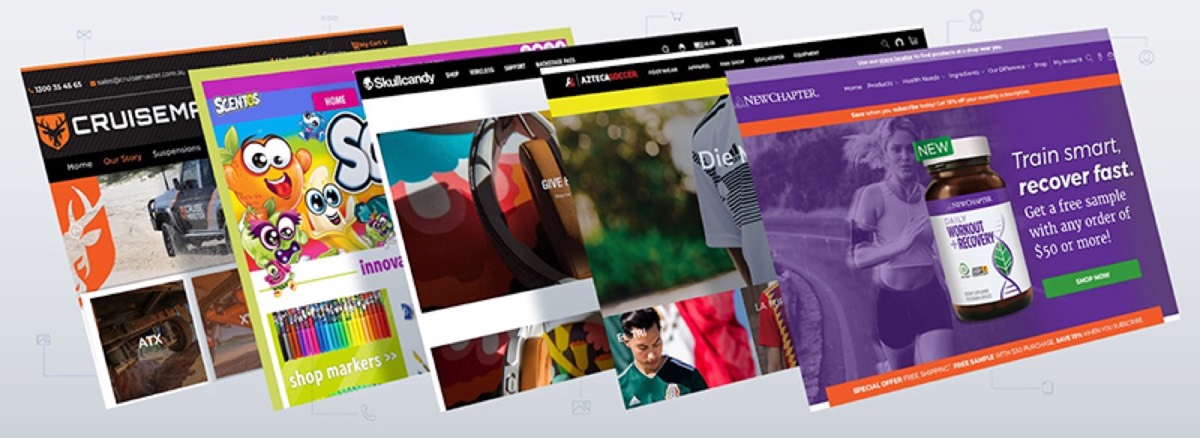
From the customer's perspective, a great eCommerce website is one where they can find what they want quickly, get enough information to feel confident about their purchase, and complete the transaction without unnecessary steps.

1. Greet Customers with Their Name
Personalization is a powerful conversion tool at scale. Greeting returning customers by name on login — "Welcome back, Sarah" — creates a sense of recognition and relationship that makes customers feel valued rather than anonymous.
To implement this, include a name field in your sign-in process. The benefits extend beyond the greeting: a personalized dashboard can show order history, saved items, and recommendations based on past browsing — creating a genuinely individualized experience.

2. Feature Bestsellers on Your Homepage
Your homepage is prime real estate. Customers who arrive from search, social, or ads make their first navigation decision within seconds. Featuring your bestselling or category-defining products on the homepage saves customers the effort of searching and immediately communicates what your business does best.
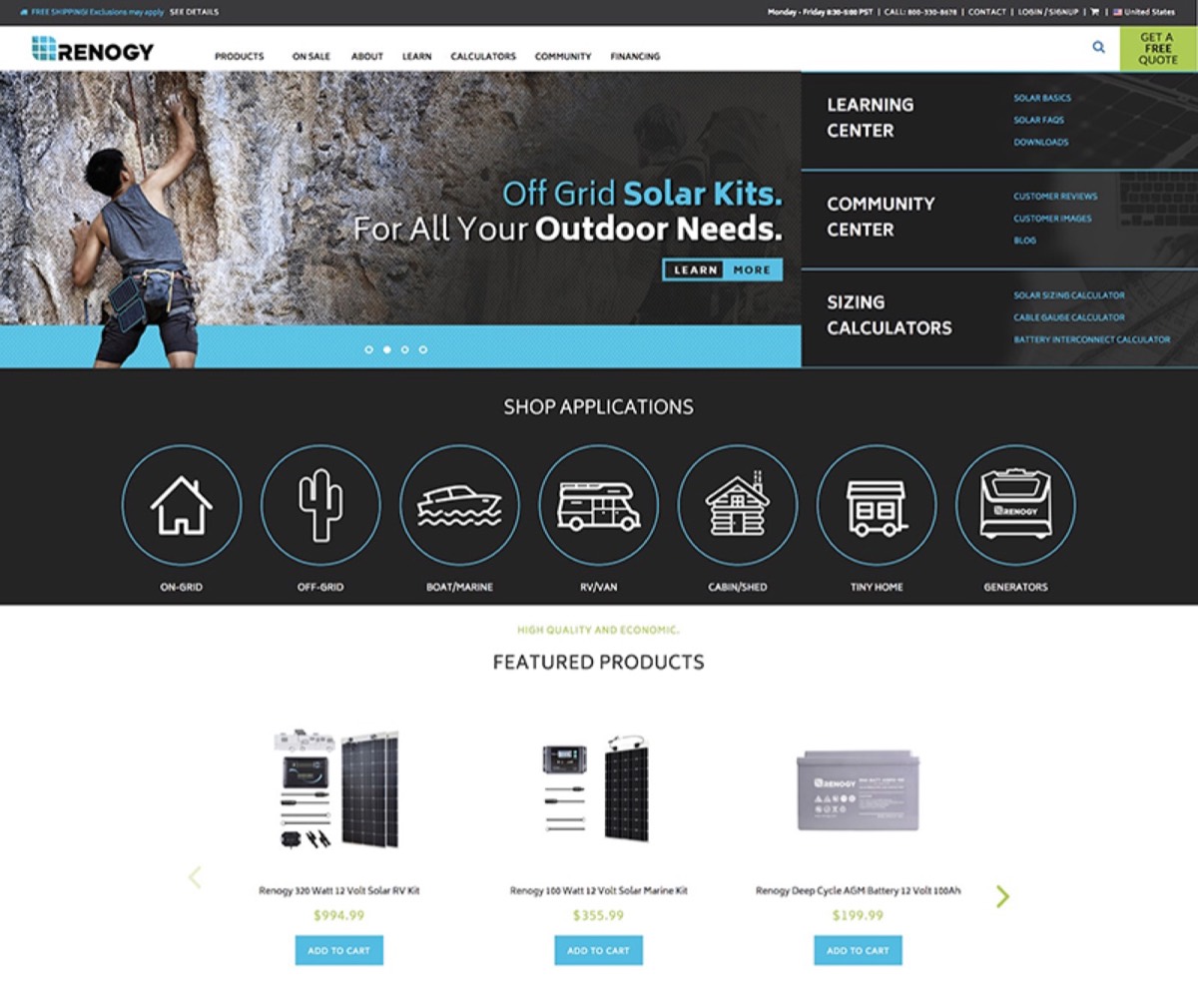
Use high-resolution images for homepage products. These are the visual representatives of your entire catalogue — they need to communicate quality at a glance.
Need professional eCommerce design that converts? See Digital Polo's plans →
3. Build Easy Navigation
Seamless navigation is the difference between a customer completing a purchase and abandoning after thirty seconds of confusion. Every unnecessary click between "arrive" and "buy" increases drop-off probability.
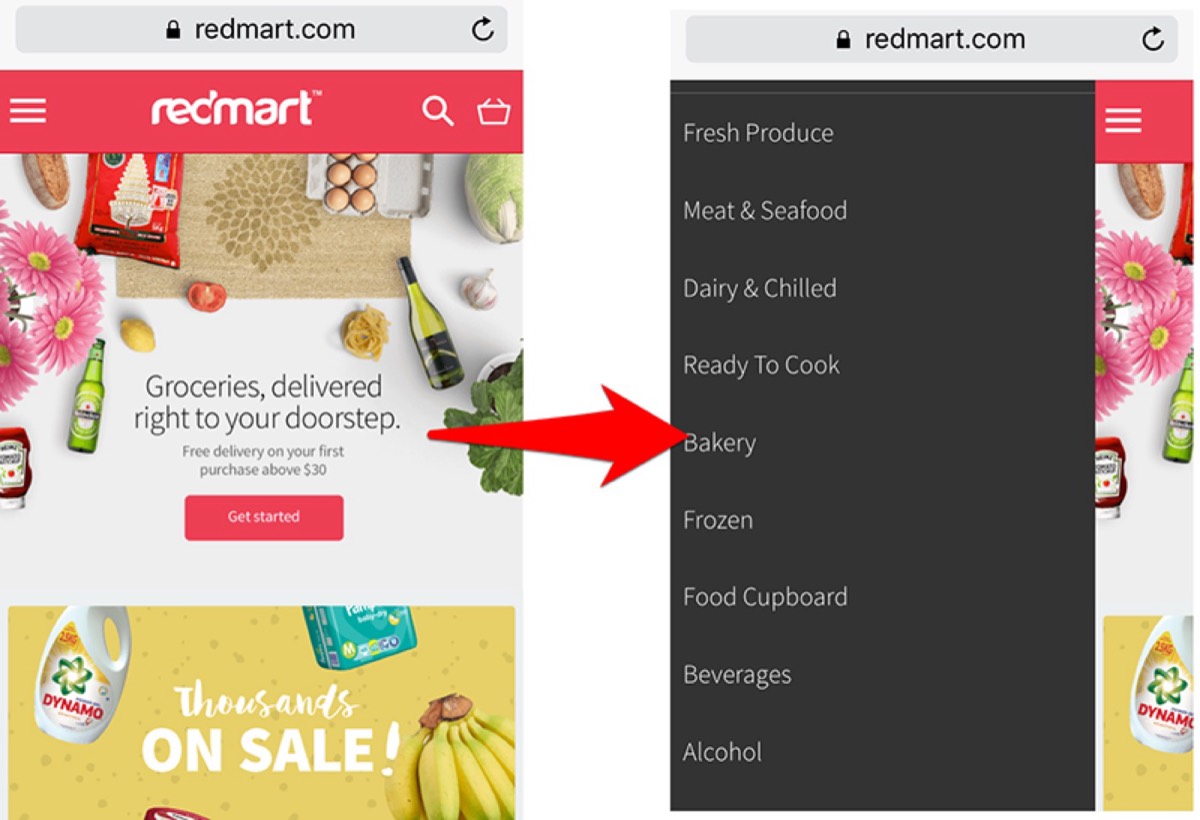
Navigation best practices: place the main menu at the top or left side of every page; categorize products logically with clear labels (by gender, category, use case, or price range); include an easy path back to previous pages; and ensure every page links to the shopping cart. For cosmetics, categorize by gender. For electronics, by device type or brand. Proper categorization dramatically reduces browsing frustration.
4. Design a Clear Shopping Cart
The shopping cart is the final interaction before a customer commits to purchase. Its design should be clean, clearly branded, and functionally complete — showing the customer everything they need to know to complete the transaction with confidence.
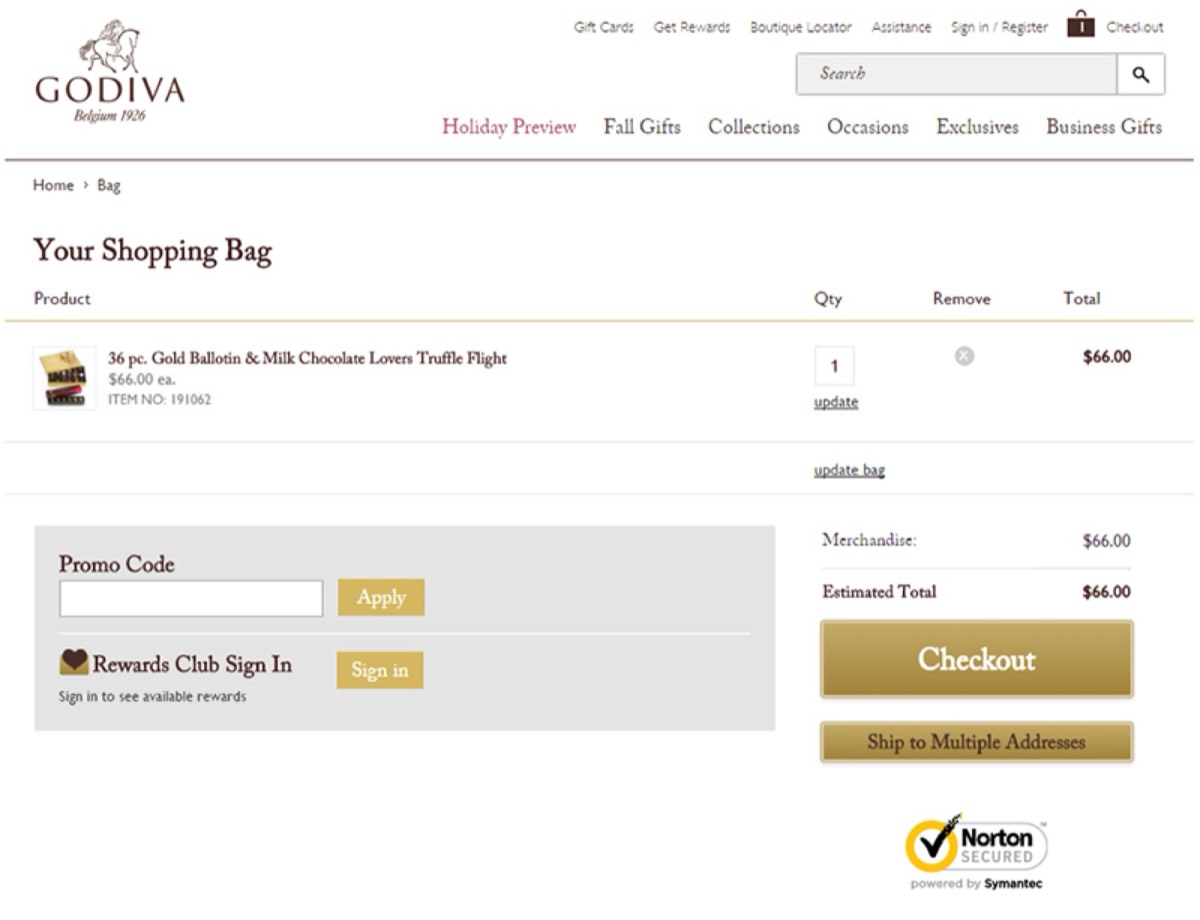
A complete shopping cart includes: quantity adjustment buttons, separate shipping and billing address fields, a promo code field, multiple payment options, and a "continue shopping" link for customers who want to add more. The design should reflect your brand (logo, colors) while keeping the layout light and focused on the transaction.
5. Accurate Search Functionality
The search bar is used by customers who know what they want. Failing them at this stage — with irrelevant results, missing results, or overly broad returns — is one of the highest-friction moments in eCommerce.
Invest in reliable search software that understands natural language queries, handles spelling variations, and returns genuinely relevant results. Add refinement filters to search results so customers can narrow by price, color, size, brand, or any other relevant attribute.
6. Detailed and Accurate Product Descriptions
Product descriptions carry the weight of the in-store sales conversation. They need to answer every likely question — materials, dimensions, compatibility, care instructions — without making claims that aren't true or creating expectations the product can't meet.
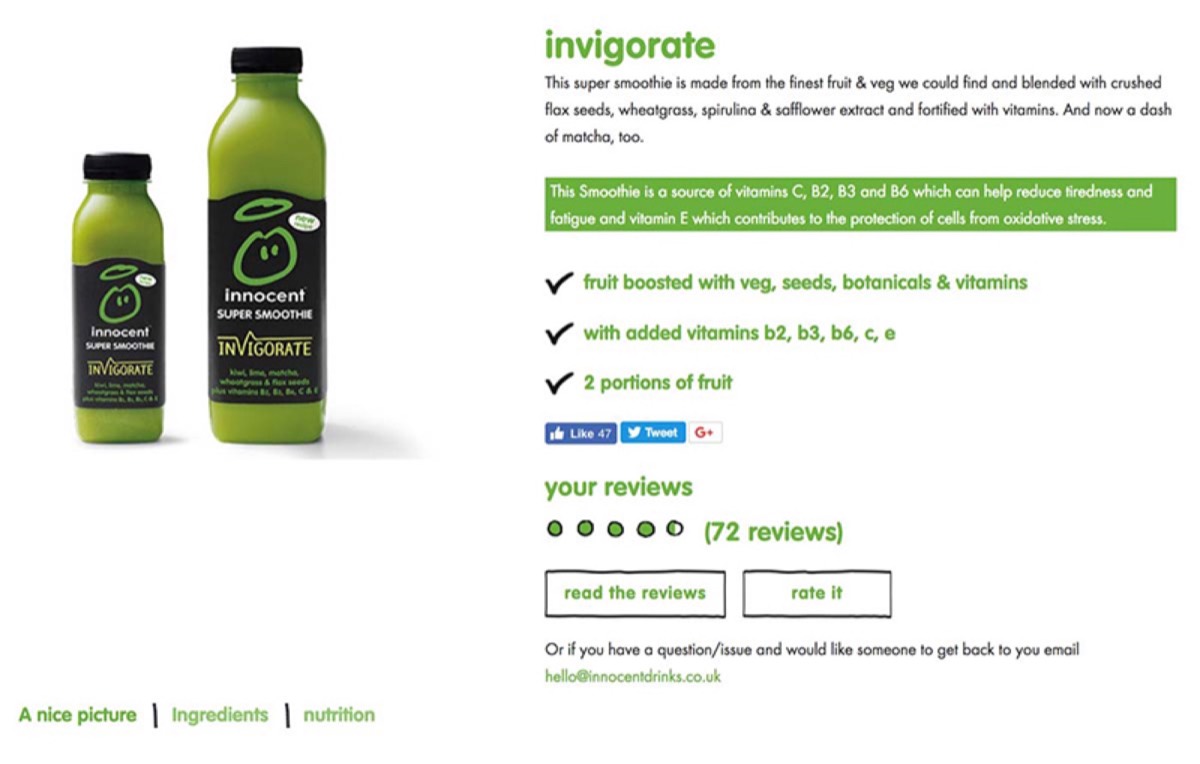
Vague or overstated descriptions create returns and negative reviews. Accurate, specific descriptions build trust and reduce post-purchase doubt. Before publishing any description, verify every claim against the physical product.
7. Bundle Similar Products
Grouping complementary products into curated sections — "New Arrivals," "Bestsellers," "Festival Picks," "Frequently Bought Together" — serves two purposes: it makes the browsing experience more organized, and it increases average order value by surfacing related items customers didn't know they needed.
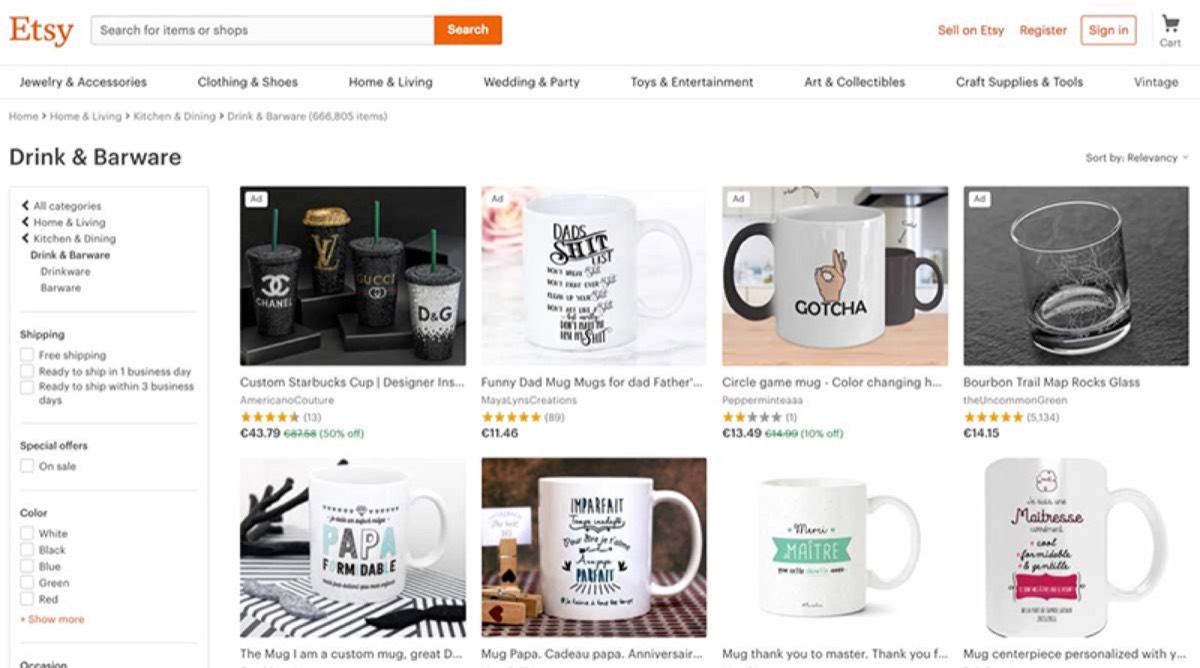
Product bundles and collections also benefit SEO — curated category pages with clear names rank better than undifferentiated product listings. Update bundles regularly to reflect seasonal demand and changing product ranges. Keeping the overall visual presentation fresh matters too — see which graphic design trends are worth embracing right now to keep your store looking current.
8. Zoom-In Options for Product Images
Customers who buy in physical retail examine products closely before purchasing. eCommerce must replicate this as closely as possible. High-resolution images with zoom functionality let customers examine stitching, texture, material quality, and fine details that matter to their purchase decision.
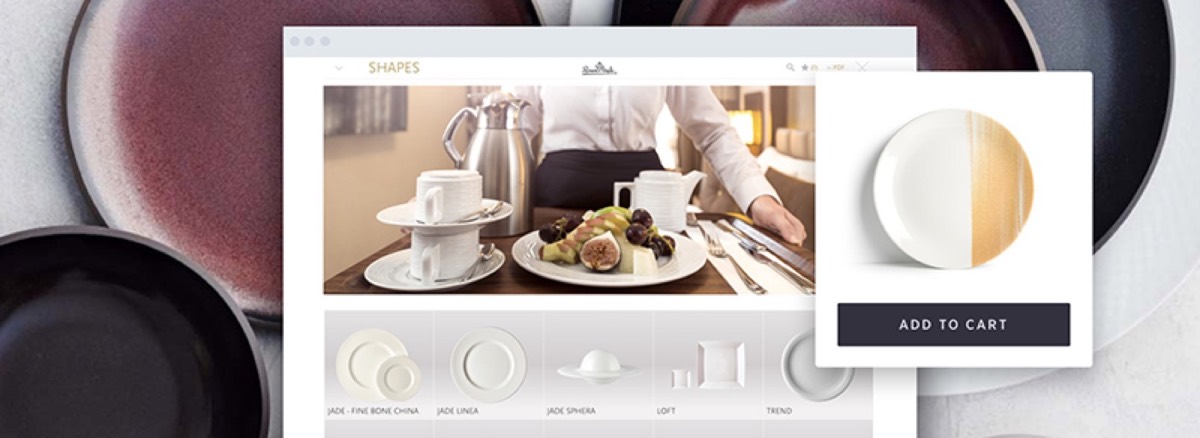
Images that blur when zoomed signal low production values. Every product should have multiple high-resolution images (minimum 1500px on the short edge) that remain sharp when enlarged to full screen.
9. Contact Information and Live Chat
Making it easy for customers to reach you with questions — before and after purchase — builds the trust that converts browsers to buyers and one-time buyers to repeat customers. Contact information should be visible from every page, not buried in a footer link.
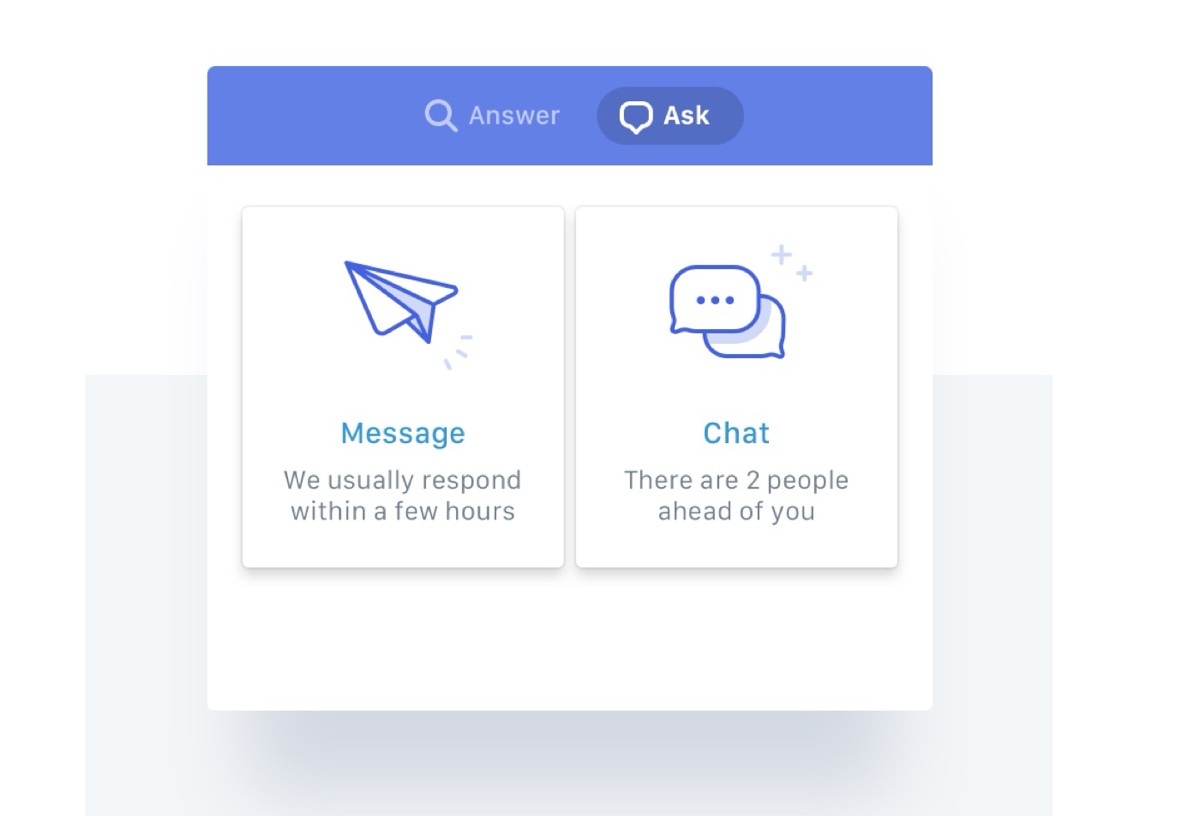
A live chat function resolves questions in real time that would otherwise result in abandoned carts. Questions about shipping times, return policies, or product compatibility are buying signals — a customer who asks is a customer close to purchasing. Answer immediately and the conversion follows.
10. Ratings and Reviews
Social proof is one of the most powerful conversion drivers in eCommerce. Customers trust the opinions of other customers more than any marketing message you could write. Displaying ratings and reviews — including critical ones — communicates confidence and transparency.
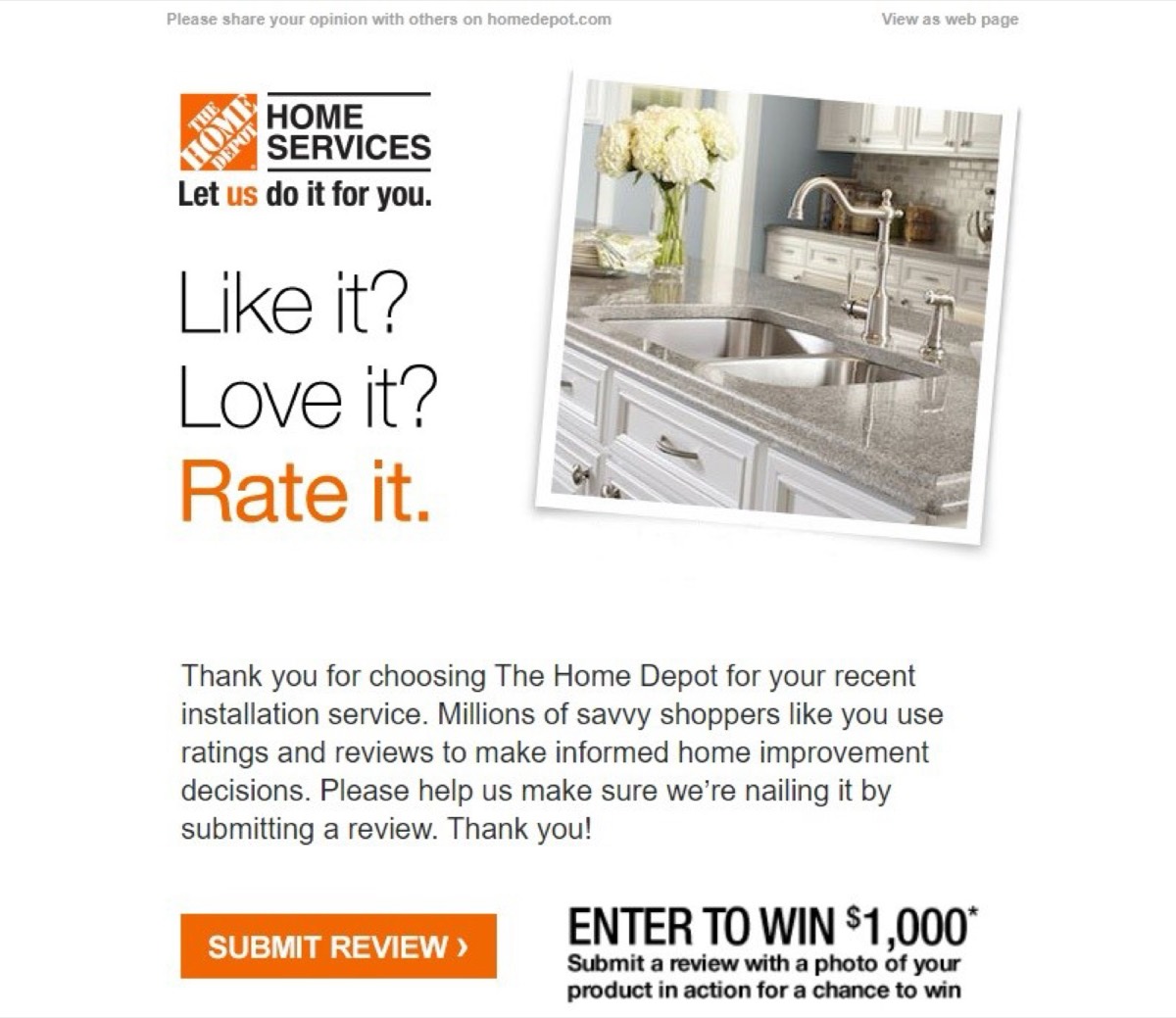
Never suppress negative reviews. Customers who see only five-star ratings are skeptical. A mix of reviews, with genuine responses to critical feedback, creates credibility that a wall of praise cannot.
11. Product Sharing Options
Customers frequently want external input before purchasing — from friends, family, or social networks. Adding one-click sharing options for every product page removes friction from this consultation process and simultaneously generates word-of-mouth exposure.
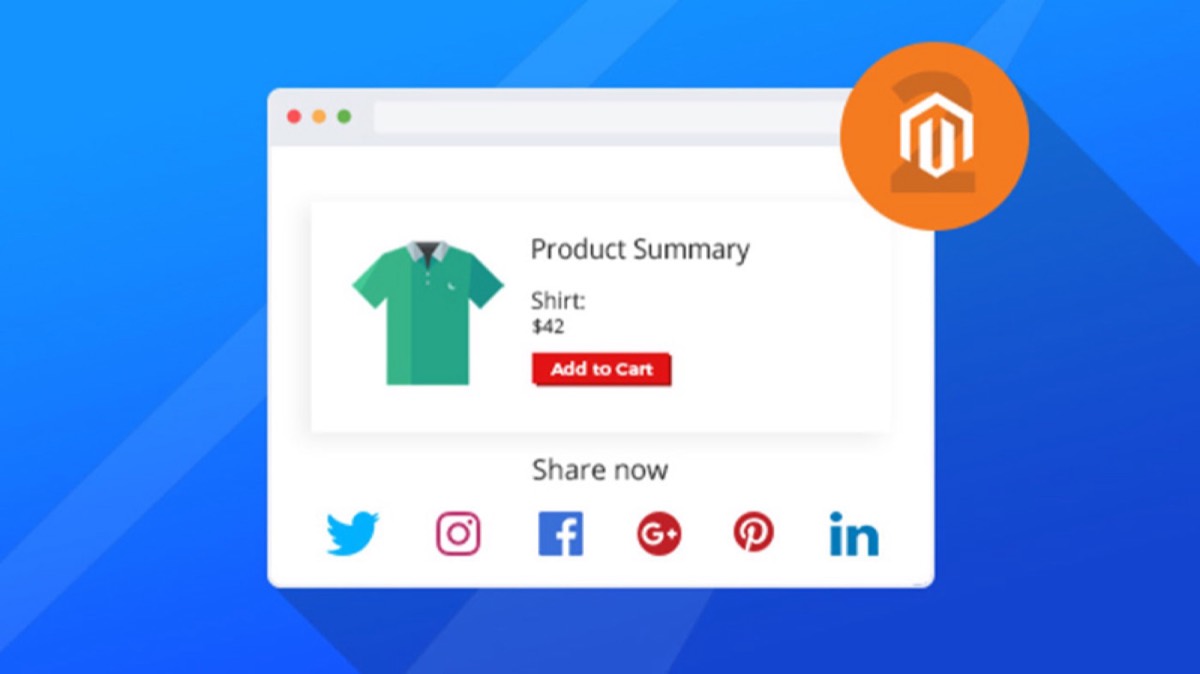
Include sharing to the major social platforms (Instagram, WhatsApp, Facebook, Pinterest depending on your category) plus direct link copying. The easier you make sharing, the more it happens.
12. Advanced Filter Options
Filters allow customers to navigate large product catalogues without browsing every item. The filters you offer should reflect how customers actually think about their purchase decision in your category.
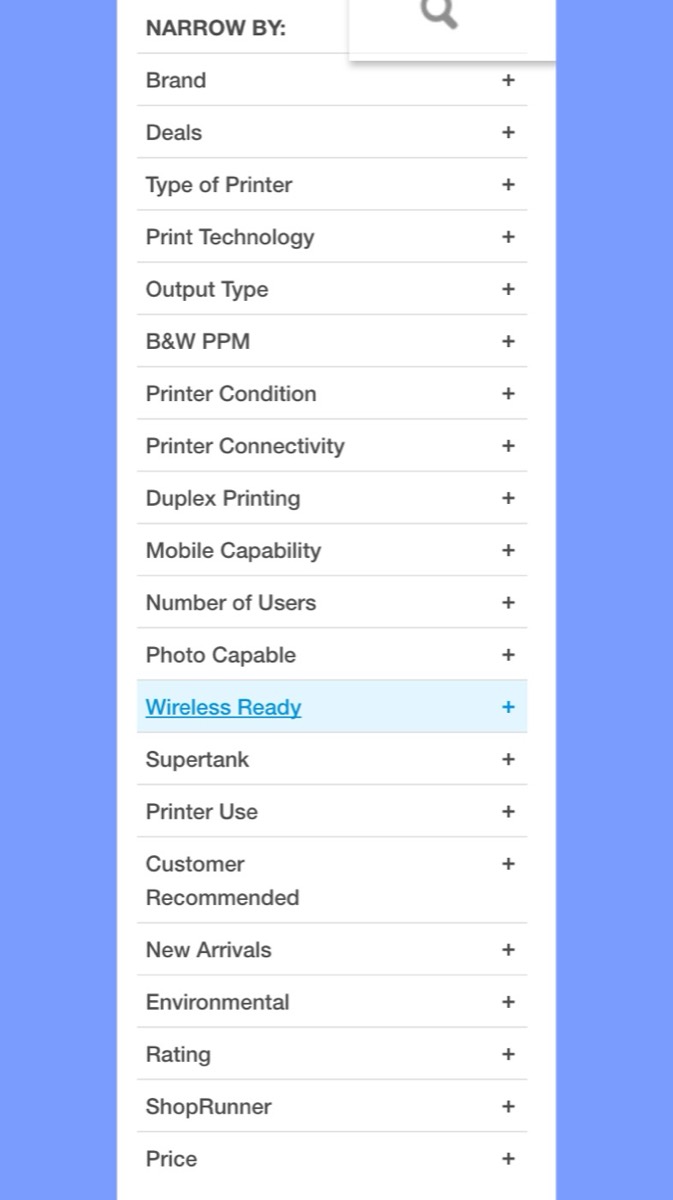
Apparel: size, color, gender, material, price range, occasion. Electronics: brand, compatibility, price, technical specifications. Food and grocery: dietary requirements, brand, size, price. The more precisely filters can narrow to what a customer actually wants, the lower your bounce rate.
13. Clear Call-to-Action Buttons
CTA buttons — "Add to Cart," "Buy Now," "Save to Wishlist" — are the active mechanism through which browsers become buyers. Their design must make the desired action obvious: high-contrast color, clear action language, consistent placement across product pages.
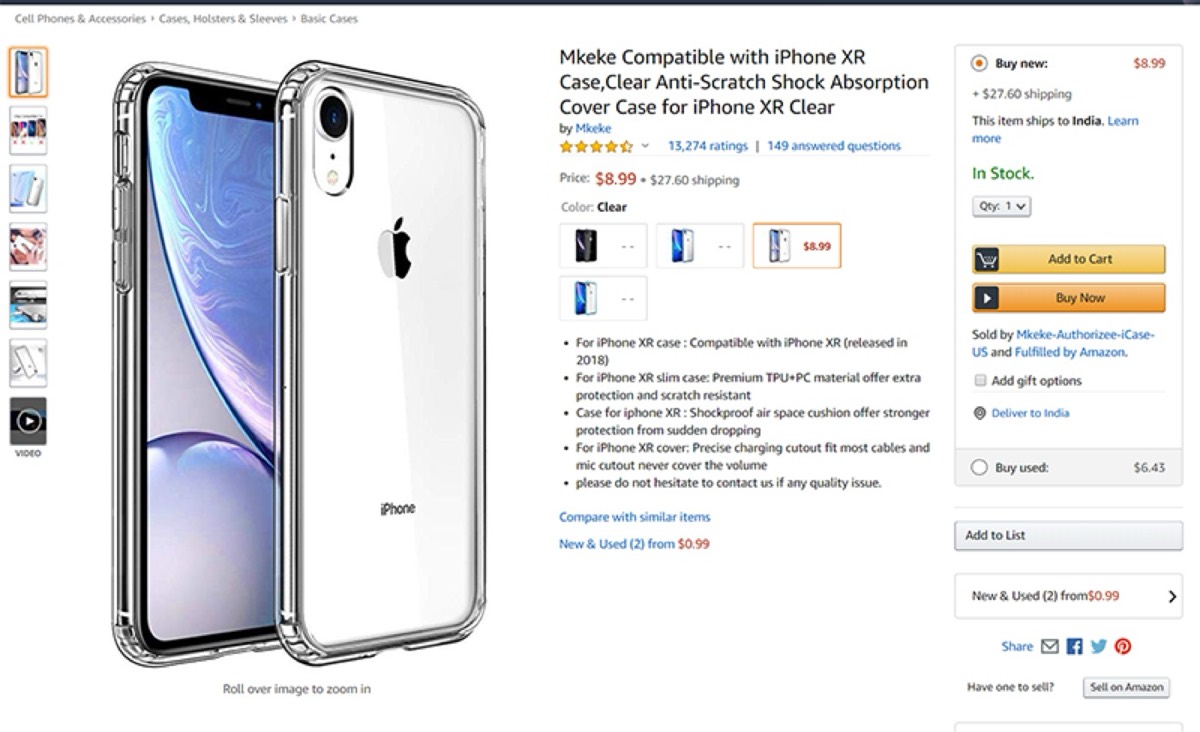
The Wishlist function deserves specific attention — it keeps customers engaged with products they're interested in but not ready to buy, and creates opportunities for targeted reminders when items are low in stock. A well-placed "You have items in your Wishlist" prompt can recover sales that would otherwise be lost to browsing inaction.
Conclusion
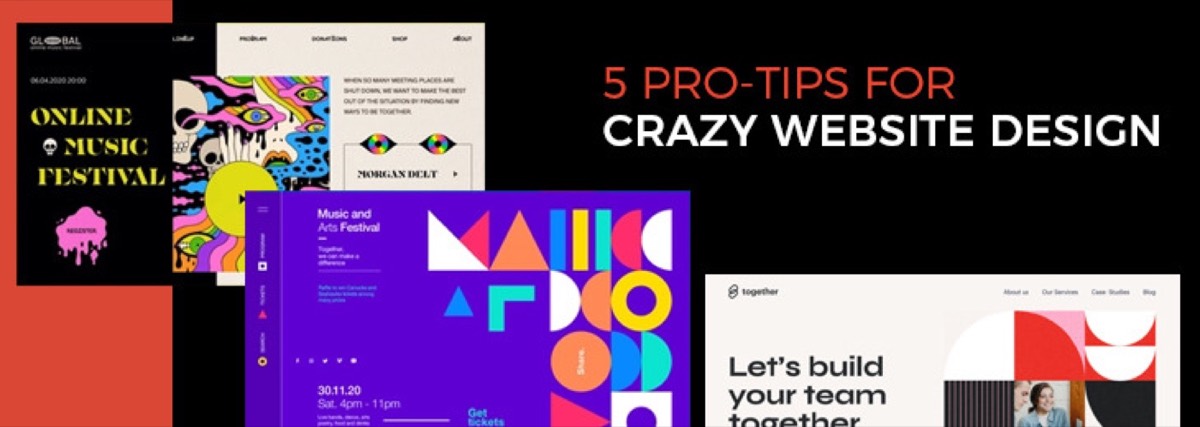
A minimalist, well-structured eCommerce website with clean design, precise navigation, and accurate product information consistently outperforms visually complex sites that create confusion. The rule is simple: every element on the page should either help customers find what they're looking for or move them toward a purchase decision. Everything else is noise. For more on what makes a design genuinely high-converting, see our pro tips for crazy website design.
Start with the elements that have the highest conversion impact: homepage product curation, search and filter functionality, and cart design. Get those right first, then optimize the rest.
Digital Polo designs professional eCommerce websites and complete brand identities for one flat monthly fee — logo, style guide, website design, and all branded materials. Start for $399/mo → | Soulmate at $899/mo →
Frequently Asked Questions About eCommerce Website Design
What makes an eCommerce website design effective? An effective eCommerce website design combines clear navigation, high-quality product photography, accurate and detailed product descriptions, a streamlined checkout process, and visible social proof (reviews and ratings). The design should minimize the steps between product discovery and purchase completion. A site that loads quickly, works on mobile, and communicates trust signals (secure checkout, contact information, return policy) consistently converts better than visually elaborate alternatives.
How important is mobile design for eCommerce? Critical. More than 60% of eCommerce traffic now comes from mobile devices, and a poor mobile experience is one of the leading causes of cart abandonment. Every element — navigation, product images, cart design, checkout flow, and filter options — must function as well on a 375px screen as on a desktop. Mobile-first design means designing the mobile experience first and scaling up, not adapting a desktop layout down.
What product photography approach works best for eCommerce? Use multiple high-resolution images per product (minimum three to five views: front, back, detail, and in-context use). Enable zoom to at least 150% without quality degradation. For apparel, show the product worn on a model. For home goods, show the product in a real setting. For technical products, include close-ups of specifications and ports. Consistent photography style across your catalogue creates a professional, cohesive brand impression.
How do reviews affect eCommerce conversion rates? Reviews directly increase conversion rates — products with at least five verified reviews convert at significantly higher rates than products with none. The effect compounds: more reviews create more trust, which drives more purchases, which generates more reviews. Never filter out negative reviews; a product with an average 4.2 stars and 200 reviews is more credible than one with a perfect 5.0 from 8 reviews.
What is the most important eCommerce design principle? Reduce friction at every step of the customer journey. Every unnecessary step, confusing label, non-loading image, or broken filter creates friction that increases drop-off probability. The most important question to ask about any design decision is: "Does this make it easier or harder for a customer to find what they want and complete a purchase?" If it doesn't reduce friction, it needs justification.