Have you been thinking that infographics are no longer useful for SEO? Think again. Infographics are still shared three times more than any other type of content on social media. The reason is simple: we are visual creatures who process information far more easily when it is explained through images.
As the name suggests, infographics is nothing but information shared through graphics. Even though communicating through images is not new, infographics has elevated it to a new level. From cave paintings onward, visual communication has been ingrained in how we think — and that instinct still drives engagement today.
The Problem with Infographic SEO
When it comes to getting SEO benefits from infographics, it can be challenging. The biggest problem with optimizing infographics is that at the end of the day, they are images. An infographic may contain rich, detailed information, but it is still saved in JPEG, PNG, or GIF format.
Google's algorithm cannot "read" the content inside an image the way it reads text-based content. Don't be discouraged, though — you can absolutely optimize your infographics and rank for keywords on Google with the right approach.
Keyword Research for Infographics
Even though you can't embed keywords inside an image file itself, there are several key areas where you can insert your target keywords. You need one primary keyword and a few supporting secondary keywords — these can be single words or keyword phrases.
When starting out, target high-search, low-competition keywords. Use Google Keyword Planner to gauge keyword difficulty. Long-tail keywords generally work better for infographic SEO because they face less competition and match more specific user intent.

After selecting your primary keyword, choose secondary keywords that naturally complement it. Some can be long-tail, others short-tail. The research process is the same as for written content — the key difference is where you deploy those keywords, which we'll cover next.
Alt Text Optimization
Alternative text (alt text) appears when an image fails to load, and it is also read by screen readers for visually impaired users. More importantly for SEO, alt text tells Google what your infographic is about.
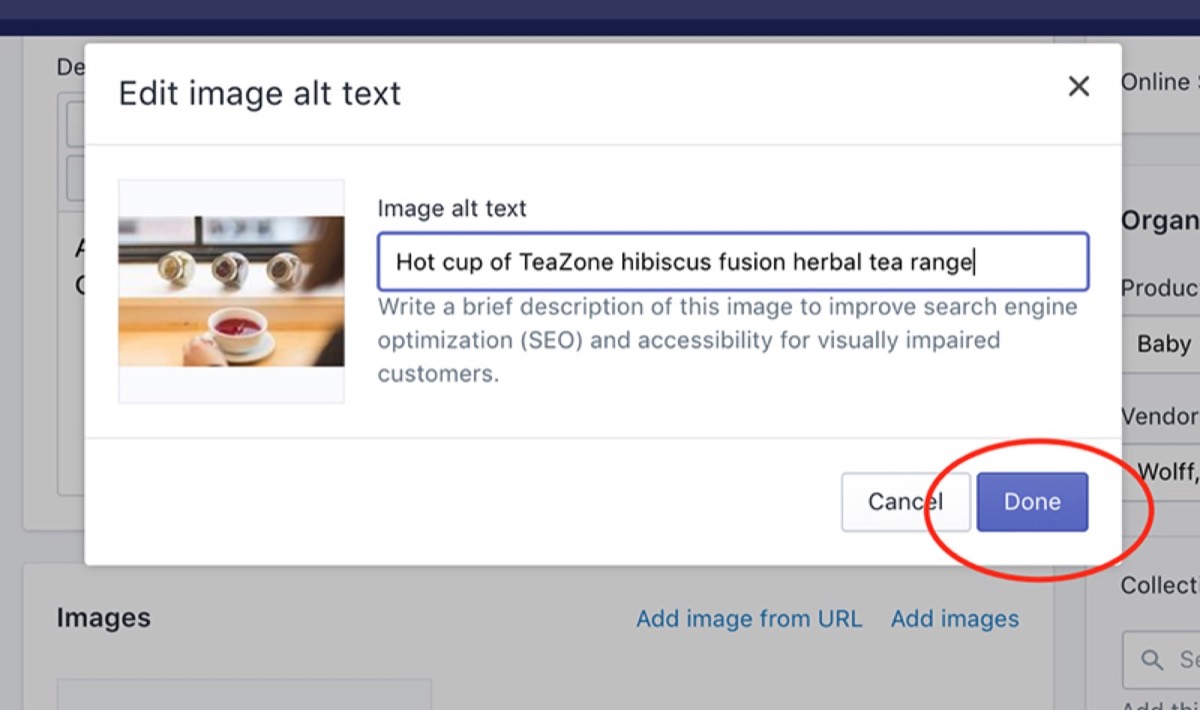
Write concise, descriptive alt text that naturally includes your primary keyword. It should genuinely describe the image content, not just stuff keywords. A well-written alt text helps both search engines and real users understand your infographic even before it loads.
File Naming Best Practices
The file name of your infographic is one of the most direct signals you can send to Google. Avoid generic names like "Image009.png" — Google cannot determine anything useful from these.
Use hyphens between words, not underscores or spaces. For example, instead of "Image001.png", name your file something like graphic-design-outsourcing-infographic.jpg. This tells Google's algorithm exactly what the image covers and when to surface it in relevant searches. One important note: avoid making your file name identical to your alt text, as Google may interpret that as keyword stuffing.
URL Structure
The URL where you host your infographic should be clean, readable, and keyword-relevant. Avoid dynamic parameters and unnecessary symbols in the URL string.

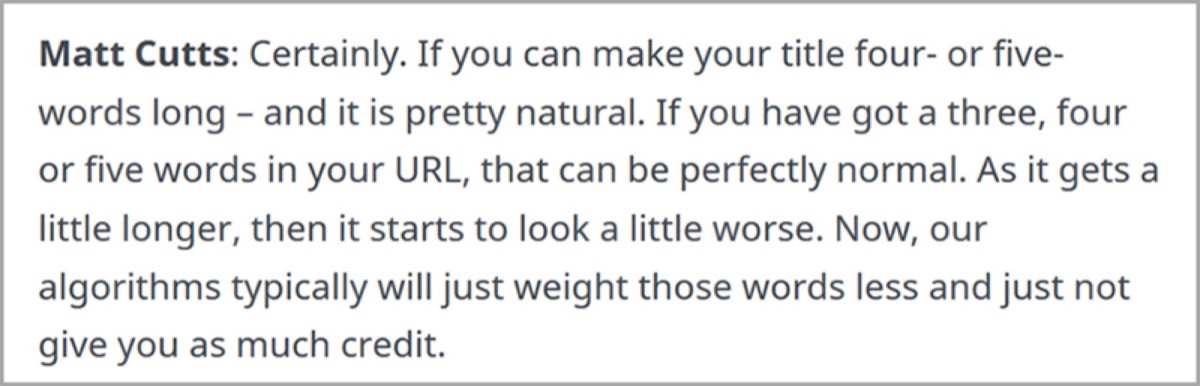
Keep URLs short and focused. For a piece titled "The Best Graphic Design Companies in India," your URL might simply be /best-graphic-design-companies-india — no need to mirror the full headline verbatim. According to SEO best practices, even a five-word URL provides solid SEO value. If you need more words, cap it at ten and use only one or two short-tail keywords.
Meta Description
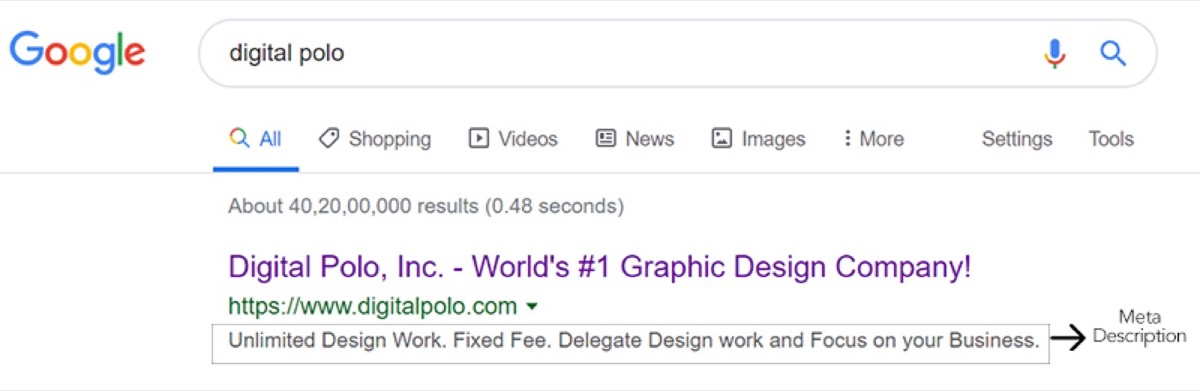
Meta descriptions are the overlooked workhorses of SEO. They appear as the snippet beneath each link in search results, and many users decide whether to click based on them alone.
An effective meta description is 130–160 characters and includes your primary keyword naturally within a sentence. It should summarize exactly what the infographic covers and end with a call to action that encourages clicks. A compelling meta description can meaningfully improve your click-through rate, which in turn signals relevance to Google.
Supporting Text Around Your Infographic
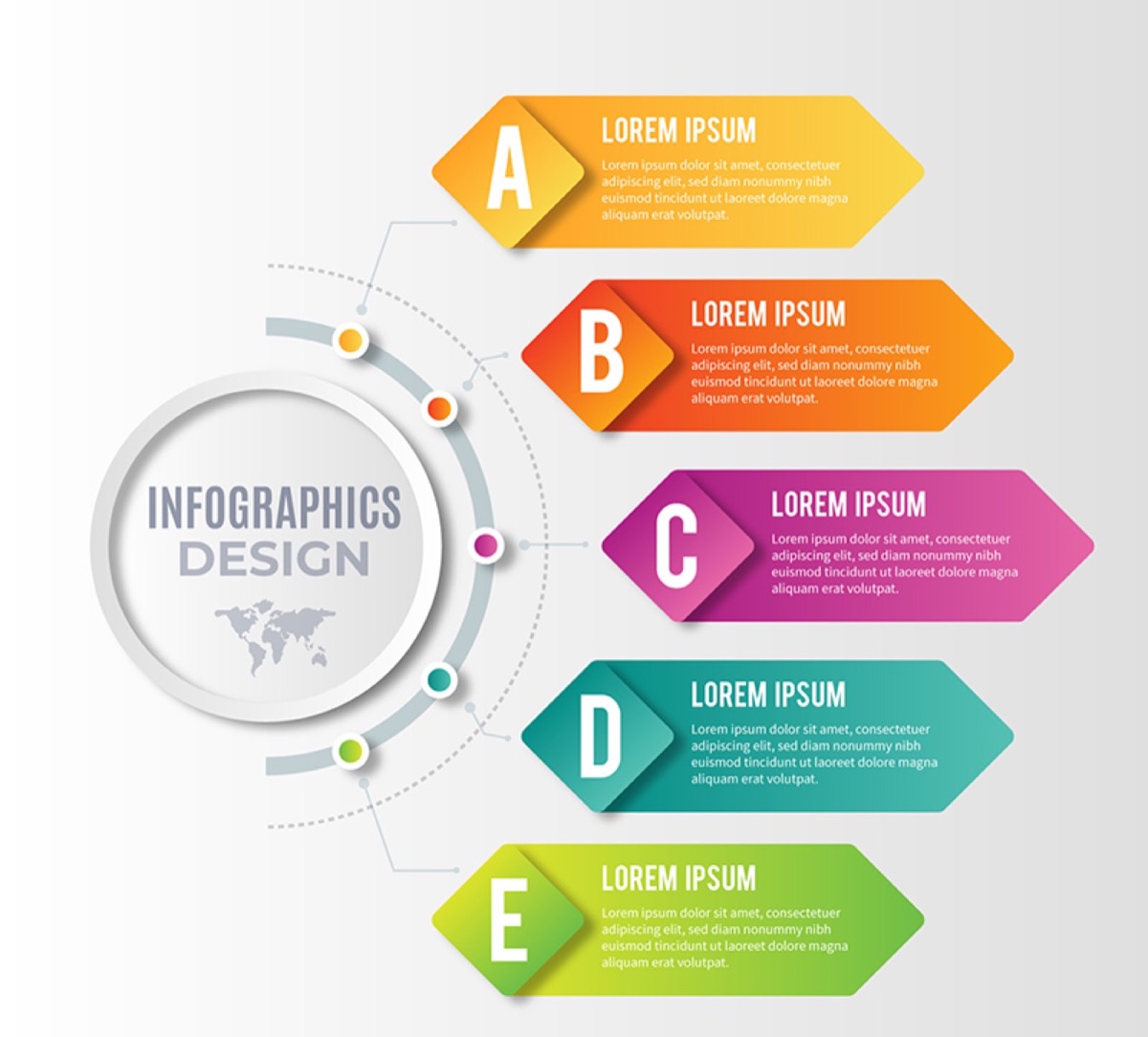
Since Google cannot read the text inside an image, add a short written introduction before the infographic. Keep it to one or two paragraphs — no more than 150 words total. Use your primary keyword and a couple of secondary keywords organically within the text.
Do not keyword-stuff this introduction. Short paragraphs are also easier to scan, so you're simultaneously helping search crawlers and improving the reader experience. Adding one or two internal links to related content here provides an additional SEO boost. For marketers who want to amplify infographic reach beyond search, distributing through the best email marketing platforms is one of the most effective channels for getting visual content in front of a targeted audience.
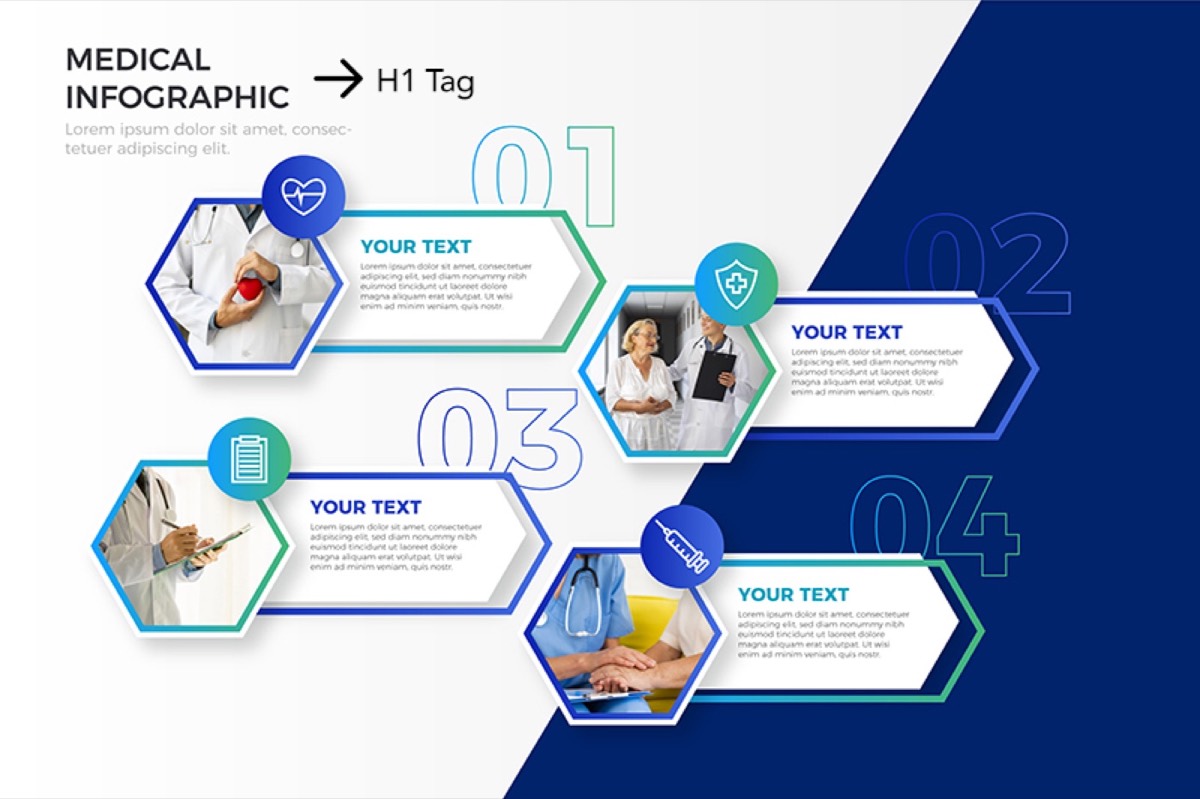
You can also place a heading tag before the introduction paragraph. Use your primary keyword naturally in that heading. While heading tags carry less SEO weight than they once did, they still contribute when used as part of a broader on-page optimization strategy.
Looking for professional designs that apply these strategies? See Digital Polo's plans →
Page Load Speed
Google has factored page loading speed into its ranking algorithm for years, and it remains important. Large infographic files can significantly slow down a page — which hurts both rankings and user experience.
Choose efficient file formats like JPEG or optimized PNG. Compress images before uploading without sacrificing readability of the text within the infographic. Google's PageSpeed Insights tool lets you paste in a URL and receive specific recommendations for improving load times. Test your infographic pages there regularly.

Getting SEO value from infographics is not dramatically different from standard on-page SEO — it simply requires knowing where to apply your keywords since the image itself cannot carry them. Alt text, file names, URLs, meta descriptions, surrounding text, and page speed all work together to help Google understand what your infographic is about and when to surface it.
The brands that consistently rank infographics on Google are not doing anything magical. They are applying fundamentals diligently — the same fundamentals covered in this post. Start with thorough keyword research, name your files correctly, write strong alt text, and wrap each infographic with a short, keyword-rich introduction. Done consistently, this approach delivers lasting organic visibility. Once your infographic is ranking, sharing it on Instagram with a smart hashtag strategy compounds your reach across social channels as well as organic search.
Digital Polo creates professional, SEO-ready infographics and marketing designs for one flat monthly fee with unlimited revisions. Start for $399/mo → | Soulmate at $899/mo →
Frequently Asked Questions About Ranking Infographics on Google
Can Google read the text inside an infographic image? No. Google's algorithm treats infographics as image files (JPEG, PNG, GIF) and cannot extract or index the text within them. That is why you need to optimize the surrounding elements — alt text, file name, URL, meta description, and supporting written content — so Google understands what the infographic is about.
What is the best keyword strategy for infographic SEO? Start with one primary keyword and a handful of secondary keywords. Target long-tail keywords with moderate-to-high search volume and low competition, especially if your domain authority is still growing. Use these keywords in your alt text, file name, URL, meta description, and the introductory paragraphs around your infographic.
How long should the supporting text around an infographic be? Aim for one to two short paragraphs, keeping the total under 150 words. The goal is to give Google enough readable text to understand the topic without making the infographic feel like a secondary element. Include your primary keyword naturally and add one or two internal links for additional SEO value.
Does the file format of an infographic affect SEO? File format primarily affects page load speed, which is an indirect ranking factor. JPEG is generally best for photographic infographics, while PNG works well for those with flat colors and text. Use image compression tools to reduce file size before uploading, and always test page speed with Google PageSpeed Insights.
How do I write effective alt text for an infographic? Keep it concise and descriptive — typically one sentence. Include your primary keyword naturally within a genuine description of what the infographic shows. Avoid making the alt text identical to your file name, as that can appear manipulative to search engines. Good alt text should make sense to a user who cannot see the image.