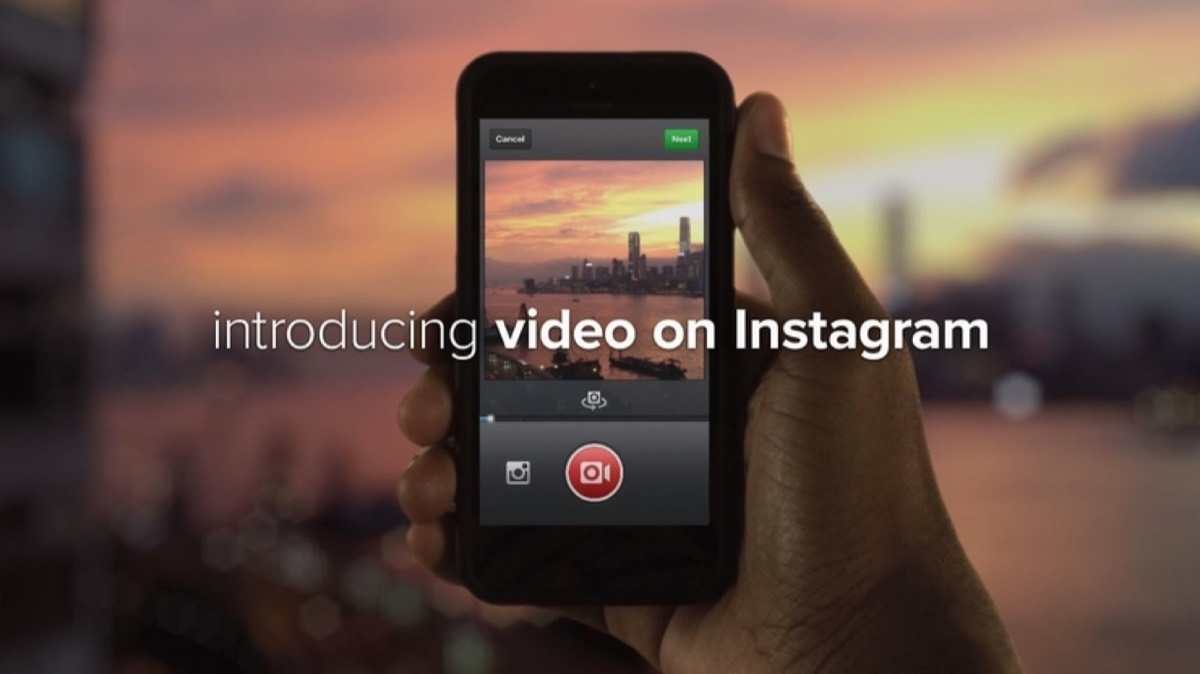
Instagram video has evolved from a novelty into a core part of how brands communicate on the platform. Since Instagram became part of Facebook, its video features have improved dramatically — and audiences have responded. Short, visually compelling videos are now uploaded and viewed by the millions every day.
Major brands including Forbes, National Geographic, Twitter, and Mercedes-Benz have made video a central pillar of their Instagram presence. Even though photos still outnumber videos on the platform, the volume of brand video content is growing fast — and the engagement data explains why. Before diving into video, make sure the foundational elements of your Instagram profile are in order — optimizing your Instagram presence for business ensures that the audience your videos attract has a compelling profile to land on.
Why Video Works on Instagram
The reason videos are surging in popularity is simple: audiences have outgrown static images as their primary source of inspiration and information on social media. Video is the natural next step.
A photograph of a sky full of lanterns is beautiful. A video of a thousand lanterns lifting from the ground into the night sky is unforgettable. Video amplifies the subject in ways that a still image cannot, and it is far more likely to go viral as a result.
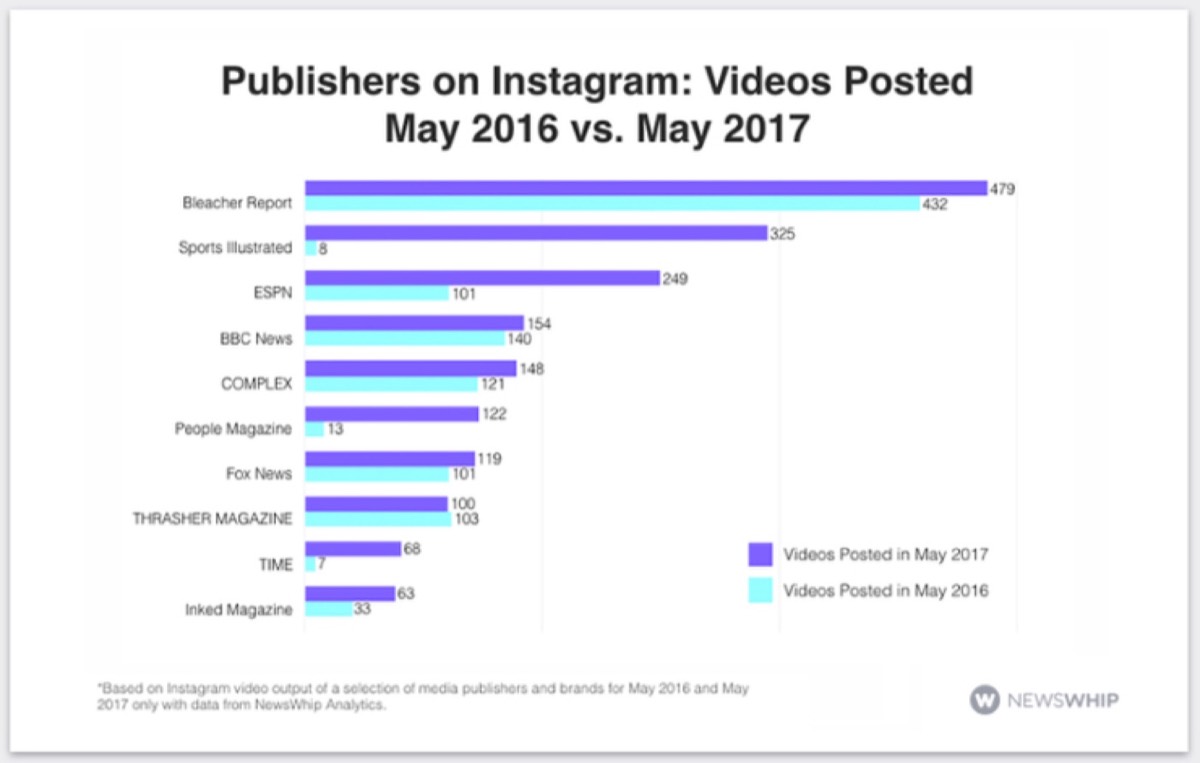
A statistical analysis by NewsWhip comparing May 2016 and May 2017 showed a clear upward trend in the number of brand videos posted on Instagram. The trajectory has only continued since then.
How We Created a Small GIF for Instagram
After researching how successful accounts were using video to grow their audience, we decided to test it ourselves. Here is the step-by-step process we followed for our first attempt — a simple video slideshow.
Step 1: Create a custom design sized 1080px x 1080px and save it.

Step 2: Duplicate the file, change the background colour, and save again. Repeat this process 7–8 times with different colours and shades.
Step 3: You now have 8–9 images with the same design but different background colours.

Step 4: Use an online tool to compile the images into a slideshow animation and export as MP4.
Important note: GIF format is not supported on Instagram. If you upload a GIF, the animation is lost and the file appears as a static image. Always save or convert your video to MP4 format before uploading. An online converter like ezgif.com/gif-to-mp4 makes this quick and free.
Results
The final video displayed the design with the background colour changing every half second. The result was visually dynamic — simple to produce but effective on the feed.
Looking for professional designs that apply these strategies? See Digital Polo's plans →
Instagram Video Sizes
Instagram's dimension requirements can be confusing. Here is a clear reference guide for the formats you will use most often.
Landscape videos: Display at 600x336.5 pixels, or 1200x673 on full retina displays.
Vertical videos: Display at 481x599 pixels. Because pixels cannot be divided, most designers round this to 600 pixels wide.
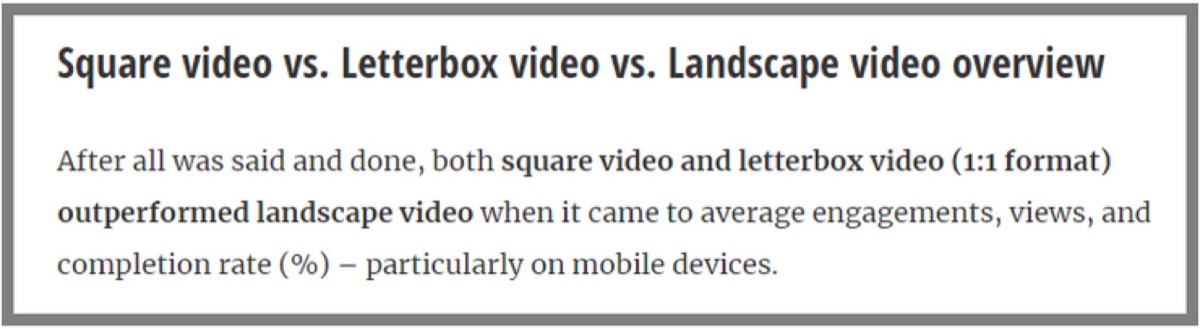
Square videos: Display at 600x600 pixels. The recommended upload size is 1080x1080 pixels for best quality. Square format consistently shows higher success rates than vertical or landscape — a conclusion supported by Buffer's research.
Instagram Video Technical Formats
When preparing your video files for Instagram, use these technical specifications:
- Video codec: H.264 or VP8
- Audio codec: AAC or Vorbis
- Video format: MP4
- Audio format: Stereo AAC at 128 Kbps or higher
- Video length: 3 seconds to 60 seconds
- Frame rate: 29.96 frames per second
- Bitrate: 3,500 Kbps
How to Upload a Video from Your Library
- Tap the add icon (+) at the centre bottom of your home screen.
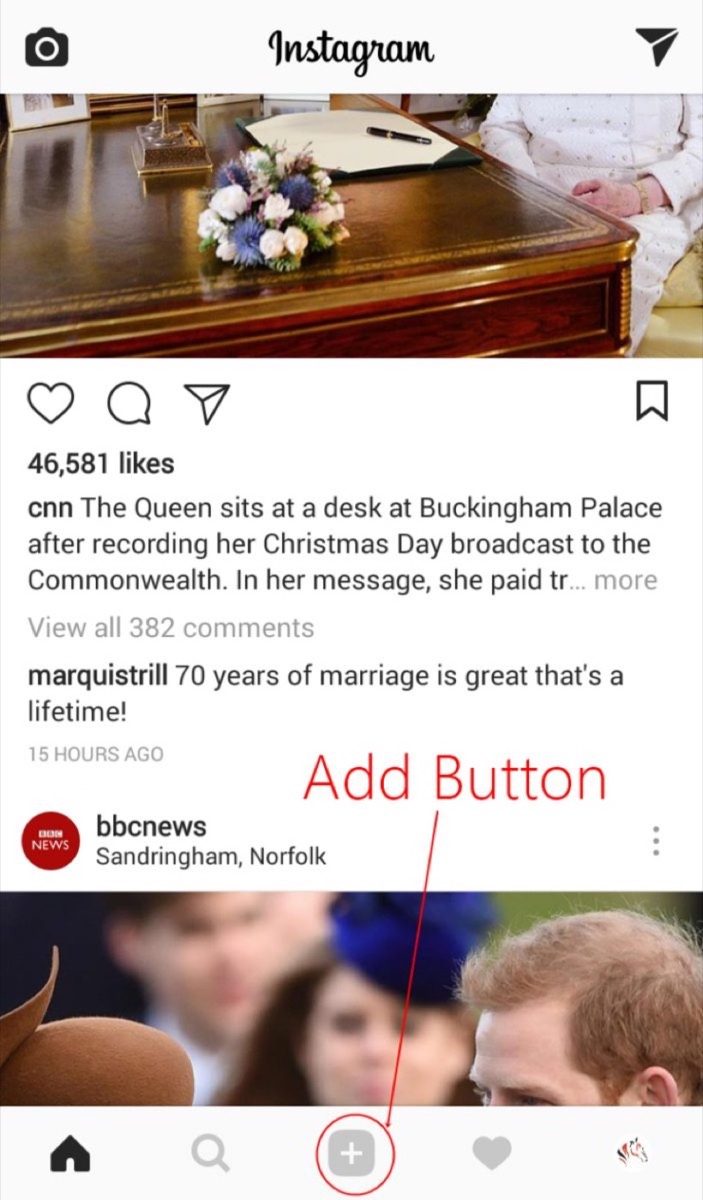
- Select the video from your library. The video must be 60 seconds or shorter.
- Add filters and make any edits you want.
- Add a caption and relevant hashtags.
- Tap "Share" to publish.
How to Record a Video Directly in Instagram
- Tap the add icon (+) at the centre bottom of your home screen.
- Tap the "Video" option at the bottom right of the screen.

- Press and hold the circular record button. Toggle between front and rear cameras as needed.
- Recording stops automatically after 60 seconds.
- Add filters and other decorative elements.
- Tap "Share" to publish.
Video is one of the highest-leverage formats on Instagram, and the barrier to entry is lower than most brands expect. A simple animated slideshow, a behind-the-scenes product clip, or a short how-to video can outperform a polished static image with a fraction of the production effort.
The key is consistency. Brands that post video regularly — even simple, well-branded content — build audiences faster than those that treat video as an occasional experiment. Start with the square format for maximum engagement, keep your clips tightly edited, and let the quality of your visuals do the work. Pairing video content with a smart hashtag strategy dramatically expands how many people your videos reach beyond your existing followers.
Digital Polo creates branded Instagram video graphics, animated posts, and social media visuals for one flat monthly fee with unlimited revisions. Start for $399/mo → | Soulmate at $899/mo →
Frequently Asked Questions About Instagram Videos for Business
What is the best video format for Instagram? MP4 is the standard and most reliable format for Instagram. Use H.264 video codec and AAC audio codec. GIF files are not supported — they upload as static images, losing the animation entirely.
What video dimensions should I use for Instagram? For maximum engagement, upload square videos at 1080x1080 pixels. Square format consistently outperforms landscape video in terms of engagement and screen real estate on the feed. For Stories and Reels, use 1080x1920 pixels (9:16 aspect ratio).
How long can an Instagram video be? Feed videos can be between 3 and 60 seconds. Instagram Stories videos are 15 seconds per clip. Reels can run up to 90 seconds. For longer content, IGTV supports videos up to 60 minutes for larger accounts.
Do Instagram videos perform better than photos? Videos generally drive higher engagement than static images, particularly for showcasing products, tutorials, and behind-the-scenes content. However, carousel posts also perform exceptionally well. A smart content strategy includes a mix of both formats rather than relying exclusively on either.
Can I upload a GIF to Instagram? No — Instagram does not support the GIF format natively. If you upload a GIF, it will appear as a static image. Convert your GIF to MP4 using a free online converter before uploading to preserve the animation.