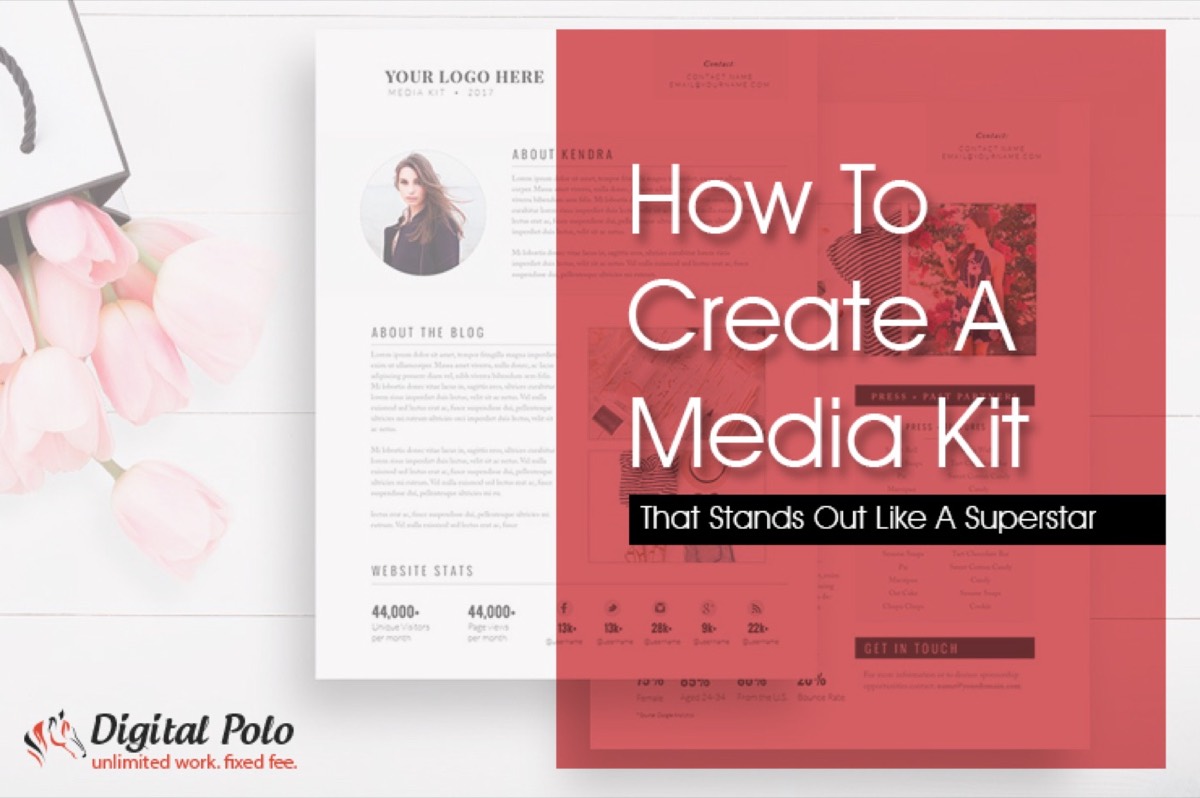
If you spend a meaningful portion of your marketing budget on brand visibility, chances are you have thought about putting together a media kit. Whether you are a startup, a growing SMB, or an established brand, a professional media kit is not optional — it is one of the most efficient tools for getting press coverage, attracting advertisers, and building credibility.
Think of any marketing-savvy company whose newsletters land in your inbox regularly. They all have a press kit ready to go. Here is exactly how to build one that earns attention. The same attention to design and clarity that makes a media kit effective also applies to creating a high-converting sales sheet — both are tools that represent your brand to people who haven't met you yet.
What is a Media Kit?
A media kit — also called a press kit — is a comprehensive document containing all the key information about your business that you want journalists, investors, advertisers, and partners to have in one place.
Think of it as an extended business card: an expression of your brand identity through logos, images, products, achievements, and data. It gives reporters everything they need to cover your story without having to chase down details. It gives advertisers confidence in your audience and reach. And it gives investors a clear picture of who you are and where you are headed.
Bloggers use media kits as source material for articles and podcasts. Potential partners use them to assess brand alignment. The more professional and organized your media kit, the more likely it is to open the right doors.
Benefits of a Media Kit
There are four clear reasons to invest in a strong media kit.
1. It signals professionalism. A well-designed media kit communicates that your brand means business. One look at a company's press page tells you immediately whether they take themselves seriously.
2. It gives your brand visibility in a crowded market. A media kit makes it easy for the press to find, use, and share information about your brand — and that amplifies your presence without requiring ongoing effort from your team.

3. It establishes brand identity. A great media kit communicates your brand's purpose, personality, and positioning in a way that is instantly clear — even to someone encountering your company for the first time.

4. It saves time. Rather than sending journalists and partners to sift through scattered pages on your website, a media kit puts everything under one roof. That convenience increases the likelihood that people will actually use your materials.
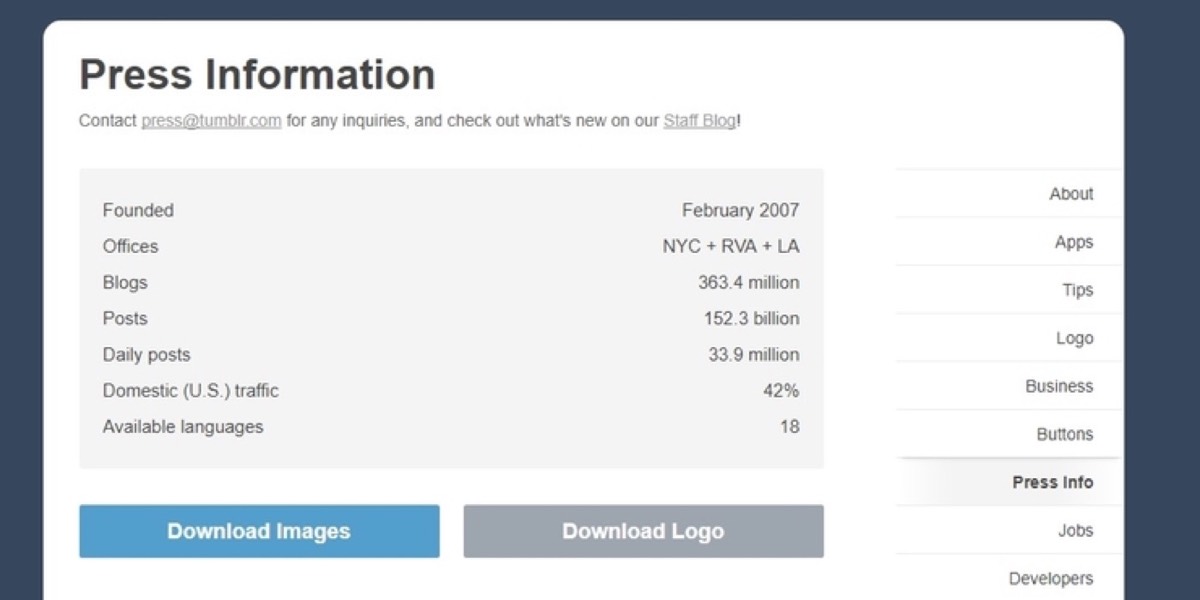
A superstar media kit comes down to two things: content and design. Get both right and you have something that works for your brand around the clock.
Content — What to Include in Your Media Kit
What belongs in your press kit depends on your business size, industry, and objectives. Below is a comprehensive checklist. Include the sections that are relevant to you — do not try to cram in everything.
1. Headline: Start with a killer headline that captures your brand in one line. This is the first thing a journalist sees and it sets the tone for everything that follows.
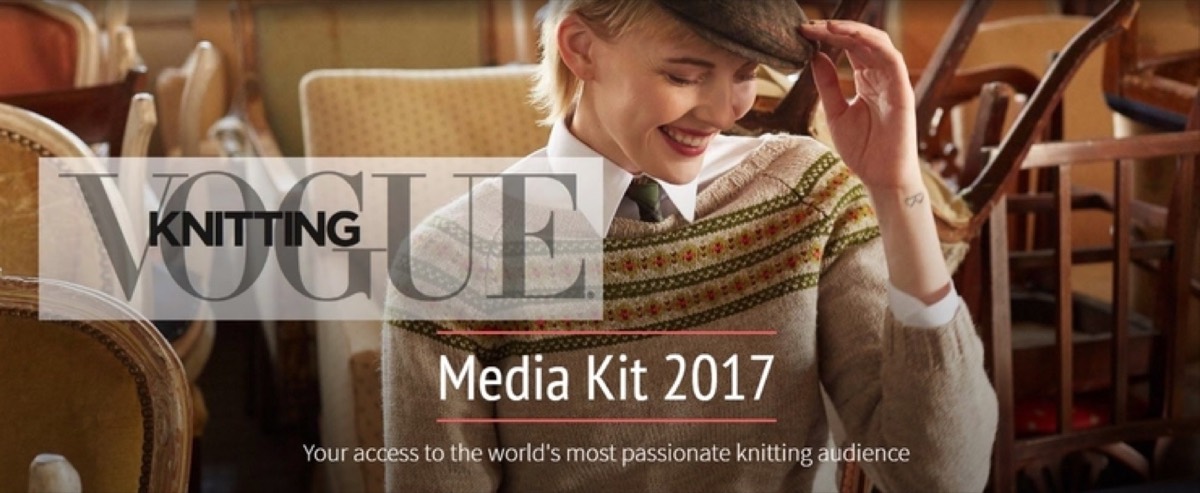
2. Company Profile: Tell your story clearly and engagingly. Write it so that even someone unfamiliar with your industry understands who you are, what you do, and why it matters.
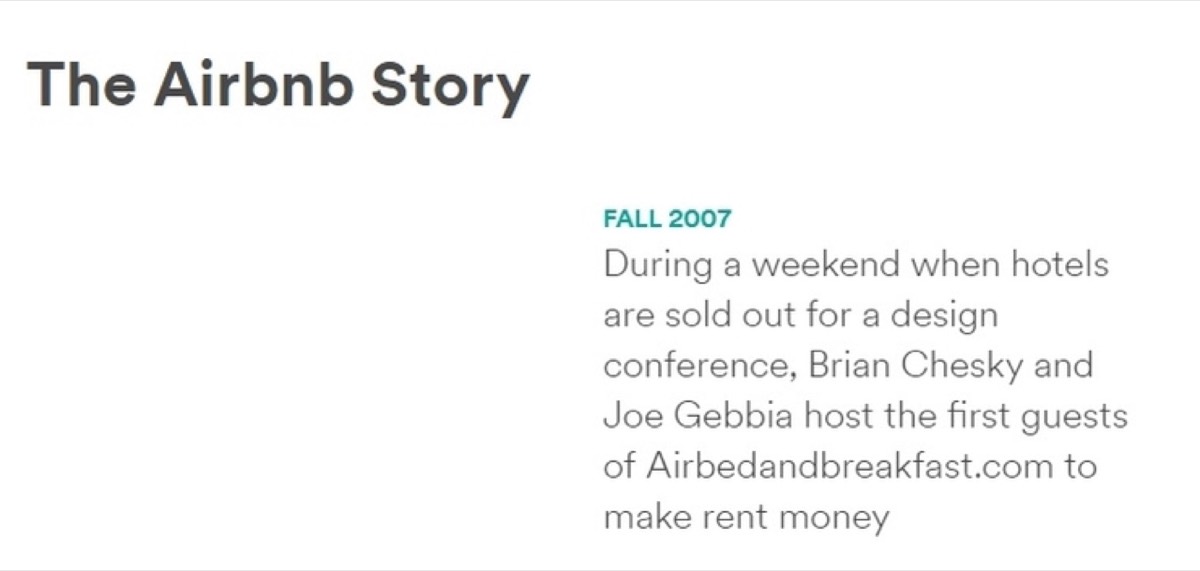
3. Team: Bios of your key team members add a human dimension to your brand. Readers feel more connected to companies when they can put names and faces to the work.
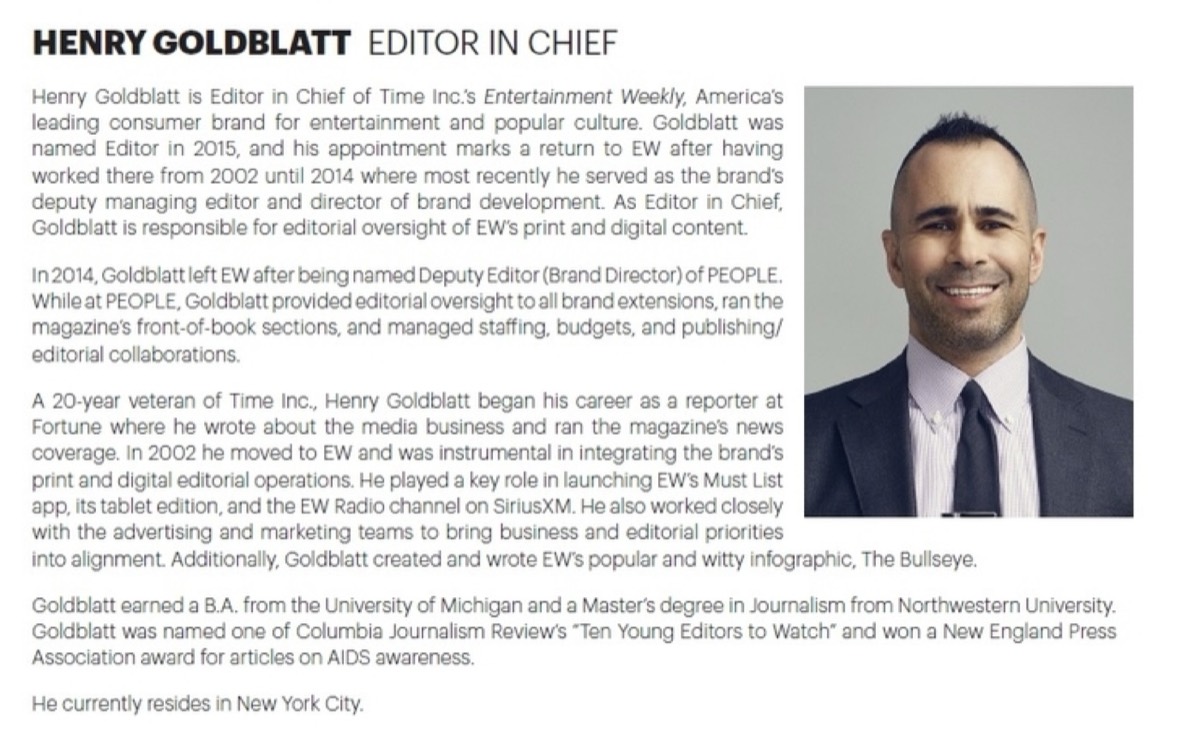
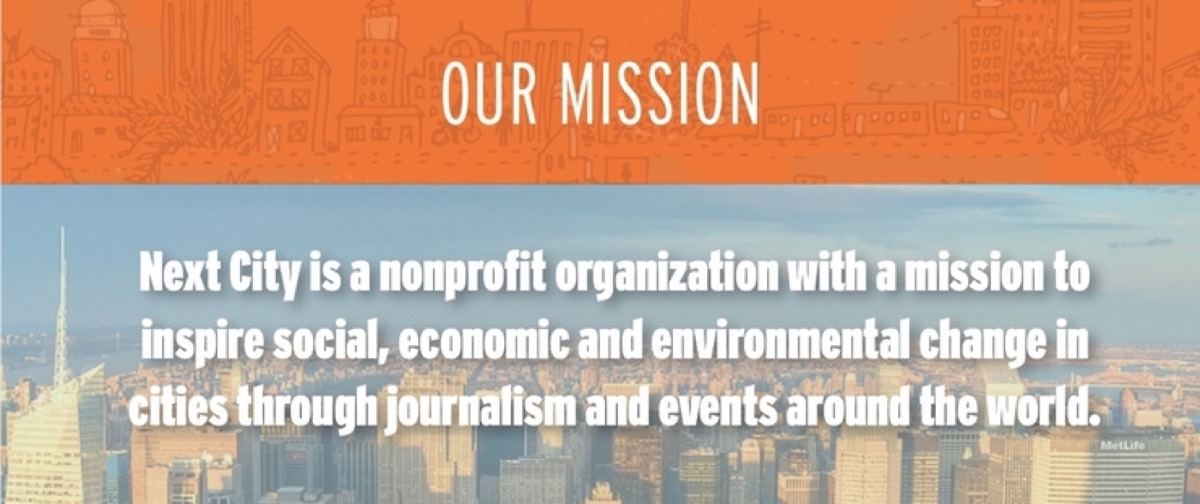
4. Mission: A clear mission statement explains why your company exists and what it stands for. This is often a deciding factor for journalists looking for a compelling angle.
5. Product and Service Demonstration: Use your media kit to showcase what you actually offer. Visuals, screenshots, or mockups work best here — show, do not just tell.

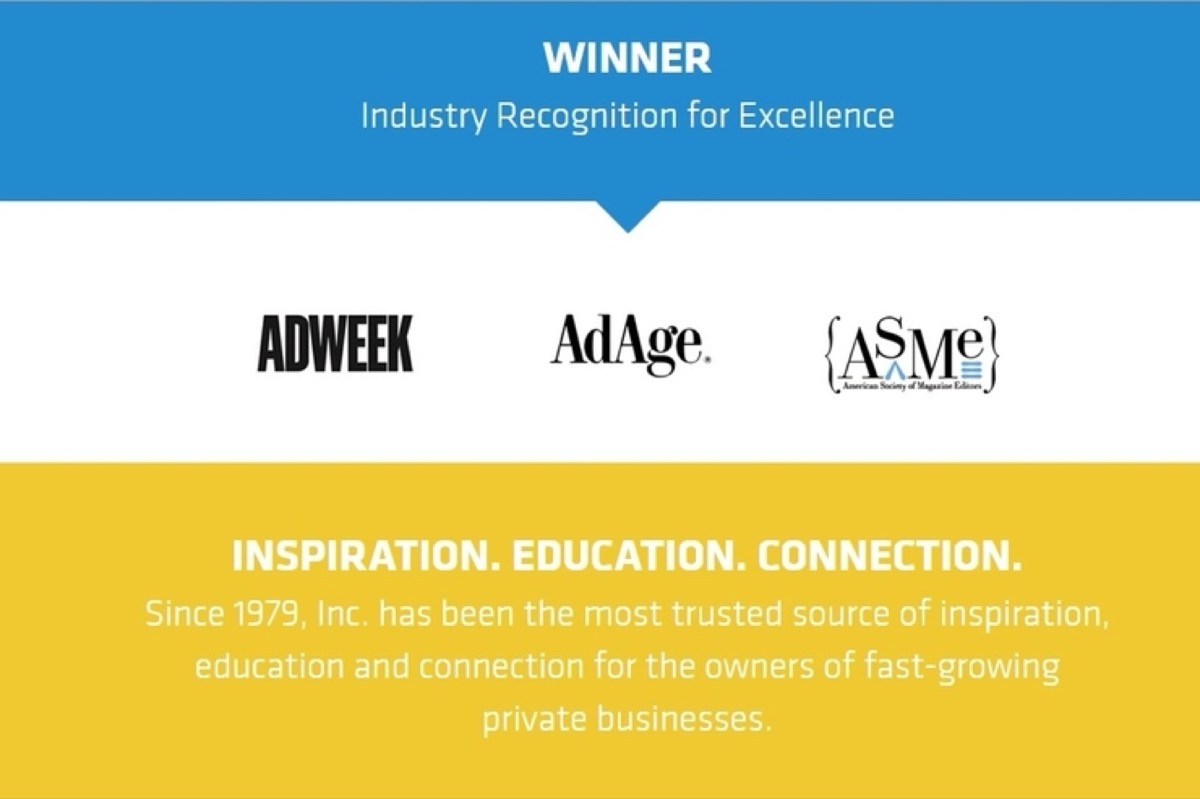
6. Media Coverage: Past press coverage is social proof. Including it in your media kit signals credibility and makes journalists more comfortable covering you.
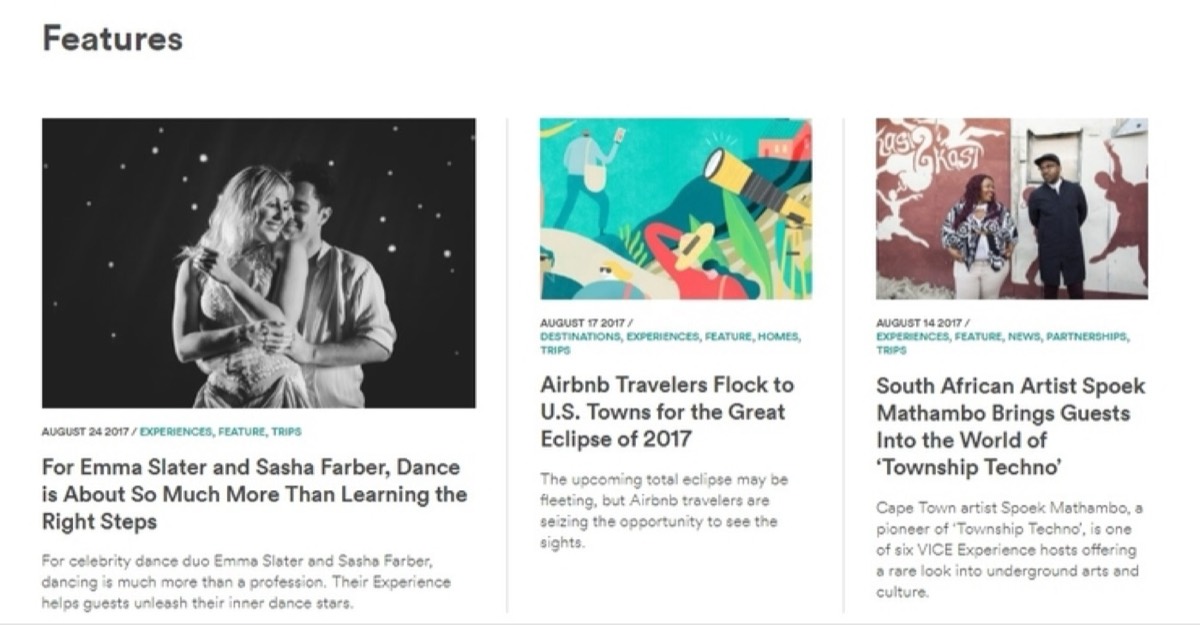
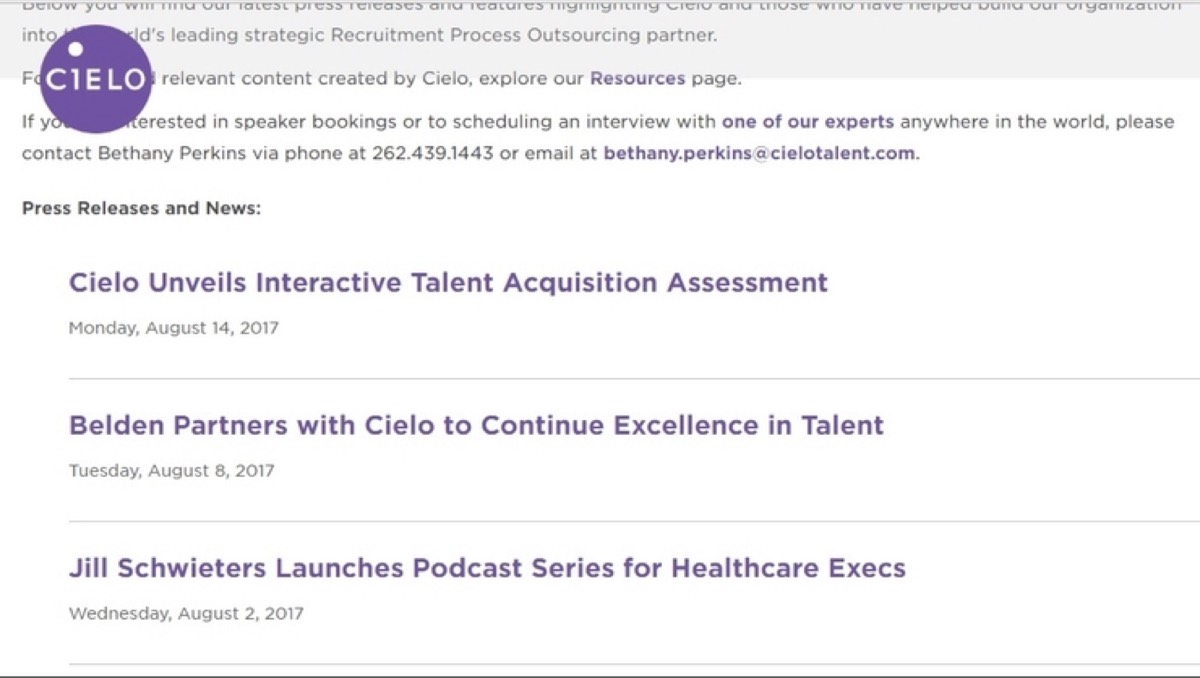
7. Press Releases: A list of recent press releases in your media kit often triggers additional media interest and makes it easy for journalists to catch up on your history quickly.
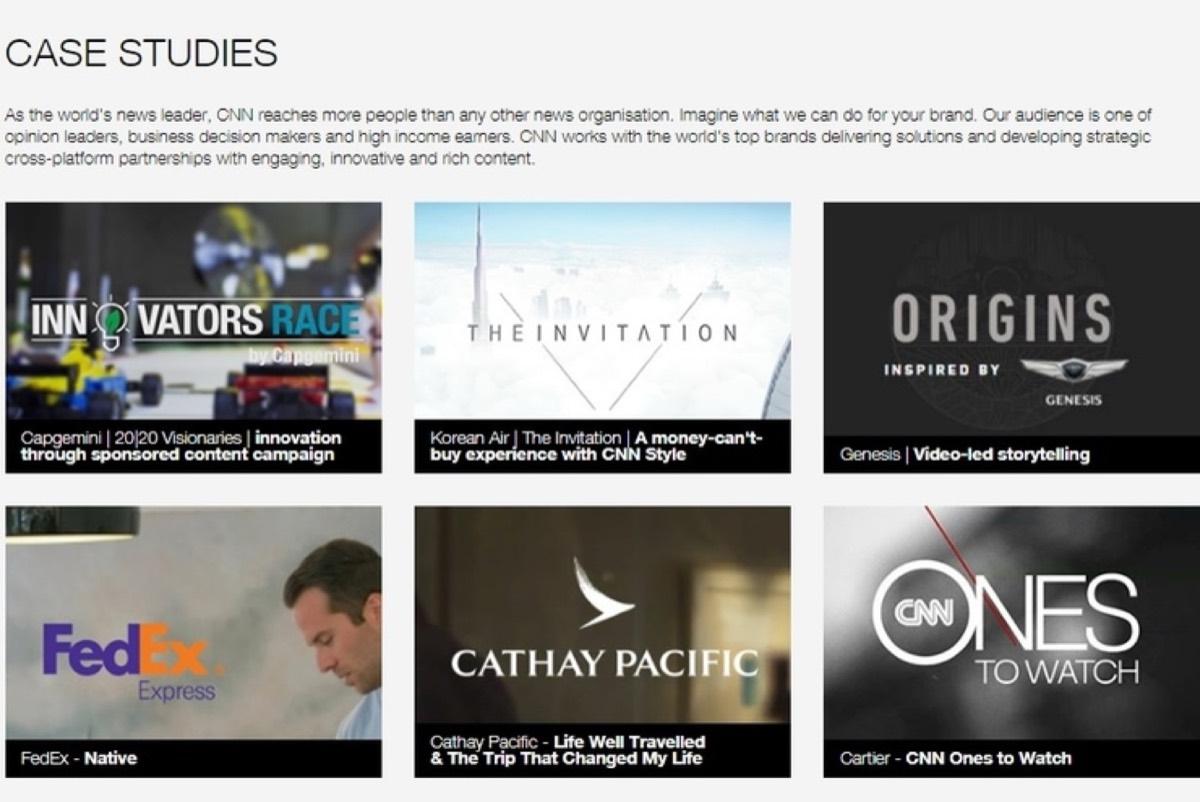
8. Case Studies: Case studies demonstrate real-world results and make compelling source material for feature stories. They prove your value better than any claim you could make.
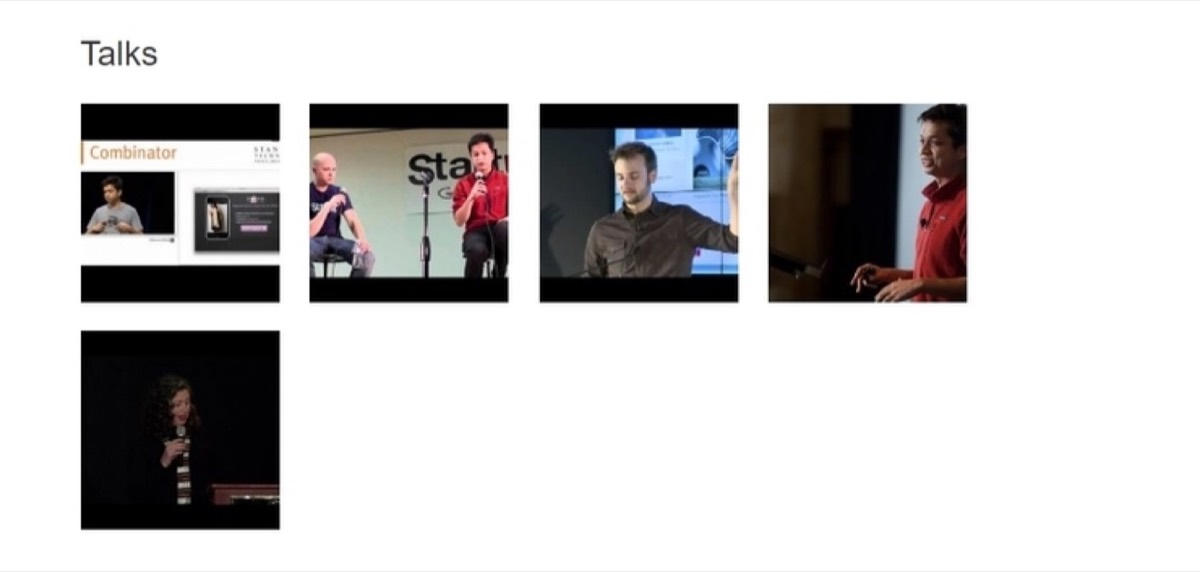
9. Photos and Videos: High-resolution images of your products, team, and offices are essential. Video interviews or talks add another layer of depth and make your media kit genuinely multimedia.
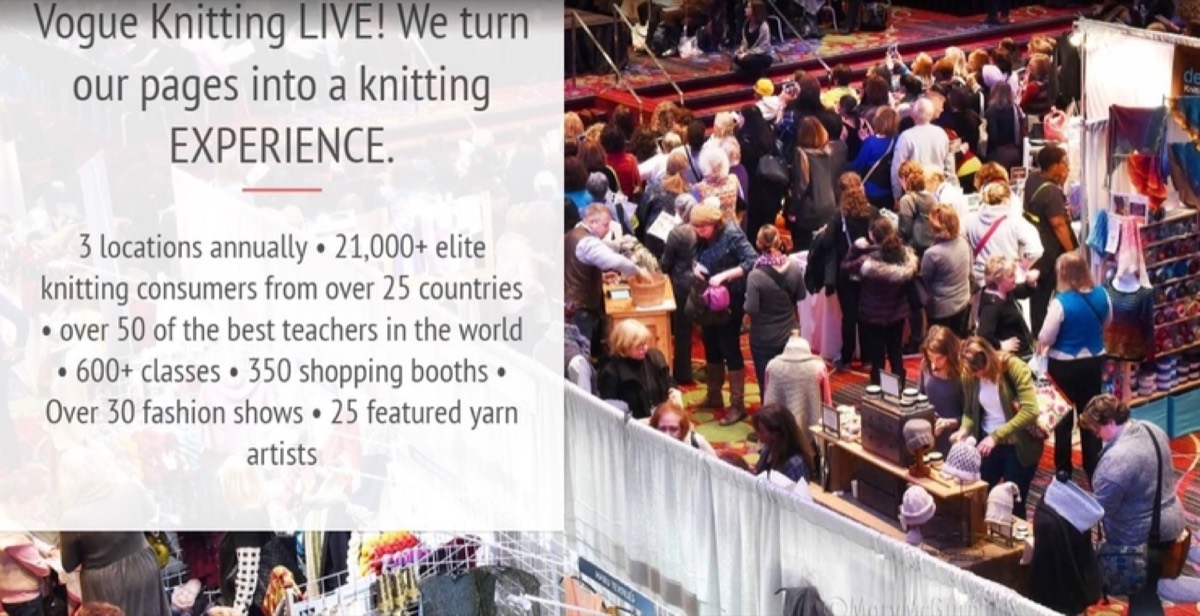
10. Events: If your business hosts or participates in live events, your media kit is the right place to promote them. This drives attendance and gives the press a reason to cover you in person.
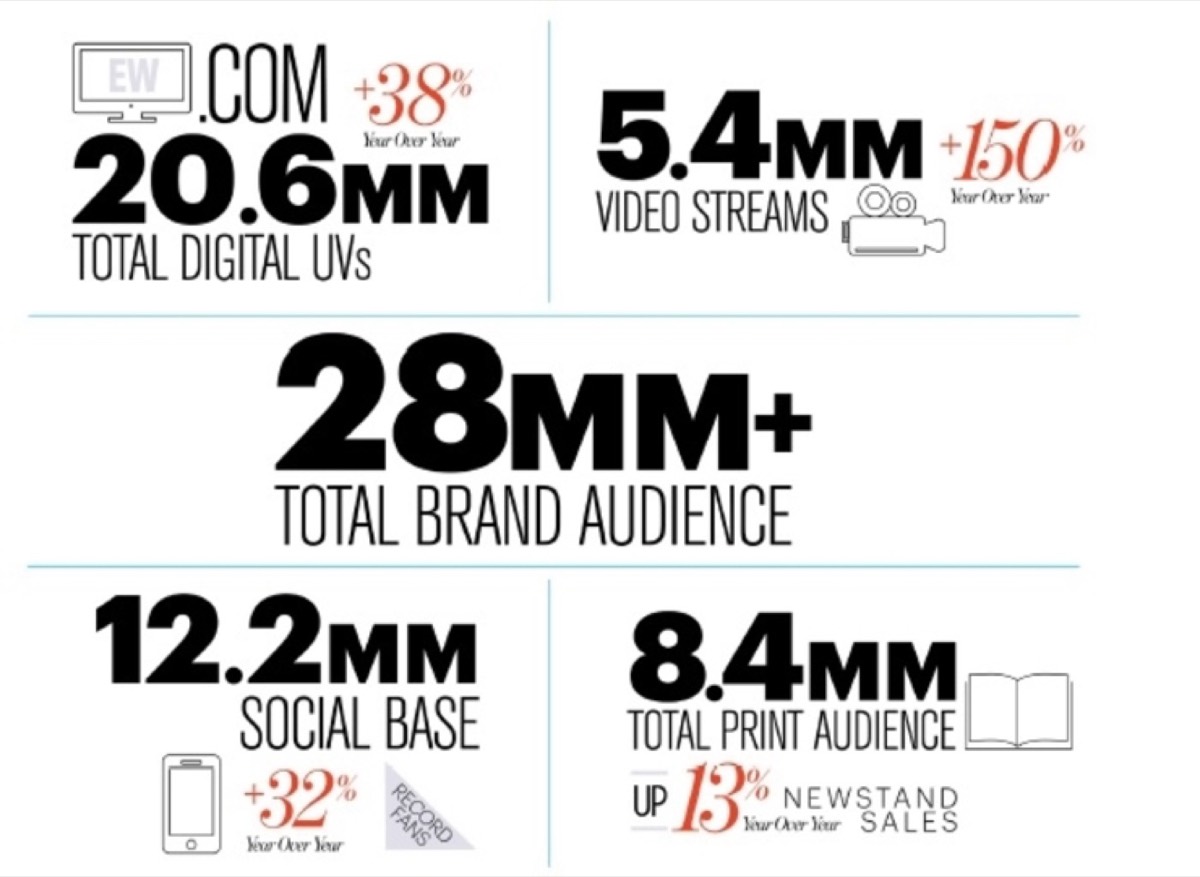
11. Demographic Information: Audience data — readership, user demographics, traffic statistics — helps advertisers decide whether your platform is the right fit for their campaign. Present it prominently and make it easy to read.
12. Logos and Images: Making your logos available in multiple downloadable formats is a small touch that publications genuinely appreciate — it removes a friction point between a journalist's interest and an actual published piece.
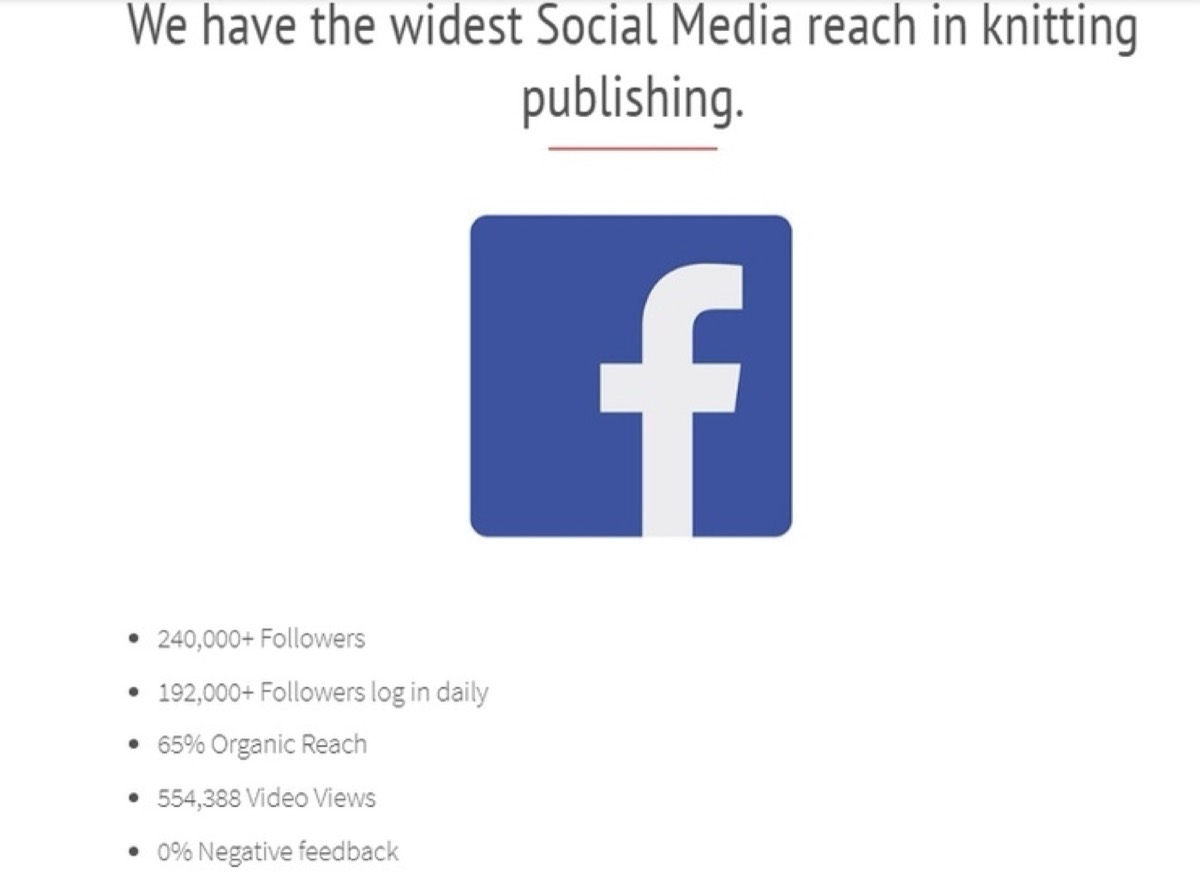
13. Social Media: Your follower counts and engagement metrics signal brand authority. These numbers matter to influencers and advertisers evaluating whether to partner with you.
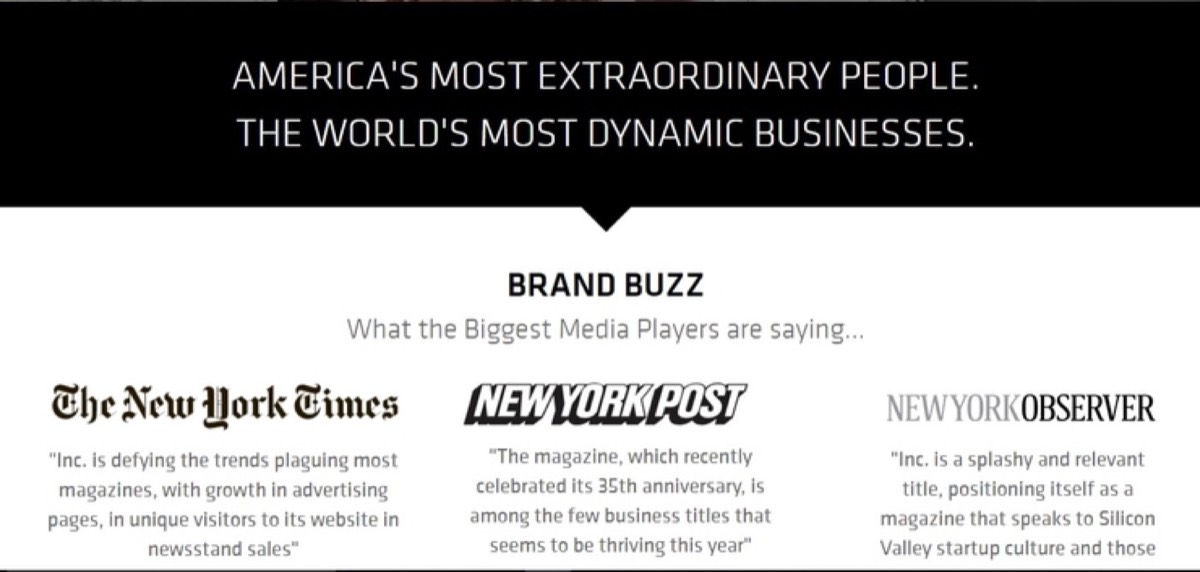
14. Testimonials: Third-party endorsements build trust faster than anything you can say about yourself. Include testimonials from credible clients or recognizable brands.
15. Contact: Make it effortless for press contacts to reach the right person. Include a designated PR or media contact with a name, email address, and phone number.

16. Packages: If you offer advertising packages or sponsorship tiers, include them. Prospective advertisers will appreciate being able to evaluate options without a back-and-forth email chain.
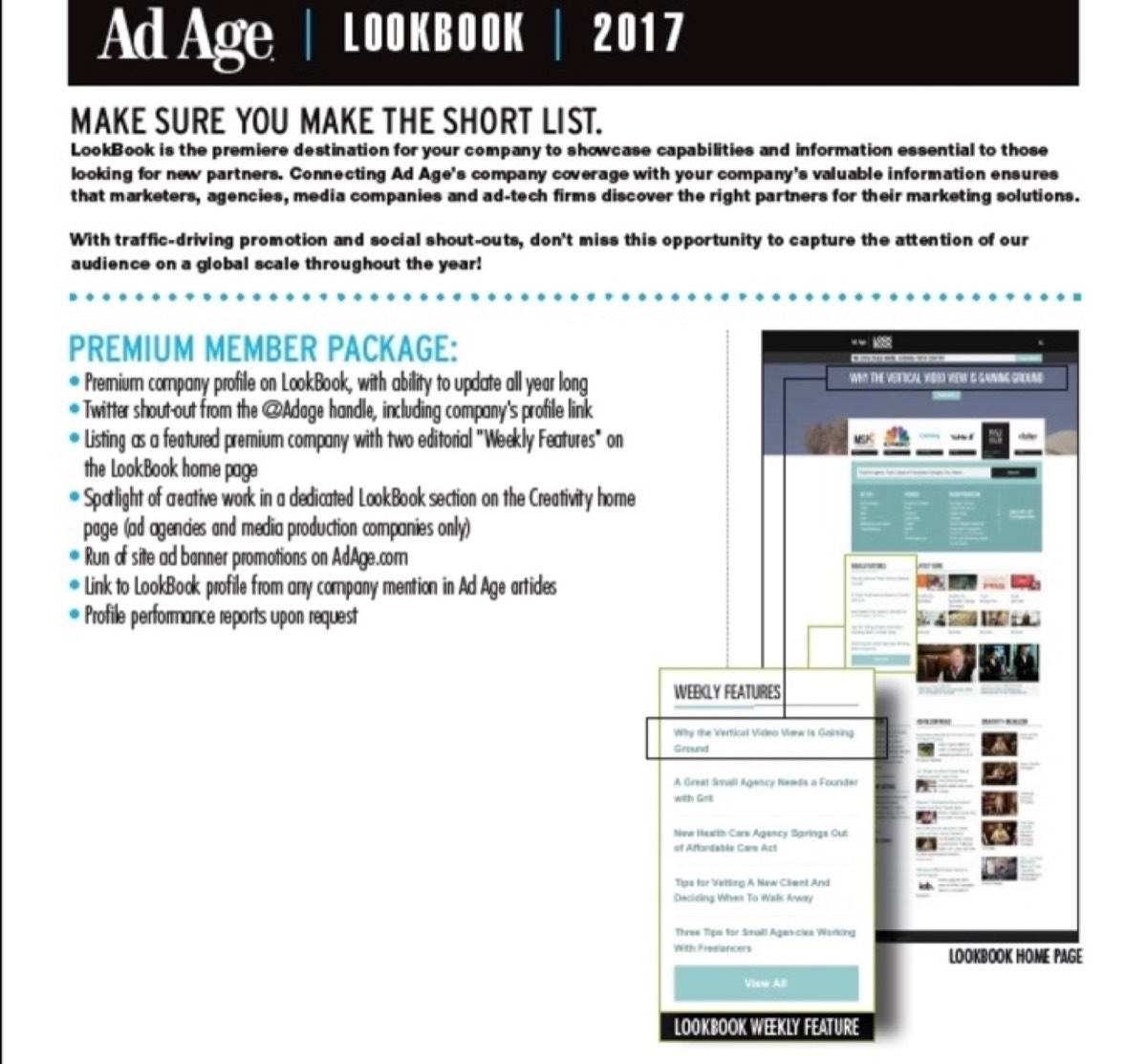
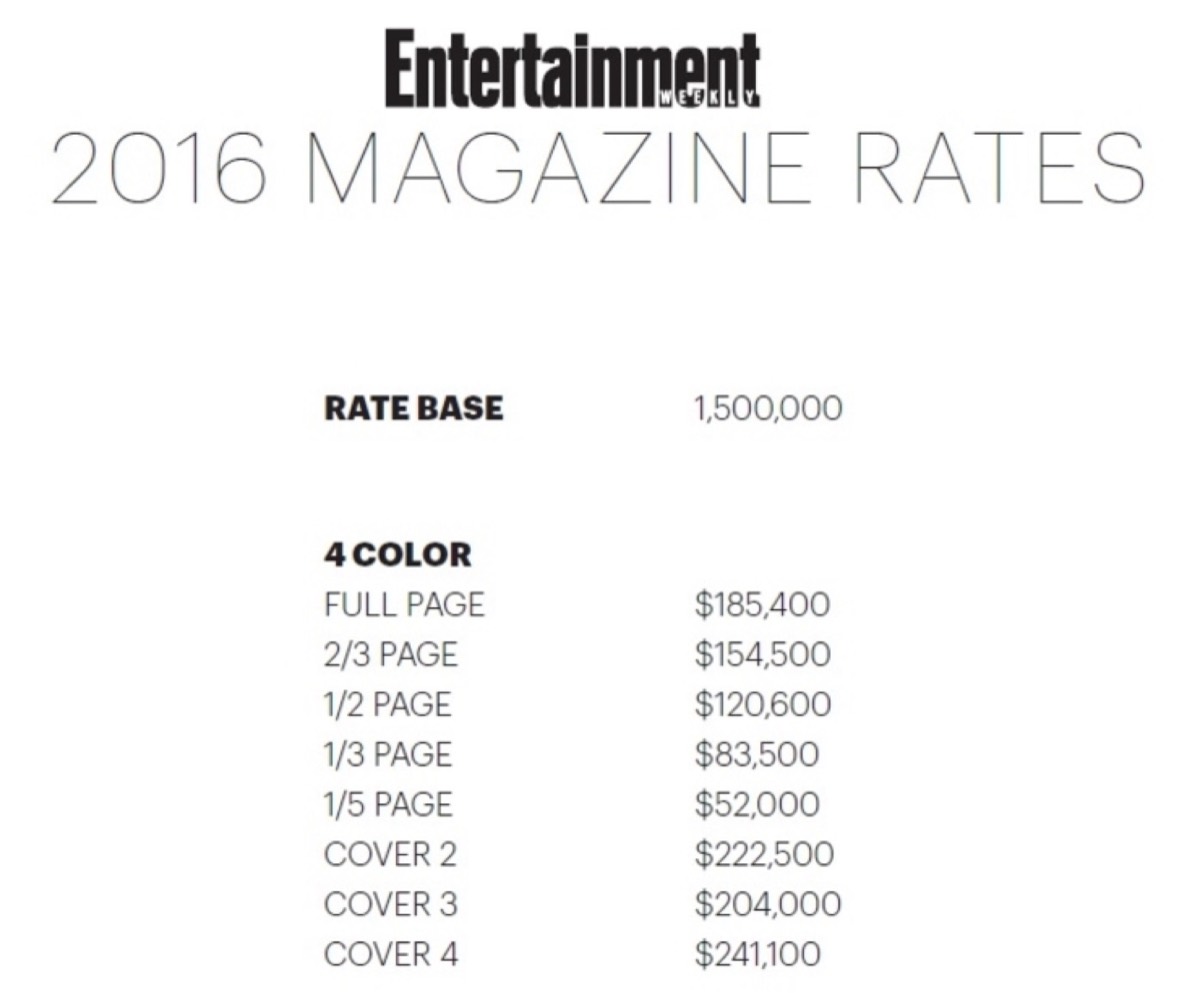
17. Advertising Rates: Publishing your rates directly in the media kit speeds up the decision-making process for advertisers and projects confidence.
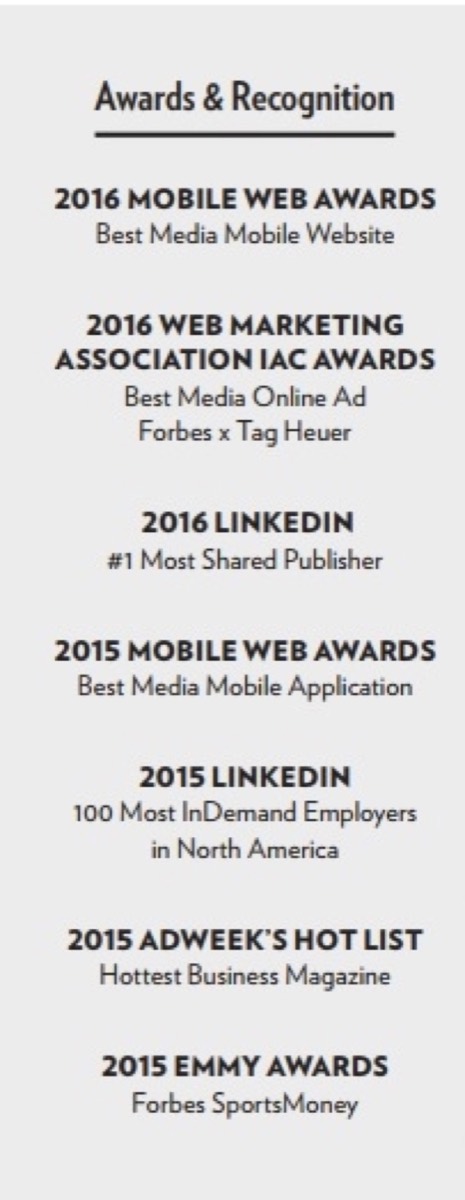
18. Awards: Awards and recognitions are proof points that your brand has earned external validation. They reduce risk in the minds of advertisers and partners.
Looking for professional designs that apply these strategies? See Digital Polo's plans →
Design — How to Make Your Press Kit Stand Out
Content is what you say. Design is how you make people want to read it. A strong media kit design turns dry information into something compelling.
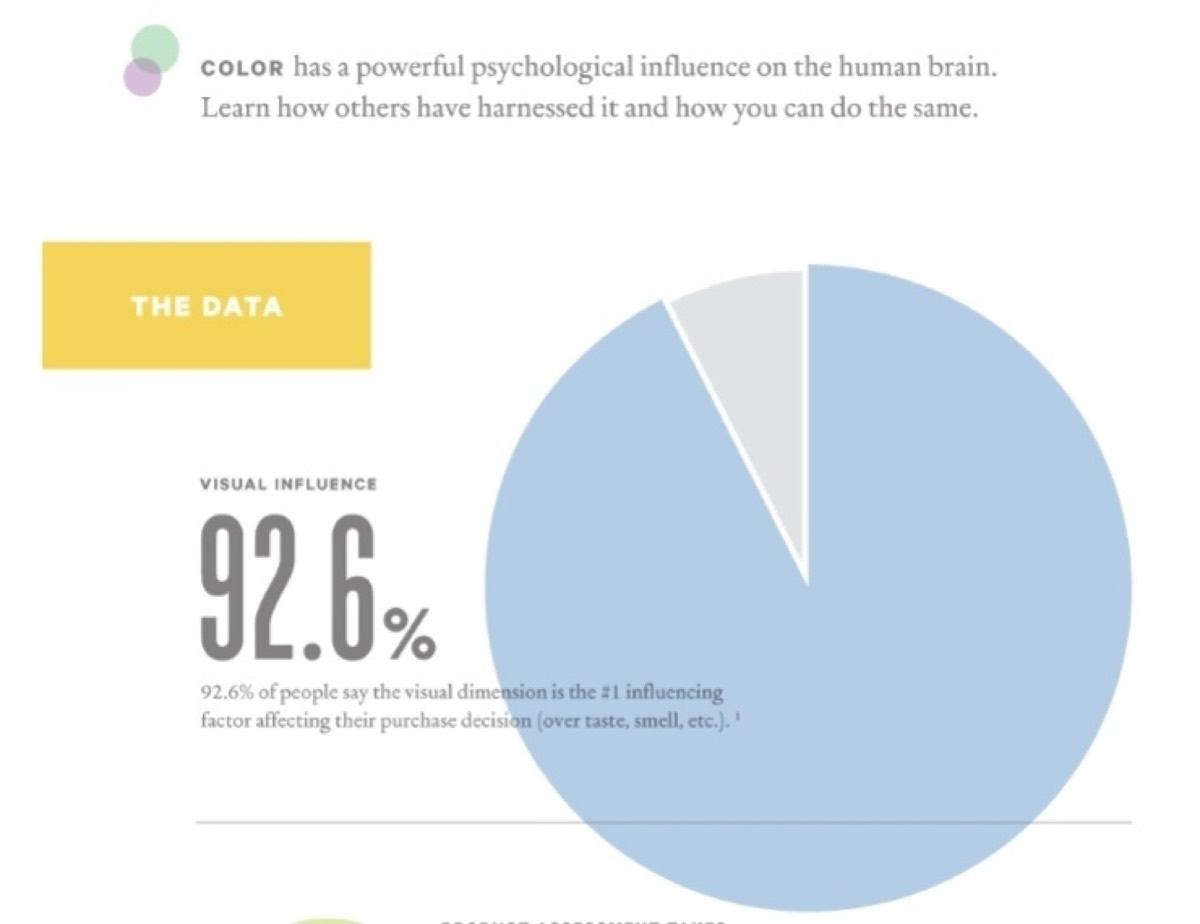
1. Make it colourful: Colour is one of the most powerful tools in your design arsenal. The right palette signals your brand personality instantly and keeps readers engaged through the document.
2. Use images generously: Visual content performs significantly better than text-heavy layouts. Use high-quality photographs of your products, offices, and team to give readers a concrete sense of what your brand looks and feels like.
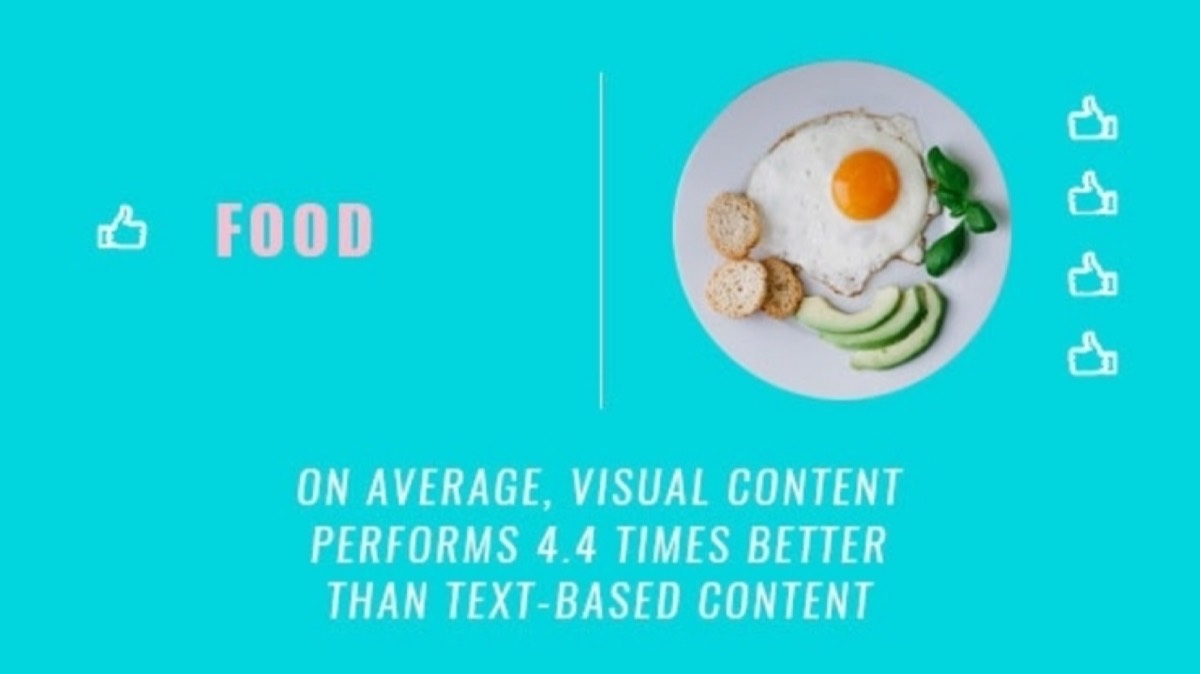
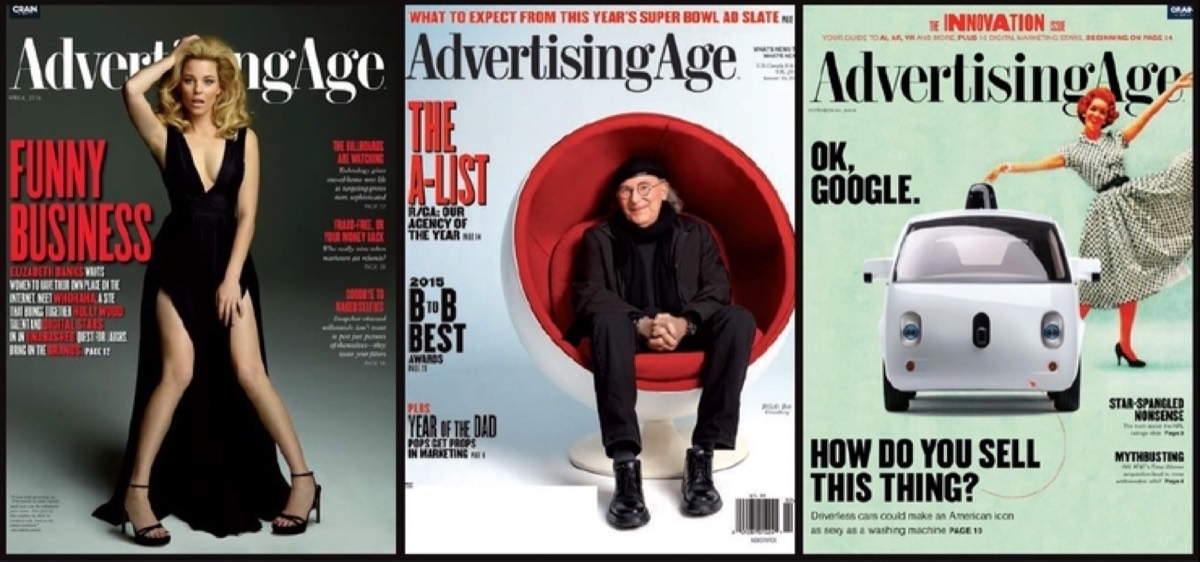
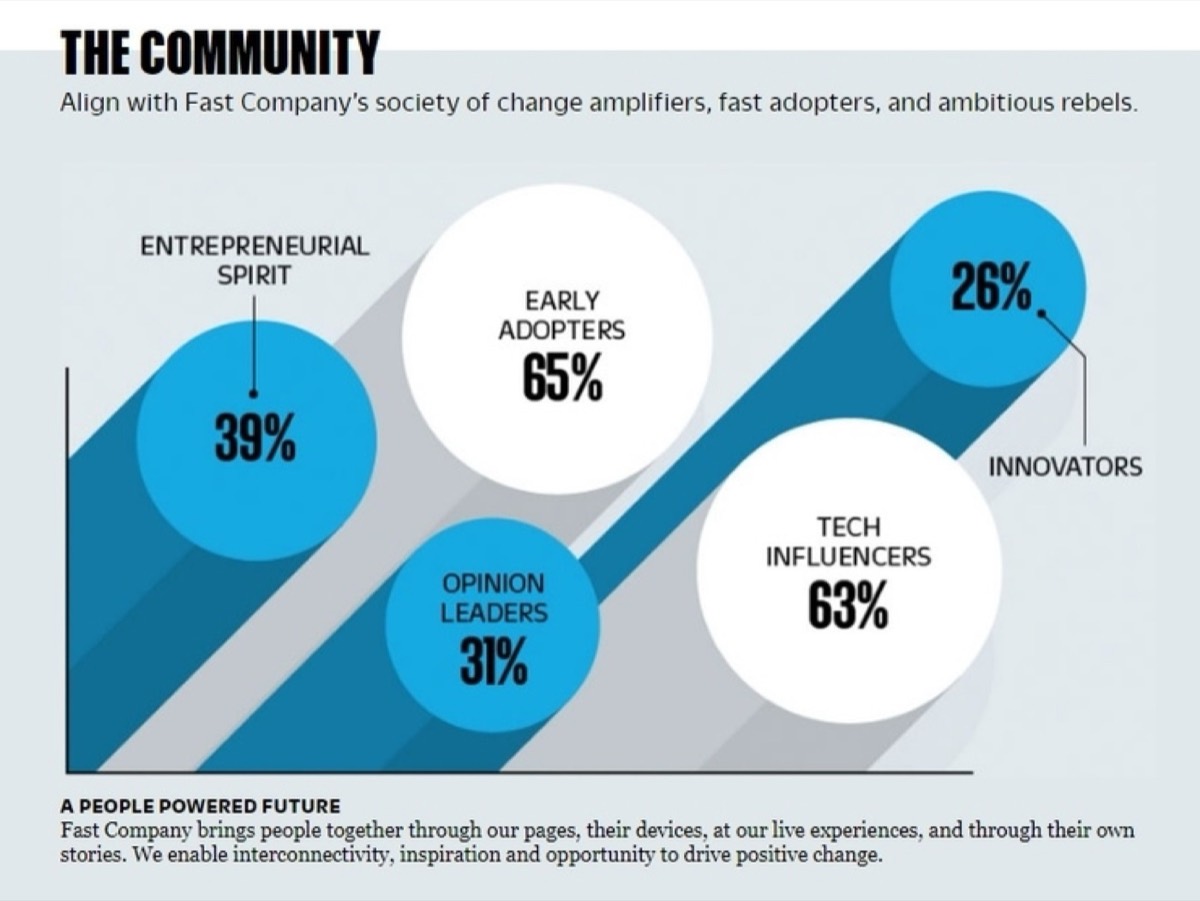
3. Present statistics in an interesting way: Numbers by themselves are forgettable. Presented as infographics, bold pull-quotes, or data visualizations, the same statistics become memorable and shareable.
4. Demonstrate your product innovatively: Use your media kit as a live demonstration of what your product can do. A well-executed product showcase in a press kit is worth more than a page of feature descriptions.
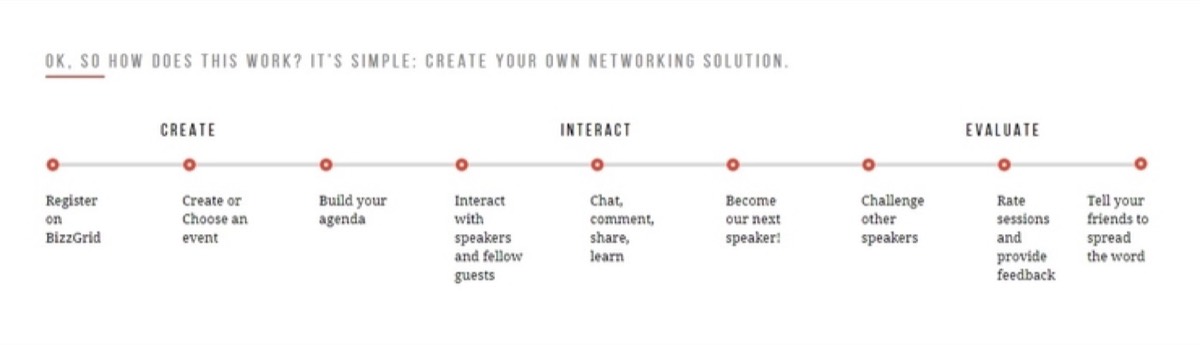
5. Use a clean design: Minimalism wins in media kits. A clean, uncluttered layout helps readers focus on the information that matters without feeling overwhelmed. Staying current with graphic design trends worth embracing helps ensure the visual language of your media kit feels contemporary rather than dated.
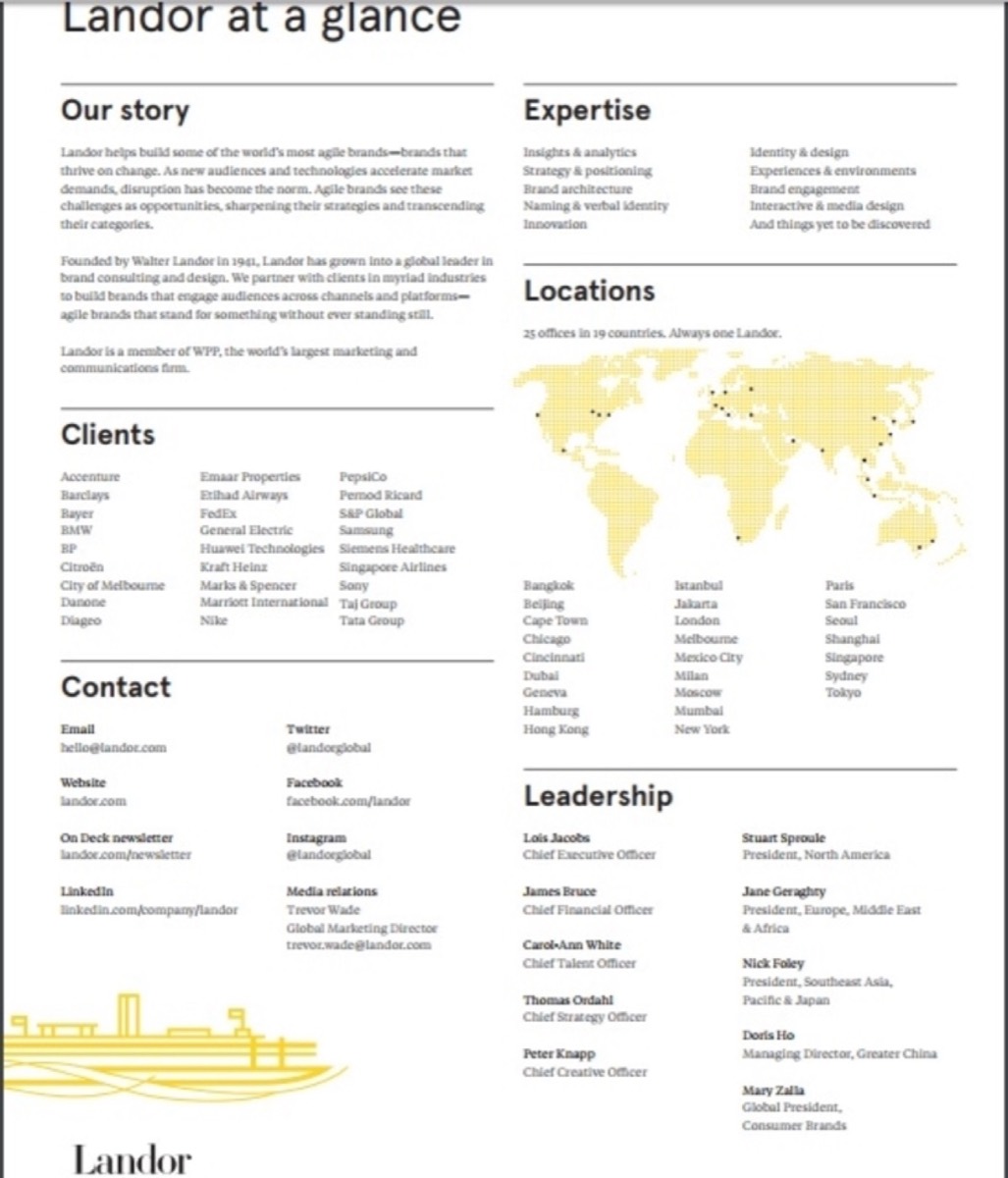
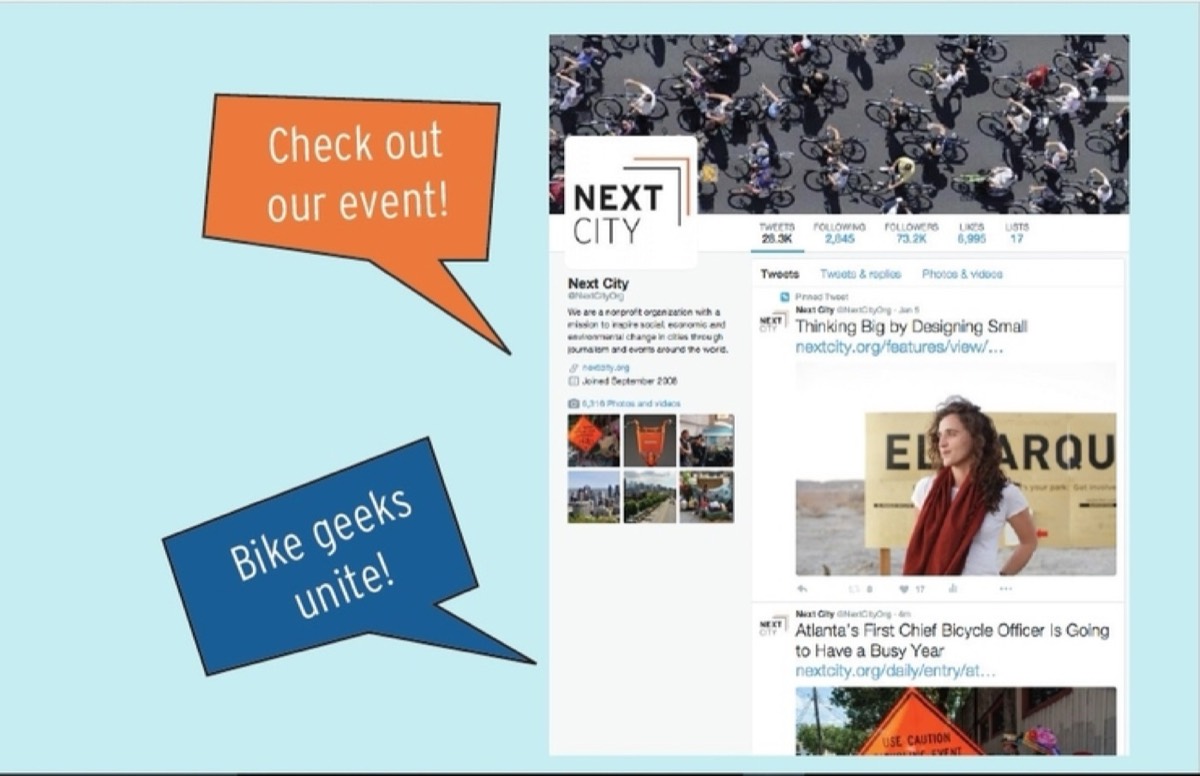
6. Make it fun: Even serious brands benefit from a media kit that has personality. Lively colours and an approachable tone make your kit more enjoyable to read and more likely to be remembered.
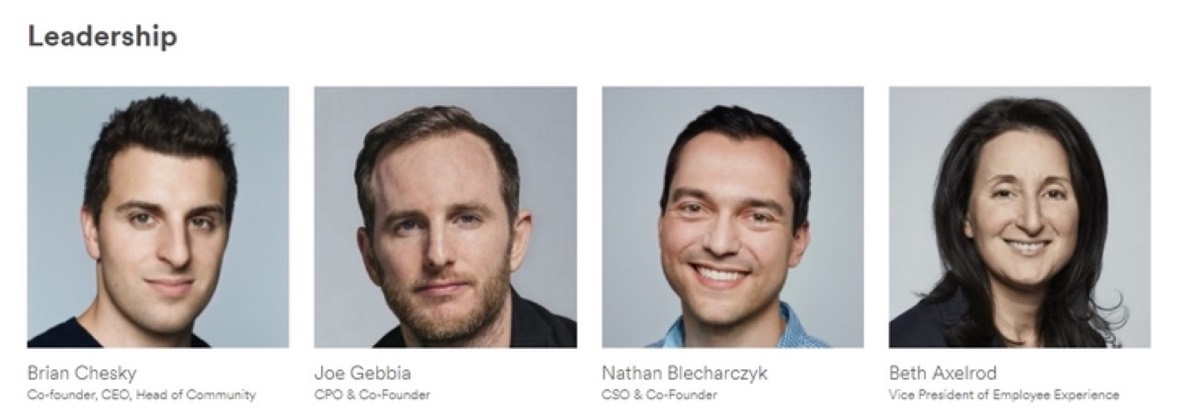
7. Present headshots of your team: Large, professional headshots put a human face on your company. They help reporters and partners feel like they already know the people behind the brand.
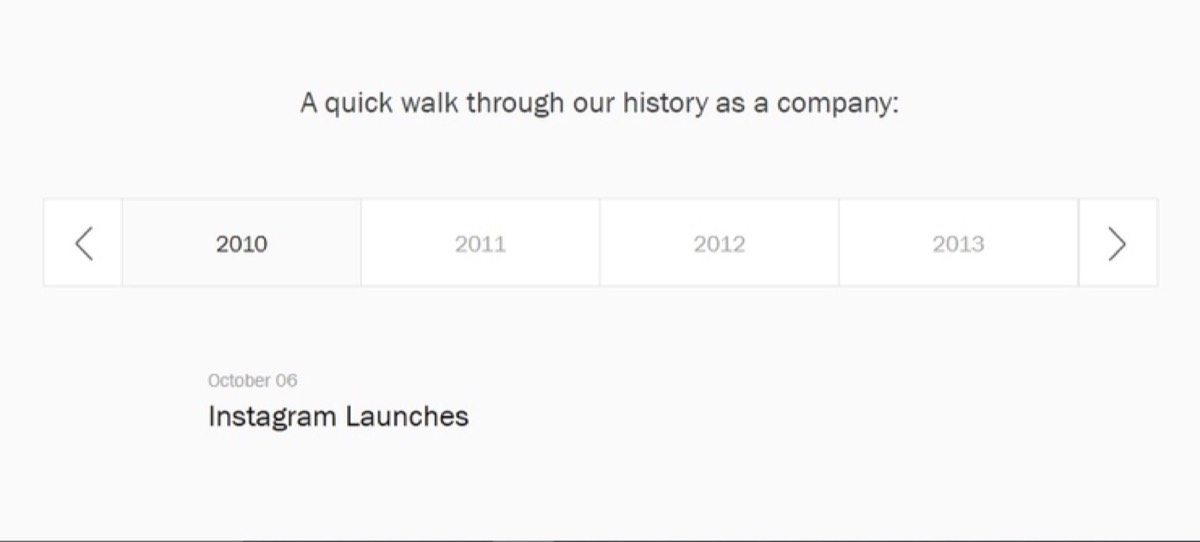
8. Use a timeline: A visual timeline of your company's milestones tells your growth story in a format that is easy to scan and hard to ignore.
How to Create and Present Your Media Kit
For creating your media kit, you have three main options: engage your in-house design team, outsource to a graphic design company, or build it yourself using a design tool. The right choice depends on your budget, timeline, and how polished the final result needs to be.
For presentation, you can either distribute your media kit as a PDF via email and social channels, or host it as a dedicated section on your website — accessible from your footer as a "Press," "Newsroom," or "Media Resources" link. Most established brands do both.

If distributing by email, curate your list carefully. Sending a personalized media kit to an individual journalist — with a specific pitch for why your story is relevant to their beat — will always outperform a blanket send. Personalization shows that you have done your homework and creates a real connection with the person you are trying to reach. A polished email signature in every outreach email reinforces the professional impression your media kit works to create.
A media kit is one of the highest-leverage marketing assets a business can build. It works while you sleep, represents your brand consistently, and shortens the path between a journalist's interest and a published story. Build it once, keep it updated, and let it do the work.
Digital Polo creates professional media kits, press pages, and branded design assets for one flat monthly fee with unlimited revisions. Start for $399/mo → | Soulmate at $899/mo →
Frequently Asked Questions About Media Kit Design
What is the difference between a media kit and a press kit? The terms are used interchangeably in most contexts. A press kit traditionally refers to printed materials sent to journalists, while a media kit is often more comprehensive — covering advertising rates, demographic data, and audience statistics for potential sponsors and partners. In practice, most modern businesses use one document that serves both purposes.
How long should a media kit be? There is no fixed rule, but the best media kits are as long as they need to be and no longer. A startup might need four to six pages covering the essentials: headline, company profile, product demo, team, contact, and a few statistics. An established media brand might need twenty or more pages to cover advertising packages, demographics, and circulation data.
Should I host my media kit on my website or distribute it as a PDF? Ideally, both. A web-based press page is easier for journalists to find and link to, and can be updated in real time. A downloadable PDF is useful for email outreach and offline reference. Many brands use a dedicated "Newsroom" or "Press" page with individual downloadable assets (logos, headshots, fact sheets) alongside a full PDF overview.
What design mistakes should I avoid in a media kit? The most common mistakes are information overload, inconsistent branding, poor image quality, and missing contact details. A media kit should never require a journalist to hunt for basic facts. Keep it visually clean, brand-consistent, and easy to navigate.
How often should I update my media kit? Update your media kit at least once a year, and any time there is a significant change to your business — a funding round, a major product launch, a significant growth in audience size, or an important award or press mention. An outdated media kit can undermine your credibility with the very people you are trying to impress.