Mood boards look like decoration — a nicely arranged collage of images and color swatches that ends up on a portfolio. But for logo designers, they serve a specific functional purpose that directly reduces back-and-forth with clients and improves the coherence of the final design.
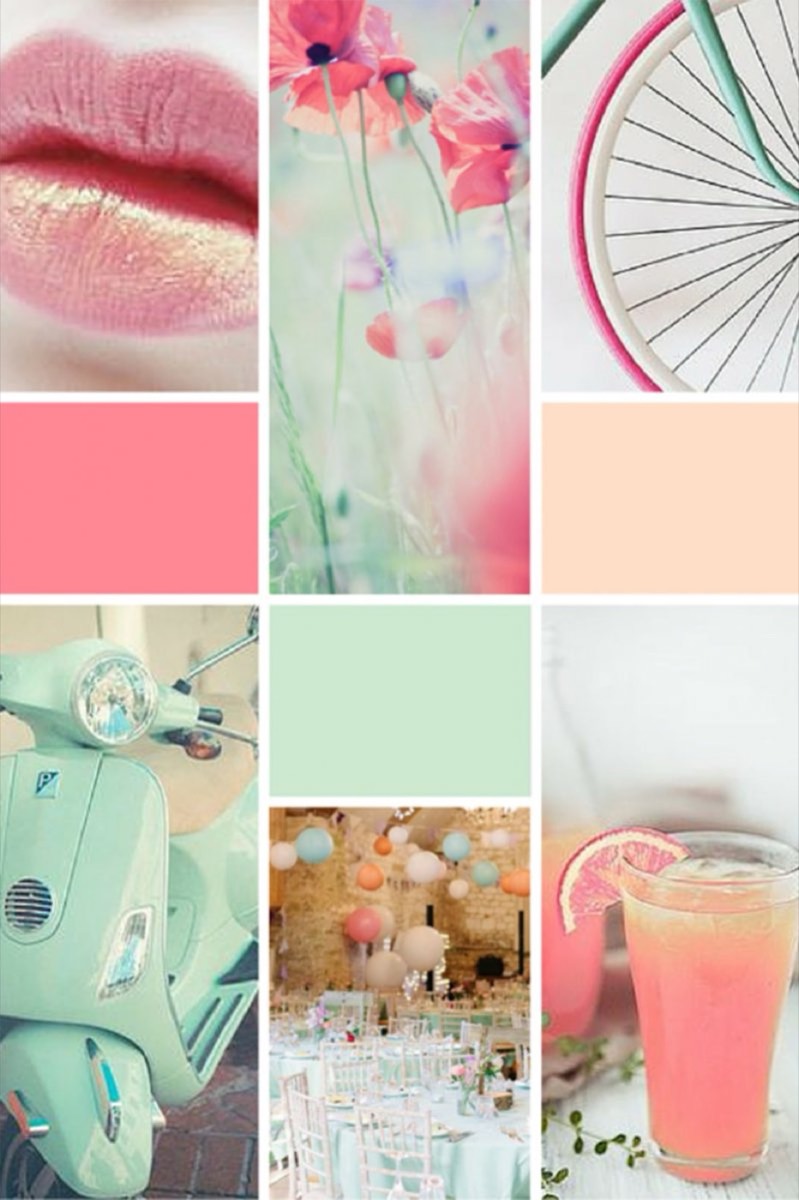
The real problem in logo design is communication. A client says "modern and clean." You design something minimal. They say it's "too cold." What they meant was "approachable and contemporary." A mood board makes those definitions visual before any actual design work begins — which means fewer complete redesigns later.
What Are Mood Boards and Why Use Them for Logo Design?
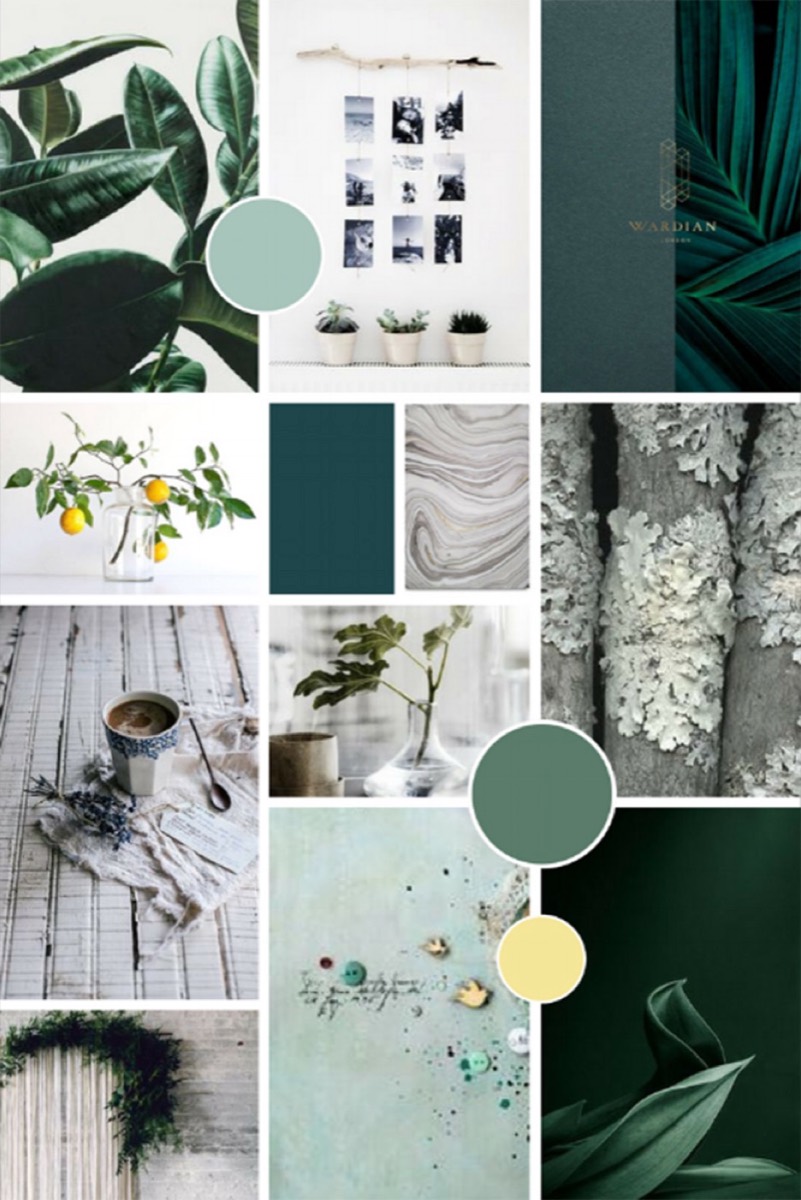
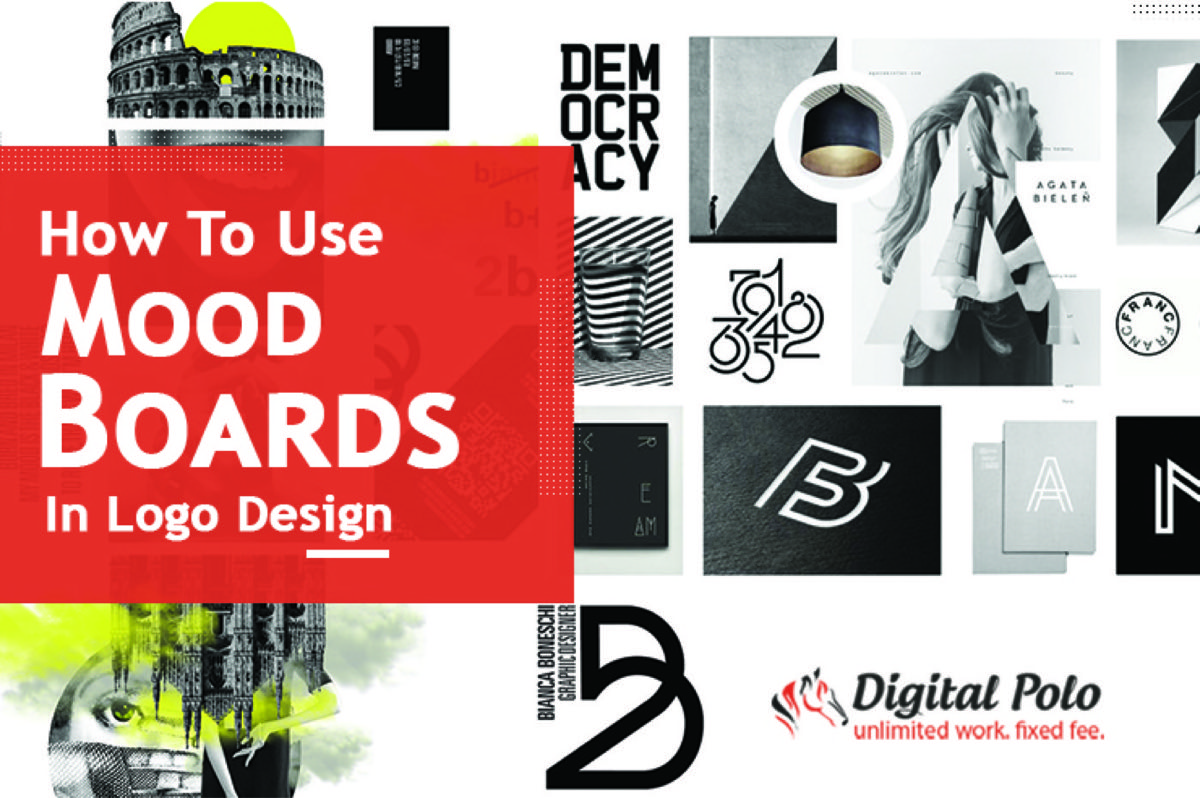
Mood boards are collages of images that represent a specific idea or feeling. In logo design, they serve two purposes simultaneously: they help the designer develop intuitive direction, and they give the client something concrete to react to before concepts are produced.
The creative process involves a lot of ideas floating in the designer's head that are difficult to articulate in words. A mood board converts those instincts into visible form — patterns emerge, a color direction clarifies, a visual language starts to cohere. Rather than starting the design process with a blank screen, the designer starts with a focused set of visual references.
Once the logo direction is established through a mood board, distributing that vision with the right supporting content matters too — using images effectively in your blog posts follows similar principles of visual storytelling.
From the client's side, a mood board resolves the mismatch between what they imagine and what the designer produces. Showing a client three different mood boards — one premium and minimal, one bold and energetic, one warm and approachable — lets them point to the right direction without having to describe it in words.
Physical or Digital: Which Type of Mood Board Works Better?

Both physical and digital mood boards have legitimate uses. Physical boards allow you to work with texture samples, paper stocks, and physical materials that give a tactile sense of the brand's intended feel. They're particularly useful for packaging or print-heavy brands.
Digital mood boards are faster to create, easier to share with remote clients, and simpler to iterate. Tools like Pinterest, Milanote, or Figma let you assemble and rearrange references quickly. In practice, digital mood boards work better for most logo design projects because of how easily they can be sent for review and updated based on feedback.
The choice ultimately comes down to the client's preferences and the nature of the project. For most logo work, digital is the practical default.
How to Integrate Mood Boards into the Logo Design Process
It takes a few steps to build a mood board that actually improves the design outcome, rather than just looking good.
Step 1: Get the Details from Your Client
Client discovery drives the mood board's direction. Before collecting any images, interview the client about:
- What their business does and who it serves
- Who their three most direct competitors are
- What they want customers to feel when they encounter the brand
- The brand's single most important quality
- Any visual references they love or hate
These inputs define the scope. You're not just collecting "nice-looking" designs — you're collecting images that are relevant to this specific brief.
Step 2: Collect Ideas Without Editing
The initial collection phase should be instinctive. Use Pinterest, Dribbble, Behance, Google Images, and wherever else design references live. Add anything that seems relevant to the brief without stopping to analyze whether each item is "good enough."
The goal is volume at this stage. Include a wide range of design styles, color palettes, typographic approaches, textures, and image treatments. A broad starting collection gives you more material to work with during the filtering stage. The more variety you capture initially, the more clearly the right direction emerges later.
Step 3: Sieve the Collection
Once you have fifty or a hundred references, patterns start to emerge — recurring colors, a consistent mood, similar typographic choices. These trends reveal the coherent direction hidden in your raw collection.
Go through the collection and remove anything that doesn't align with the emerging theme. Look for what the majority of selected images have in common, and filter toward those shared characteristics. By the end of this stage, you should have a tighter set that has a consistent visual identity.
Step 4: Create the Final Mood Board
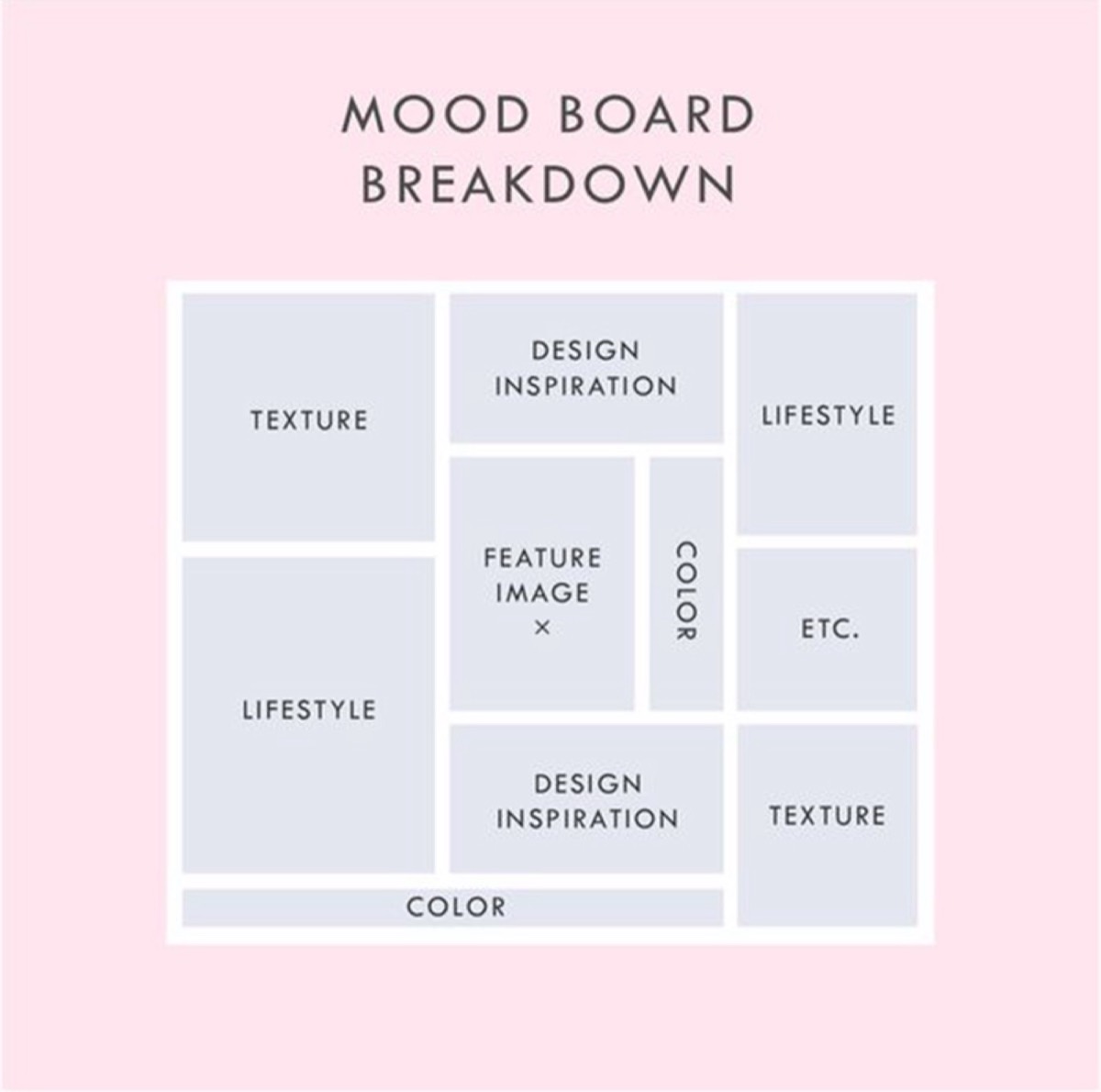
The final mood board typically contains:
- Images that represent the overall mood and feeling
- Typographic references for the font direction
- One or two texture or pattern samples
- Color palette references
- Two or three examples of designs that inspire the concept
This is what gets shared with the client. They can react to the mood board as a whole — "yes, this feels right" or "this is too corporate for us" — without seeing any actual logo concepts yet. That reaction gives you everything you need to refine the direction before investing time in design execution.
Need a professional brand identity designed with this kind of rigor? See Digital Polo's plans →
Benefits of Using Mood Boards for Logo Design
The process above produces several specific benefits beyond just having a nice-looking reference collection.
Establishes the Color Direction Early
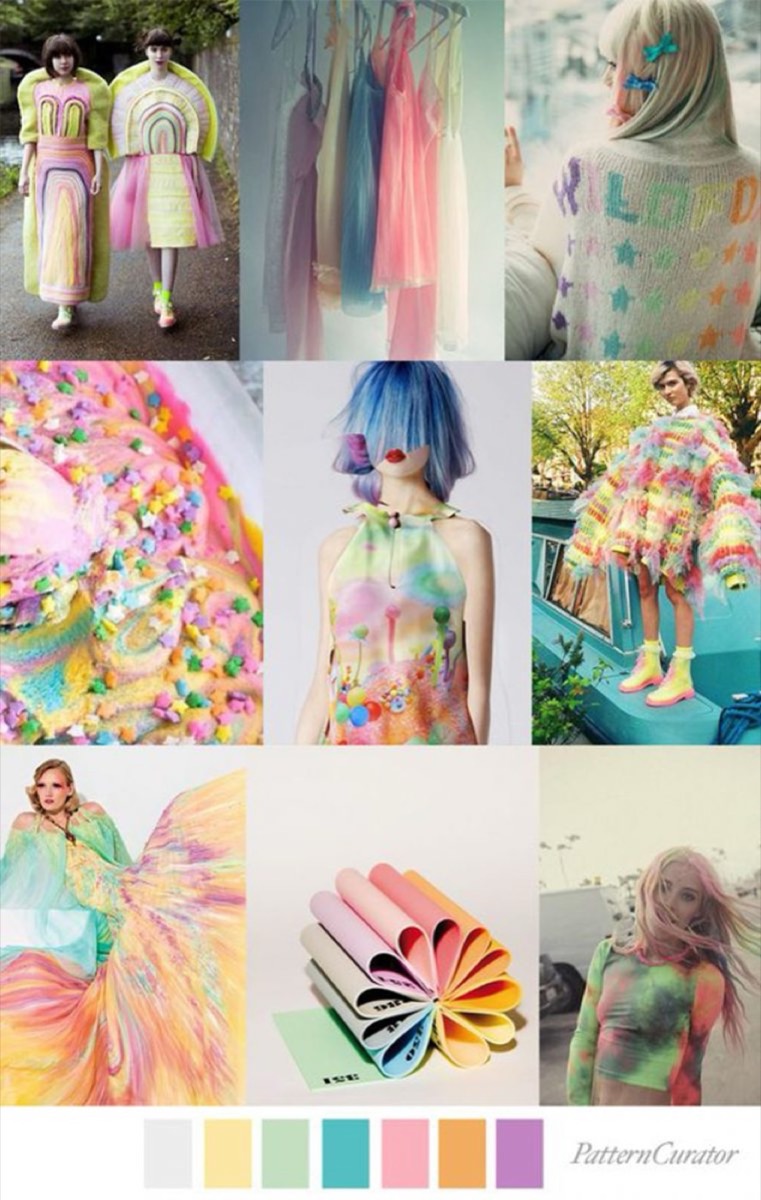
Choosing colors for a logo is one of the most contested parts of the design process. Clients often have strong personal preferences that don't align with what works for their target audience. A mood board surfaces color directions early — before any logo concepts are attached — which makes the conversation about color less emotional and more strategic.
The colors that dominate your final mood board become the natural starting point for the color palette. Getting client sign-off on the mood board means the color direction is agreed before any design work begins.
Reveals the Design Aesthetic
The mood board clarifies which visual language is appropriate: geometric or organic, illustrated or typographic, minimal or detailed, contemporary or heritage-inspired. This prevents the designer from pursuing an approach the client ultimately won't accept, and it prevents the client from asking for changes that are incompatible with the brief they gave.
Creates a Reference for All Brand Materials
A logo is rarely the only deliverable. Brand guidelines, website design, print materials, and social templates all follow the same visual language. The mood board established for the logo becomes the reference for everything else — ensuring that every touchpoint uses the same visual register. To extend your brand's reach once the identity is set, growing your Instagram engagement with hashtags is one of the most cost-effective next steps.
Reduces Revision Cycles
The most direct benefit: when clients understand the design direction before seeing concepts, the number of fundamental revisions drops significantly. Clients are much less likely to ask for a complete change in direction when they've already approved the direction it's heading. Revisions become refinements rather than restarts.
Facilitates Better Client Feedback
Asking a client "do you like this logo?" invites subjective responses that are hard to act on. Showing a mood board and asking "does this represent your brand's feeling?" produces more useful feedback. Clients can point to specific elements — "more like this one, less like that one" — which gives the designer concrete guidance rather than vague impressions.
Conclusion
Mood boards are not a creative indulgence. They're a practical tool that protects design time by ensuring the direction is right before execution begins. For logo designers who regularly deal with rounds of revisions and changing briefs, a mood board process isn't optional — it's how professional design work gets done efficiently.
The investment of time in building a thorough mood board pays back multiple times over in reduced redesigns and faster client approvals.
Digital Polo's design process integrates structured discovery and creative direction-setting at the start of every project — so the design you get reflects your brand, not guesswork. Start for $399/mo → | Soulmate at $899/mo →
Frequently Asked Questions About Mood Boards and Logo Design
What is a mood board in logo design? A mood board in logo design is a curated collection of visual references — images, color swatches, typography samples, textures, and design examples — that communicates the intended mood and visual direction for a logo before any concepts are created. It serves as a visual brief that both the designer and client can evaluate and agree on, reducing misalignment and revision cycles later in the process.
Why should logo designers use mood boards? Mood boards prevent the most expensive problems in logo design: discovering after multiple rounds of revisions that the fundamental direction was wrong. By establishing the visual language, color palette, and mood before designing, both parties can identify misalignments when they're cheap to fix — in a reference image — rather than after hours of design work.
What should a logo design mood board include? A strong logo design mood board includes: images representing the desired brand feeling, typographic references for the font direction, a color palette direction, texture or pattern references if relevant, and two or three design examples that inspire the concept. The key is coherence — all elements should reinforce the same visual story rather than being a random collection of things that look interesting.
How do you present a mood board to a client? Present the mood board as a visual articulation of the direction you plan to take — not as a final design. Walk the client through what each element communicates about the brand. Ask them to react to the mood board as a whole rather than individual elements. Specifically ask: "Does this feel like your brand?" and "Are there elements here that feel wrong?" Their answers shape the final design direction before any logo concepts are produced.
Can mood boards reduce logo design revisions? Yes, significantly. Mood boards resolve directional misalignments before design work begins. When clients approve a mood board, they've approved the visual language, tone, and color direction — which means logo concepts presented within that framework are far less likely to require fundamental changes. The remaining revisions are refinements (size, spacing, color weight) rather than restarts.