If you own a business, chances are you already have a social media presence. But the real question is whether you are using your Facebook page effectively. Facebook remains one of the most powerful social media platforms for marketers, and one of its most underutilized assets is the cover photo.
While many companies regularly update their Facebook cover image, plenty of business owners overlook it entirely. That is a missed opportunity. Your cover photo is the first thing visitors notice when they land on your Facebook page — it sets the tone for your brand and determines whether someone stays or leaves.
If you have not been paying attention to your cover photo, now is the time to change that. Let's break down exactly how to create a Facebook cover photo that grabs attention and drives results.
The Size of Your Cover Photo
The first thing to get right is the dimensions. The ideal size for a Facebook cover photo is 820×312 pixels for desktop viewing. However, mobile users — who make up the vast majority of Facebook's audience — see a cropped version. To ensure your cover looks great on all devices, use an image that is 820×461 pixels.
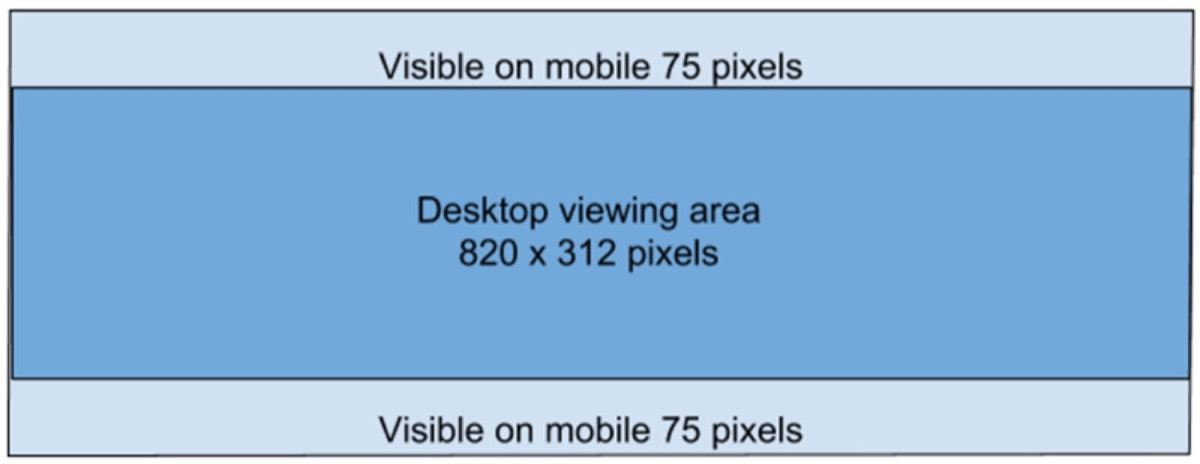
When designing for mobile, be careful about where you place important text and design elements. Anything placed in the outer edges or the lower portion of a desktop-optimized image may be cut off on smaller screens.
Promote Your Brand
Your cover photo should actively promote your brand. Whether you are announcing an upcoming event, highlighting a sale, or reinforcing your brand identity, the cover image is prime real estate. Facebook previously had a 20% text ratio rule — even though that rule has since been removed, it is still good practice to keep text minimal.
Too much text makes a cover design look cluttered and desperate. It signals that you are trying to pack too much information into a single image.

When text is necessary, keep it simple and balanced with the imagery. Strike a clean balance between what you show and what you say.
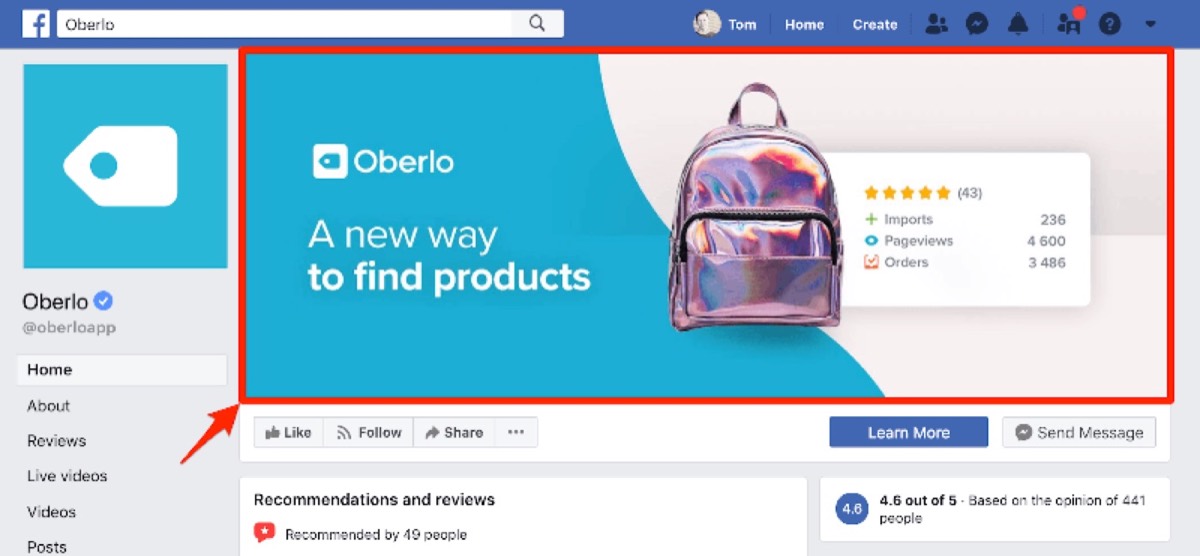
A clean cover image with minimal text and a coherent color palette looks professional and inviting. If you need to share more information, add it in the description field of the cover photo — since the cover image is clickable, users will see that description when they click on it.
Engage People Right Away
Your cover photo is the face of your Facebook business page. If it fails to engage visitors immediately, they will bounce without ever exploring further. Your goal is to create an image that stops the scroll and makes people want to learn more.
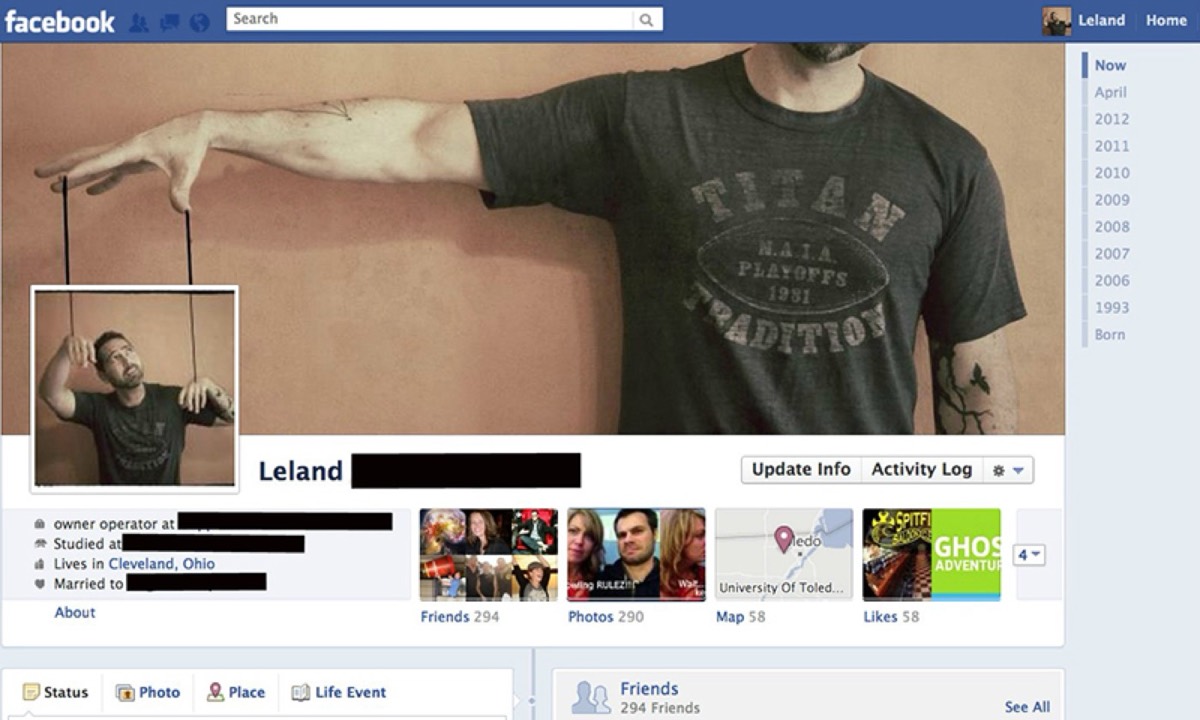
Aim for innovation and creativity within the boundaries of your brand identity. An engaging cover design does not have to be complex — it just needs to be visually compelling and on-brand.

Stick to your brand's color scheme. If your logo or website uses blue and white, carry those colors into your cover photo. Avoid high-contrast color combinations that clash, like black and red or orange and yellow, unless they align with your brand identity.
Looking for professional designs that apply these strategies? See Digital Polo's plans →
The Importance of CTA Button
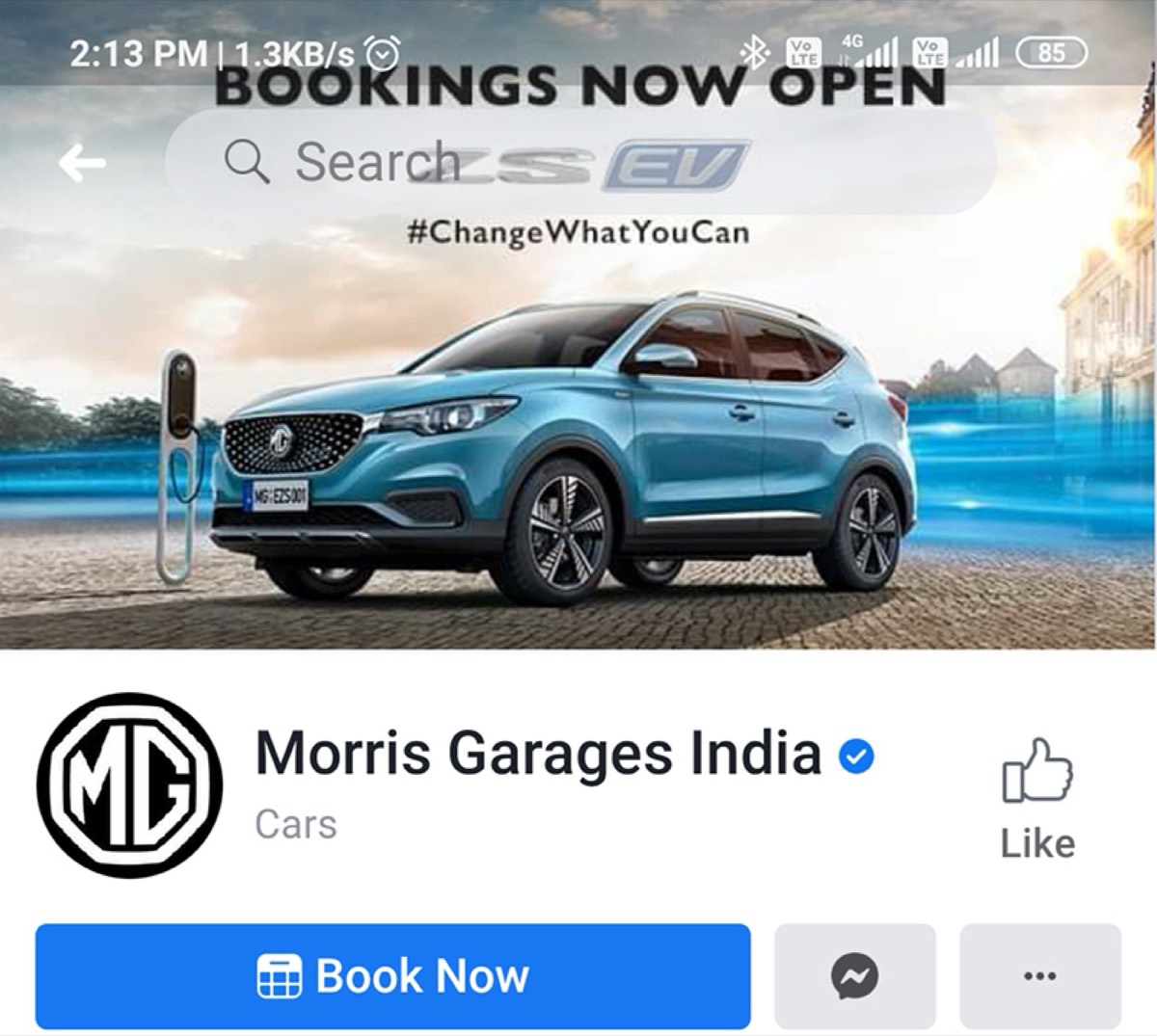
The CTA button sits just below the cover photo on your Facebook business page, making it a natural extension of the cover design. Your cover image should visually guide the viewer's eye downward toward that button.
Amazon's Facebook page, for example, uses a "Shop Now" CTA button that aligns perfectly with its cover image. A SaaS business might use "Sign Up." Choose a CTA that matches your business objective and reinforces what your cover image communicates.
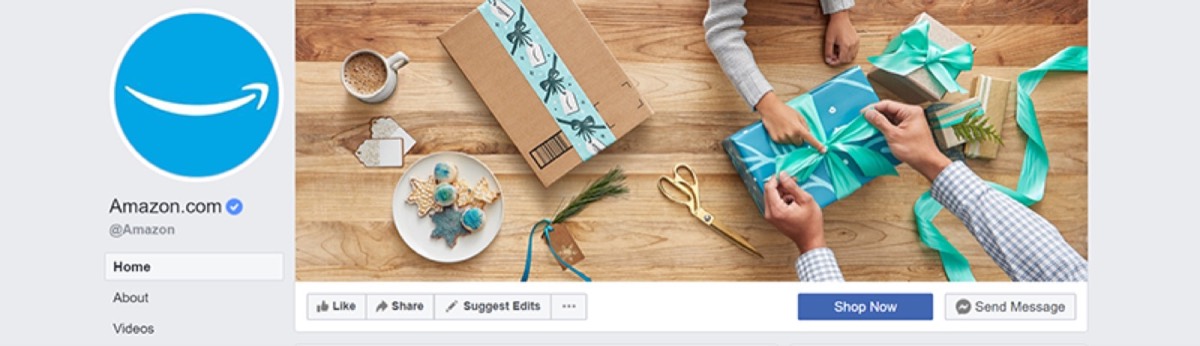
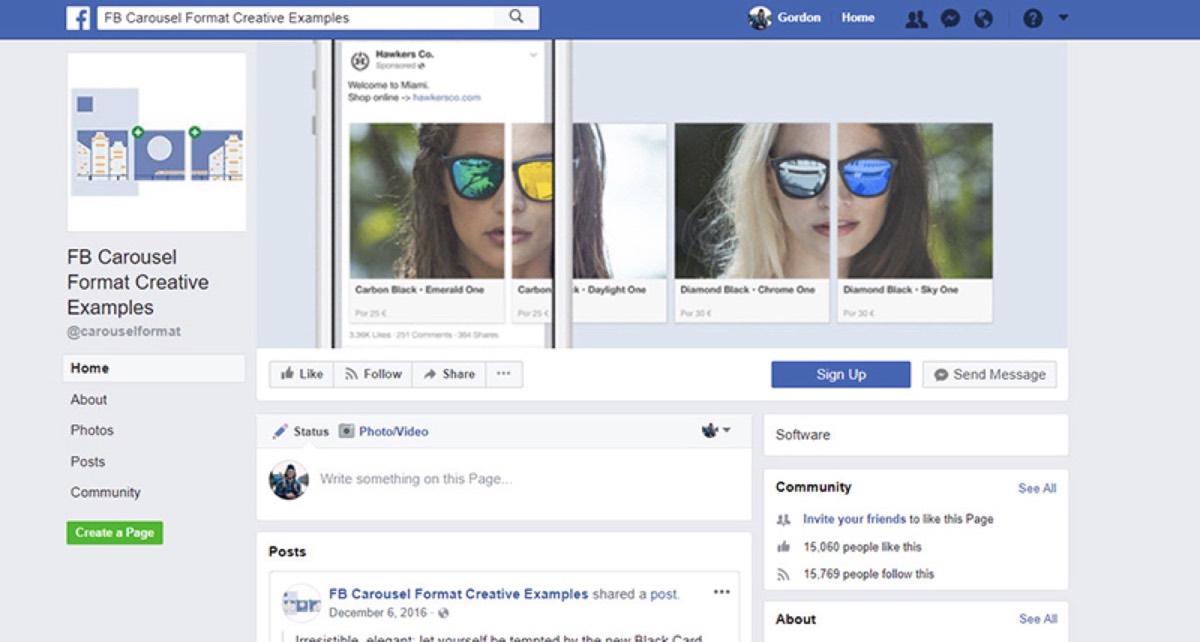
Options include "Contact Us," "Buy Now," "Register," and more. The key is to create a seamless experience from cover image to CTA — keep people engaged long enough to click.
Right Alignment Can Make Your Cover Look More Polished
Your profile picture sits on the left side of your Facebook page. If you load the left side of your cover image with design elements too, the visual weight becomes unbalanced and cluttered.

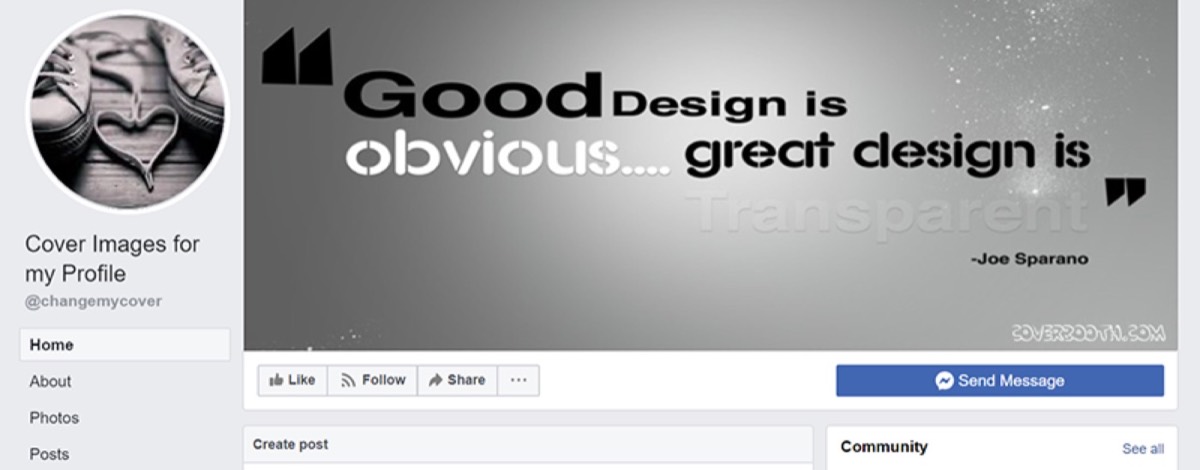
For business pages, a balanced cover design that complements the profile picture creates a far more polished look.

If you want to sidestep the alignment challenge altogether, Facebook also allows you to upload a short video between 20 and 90 seconds as your cover. Use the recommended resolution to maintain quality.
Create a Page Instead of Creating a Profile
Facebook treats business pages differently from personal profiles, especially on mobile. On a personal profile, the profile picture overlaps the cover image significantly on mobile devices. On a business page, the profile picture appears below the cover image — giving your cover full visibility.

Always create a dedicated business page rather than using a personal profile for your company. The mobile experience alone makes this a non-negotiable best practice.
Include a CTA in the Image Description
Because your cover photo is clickable, users who click on it see the image description on the right side of the screen. Use this space strategically — include a link to your website, a landing page, or your latest blog post. This turns a passive image into an active conversion tool.
Most Facebook business pages neglect this step entirely. Even if your cover mentions your website, without a clickable link in the description, visitors have no easy way to get there.
Use Hashtags
Including relevant hashtags in your cover photo's description gives your page a chance to appear in hashtag searches. Use the same hashtag in the description that you might feature in the image itself. It subtly signals what your brand stands for without feeling forced.
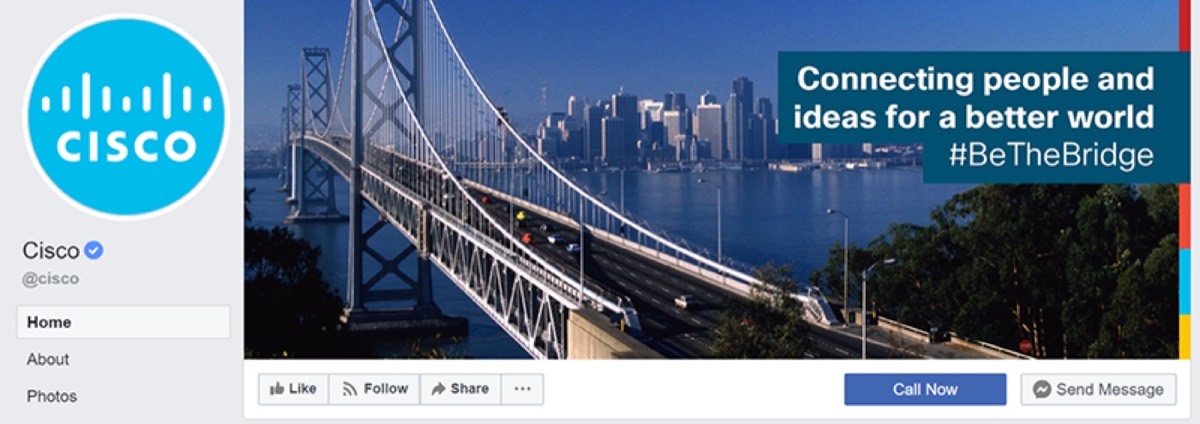
This also creates an opportunity to layer your CTA strategy — hashtag in the image, link in the description, CTA button below.
Engage the Senses
The most effective cover photos tap into emotion and sensory appeal. A food brand showing a close-up of a perfectly crafted dish makes viewers hungry. A travel brand showing a stunning landscape makes people dream of adventure.
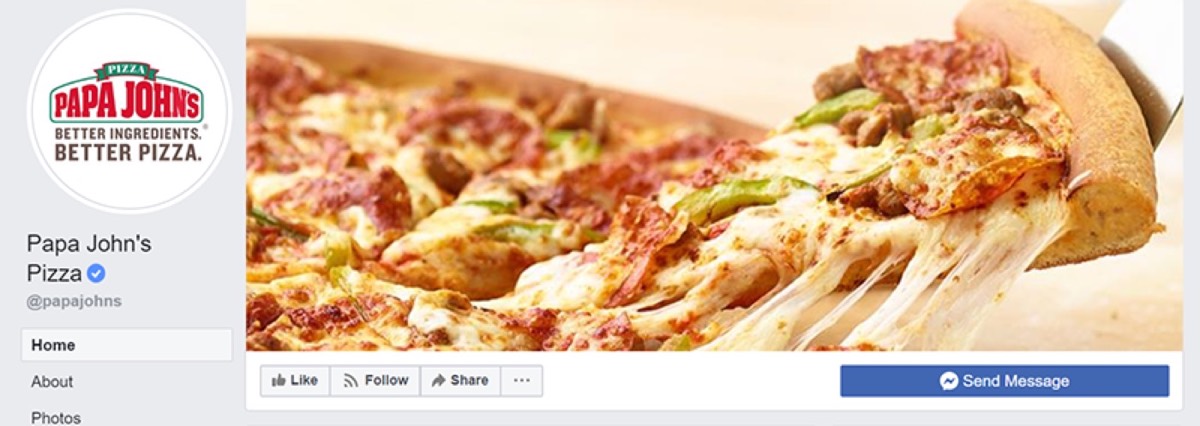

Whatever your industry, use your cover image to evoke a feeling that connects with your audience's desires. Be creative — but never lose sight of your brand's core identity.
Your Facebook cover photo is one of the simplest, most cost-effective tools available to boost your social media presence and drive sales. Updating it regularly — to reflect promotions, seasons, or brand milestones — keeps your page feeling fresh and relevant. Combined with a strong CTA button and a well-written image description, your cover photo becomes a complete conversion funnel.
Start by auditing your current cover photo against the principles in this guide. Is the sizing right for both desktop and mobile? Is the text minimal and clear? Does the design guide the eye toward the CTA button? If the answer to any of these is no, it is time for an upgrade.
Digital Polo creates high-impact Facebook cover photos and social media graphics for one flat monthly fee with unlimited revisions. Start for $399/mo → | Soulmate at $899/mo →
Frequently Asked Questions About Facebook Cover Photo Design
What is the ideal size for a Facebook cover photo? For the best results across both desktop and mobile, use an image that is 820×461 pixels. This size preserves full visibility on desktop while ensuring key design elements remain visible on mobile screens.
How often should I update my Facebook cover photo? Update your cover photo at least once a month to keep your page fresh. Tie updates to promotions, product launches, seasonal campaigns, or brand milestones to keep your audience engaged.
Can I use a video as my Facebook cover photo? Yes. Facebook allows business pages to upload a cover video between 20 and 90 seconds. Videos tend to attract more attention than static images and can dramatically increase engagement on your page.
What CTA button should I use on my Facebook business page? Choose the CTA that best matches your business goal. "Shop Now" works for e-commerce, "Sign Up" for SaaS and services, "Contact Us" for local businesses, and "Book Now" for appointment-based services. Make sure your cover image visually reinforces the CTA.
Does the Facebook cover photo description help with SEO? While Facebook itself is not indexed by Google in the same way a website is, a well-written description with relevant keywords can improve discoverability within Facebook search. Including a link in the description also drives traffic to your website, indirectly supporting your broader SEO strategy.