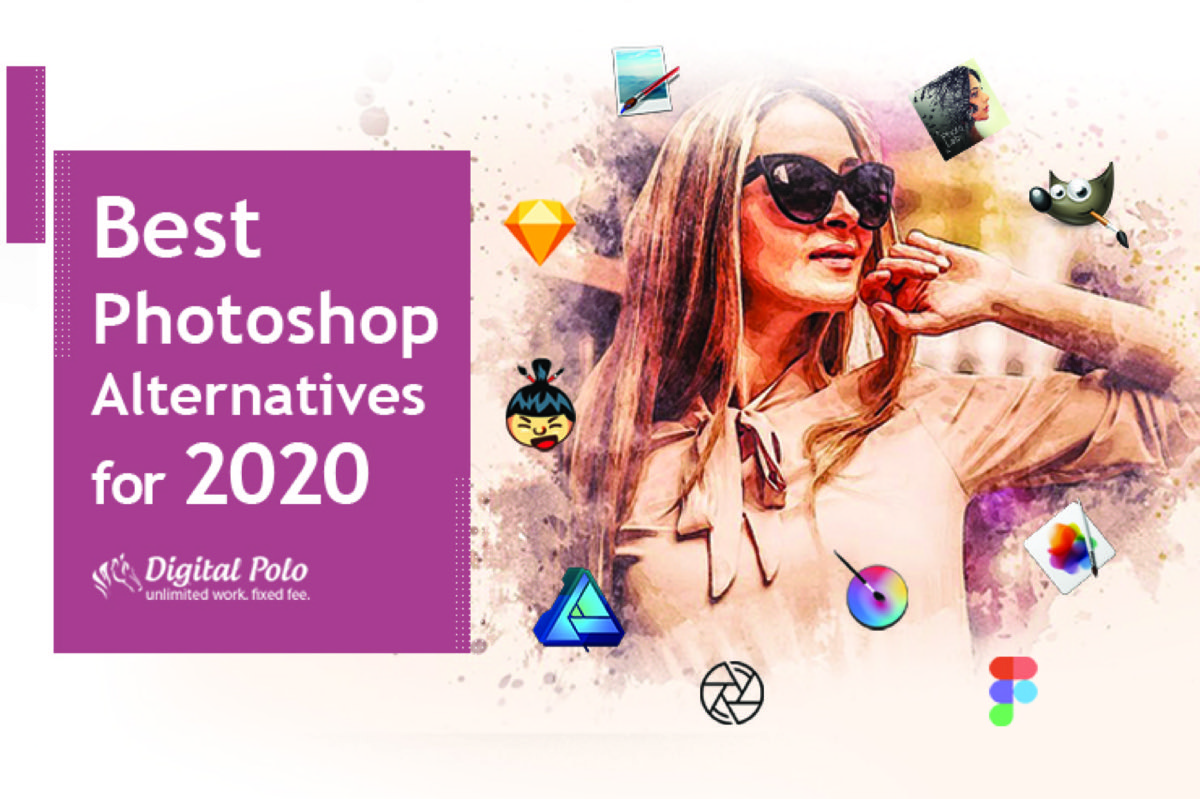
Adobe Photoshop is powerful — but at $20–$55/month depending on your plan, it is not the right fit for every designer, business owner, or content creator. Whether you need a free alternative, a one-time purchase, or a specialized tool for web design or digital painting, there are strong Photoshop alternatives available for every workflow and budget. Whatever tool you choose, pairing it with knowledge of web design trends that define standout websites ensures the output stays visually relevant.
Here is a comprehensive breakdown of the best free and paid options — including tools that have become industry standards since this list was first published.
Quick Comparison: Photoshop Alternatives at a Glance
| Tool | Price | Best For | Platform |
|---|---|---|---|
| Canva | Free / $15/mo | Non-designers, marketing graphics | Web, iOS, Android |
| Adobe Express | Free / $9.99/mo | Brand templates, Adobe ecosystem | Web, iOS, Android |
| GIMP | Free | Photo editing, retouching | Windows, Mac, Linux |
| Krita | Free | Digital painting, illustration | Windows, Mac, Linux |
| Pixlr X | Free | Quick edits, beginners | Web |
| SumoPaint | Free | Simple edits, Chromebook users | Web |
| Paint.net | Free | Lightweight Windows editing | Windows only |
| Figma | Free / $12/mo | UI/UX design, prototyping | Web, Windows, Mac |
| Pixelmator Pro | $39.99 one-time | Mac photo editing | Mac only |
| Affinity Photo | $49.99 one-time | Professional photo editing | Windows, Mac, iPad |
| Sketch | $99/yr | Vector/UI design | Mac only |
| DxO PhotoLab | ~$144 | RAW photo processing | Windows, Mac |
1. Canva — Free / $15/mo
Canva is now the most widely used free Photoshop alternative for small businesses, marketers, and non-designers. Its template library covers social media posts, presentations, flyers, email headers, business cards, and more — making it immediately useful without any design learning curve.
The free version is genuinely extensive. Canva Pro ($15/month) unlocks brand kits, background removal, premium templates, and team collaboration.
Best for: Business owners, marketers, and anyone who needs professional-looking graphics without design training. Not ideal for: Advanced photo retouching or pixel-level editing.
2. Adobe Express — Free / $9.99/mo
Adobe Express (formerly Adobe Spark) is Adobe's template-driven alternative to Canva — aimed at marketers and business owners who want quick results within the Adobe ecosystem. It integrates with Adobe Stock and connects seamlessly to Photoshop and Illustrator for teams already on Creative Cloud.
The free tier covers most basic marketing design needs. The paid tier adds Adobe Stock access and advanced brand customization.
Best for: Adobe ecosystem users who want a simpler, template-based tool for social media and marketing assets.
3. Pixlr X — $0
Pixlr X is a fast, browser-based image editor that requires no download and no account. It handles layers, adjustments, filters, and basic retouching in a clean, modern interface and runs on Windows, Mac, and Linux.
The free version includes ads. Pixlr's paid tier ($7.99/month) removes them and unlocks AI-powered editing tools.
Best for: Quick edits, bloggers, and beginners who don't need a full desktop application.
4. Krita — $0
Krita is a free, open-source painting and illustration tool built by artists, for artists. Its interface closely mirrors Photoshop's layout, which reduces the learning curve for designers making the switch. It supports WEBP format for web designers and runs on all major platforms.
Best for: Digital illustrators, concept artists, and comic or animation creators.
5. GIMP — $0
GIMP (GNU Image Manipulation Program) is the most established free Photoshop alternative for photo retouching, image composition, and graphic design. As an open-source tool, it can be extended with custom plugins and scripts.
GIMP's interface is less polished than modern alternatives, and its learning curve is steeper than Canva or Pixlr. But for designers already comfortable with Photoshop's logic, it provides comparable capabilities at no cost.
Best for: Designers who need capable, free desktop photo editing and don't mind an initial learning curve.
6. SumoPaint — $0
SumoPaint is a browser-based editor with a Photoshop-inspired interface and over 30 million users worldwide. It was selected by Google's edu platform as a featured tool for Chromebooks.
Best for: Students, beginners, and users working on Chromebook or other systems where desktop apps aren't practical.
Too busy to learn 12 different design tools? Let Digital Polo's professional designers handle all your design work — unlimited requests, flat monthly rate. See plans from $399/mo →
7. Paint.net — $0
Paint.net was originally created as a Microsoft Paint replacement and has evolved into a lightweight but capable image editor with layers, effects, and an active plugin ecosystem. Multi-image tabs with thumbnails and a clean interface make it more capable than its origins suggest.
Best for: Windows users who want a capable, lightweight editor without browser dependency.
8. Figma — Free / $12/mo
Figma is primarily a UI/UX design and prototyping tool — not an image editor — but it has become the standard for web and app design workflows. It is entirely browser-based, collaborative, and runs on any operating system. For teams integrating Figma with other web services, the best APIs for web designers can significantly extend what Figma-based projects can deliver.
For design companies and teams, the $12/month plan allows multiple users, shared team libraries, and real-time collaboration.
Best for: Web designers, UX professionals, and design teams who collaborate remotely.
9. Pixelmator Pro — $39.99
Pixelmator Pro is a one-time-purchase photo editing app for Mac that delivers professional capabilities at a fraction of the Photoshop subscription cost. It offers non-destructive editing, machine learning-powered tools, and a macOS-native interface.
At $39.99 once versus Photoshop's ongoing subscription, it represents exceptional value for Mac-only workflows.
Best for: Mac users who want professional-quality editing without a recurring subscription.
10. Affinity Photo — $49.99
Affinity Photo is one of the strongest true Photoshop alternatives available. It handles RAW processing, retouching, compositing, and HDR merging — all without a subscription. Unlike Photoshop, Affinity Photo preserves the original image non-destructively during editing, so you can always return to the untouched source.
The interface closely mirrors Photoshop, which minimizes the learning curve for designers making the switch.
Best for: Professional photographers and designers who want Photoshop-level capabilities without the Adobe subscription.
11. Sketch — $99/yr
Sketch is a vector-focused design tool built for UI and product design. Sketch Cloud allows designers to share previews with clients and collaborators for instant feedback. A large plugin ecosystem extends its functionality considerably.
Note: Sketch is Mac-only.
Best for: Product designers and UX teams working on interface design and interactive prototypes.
12. DxO PhotoLab — ~$144
PhotoLab is a specialized RAW photo processing tool — not a Photoshop replacement for graphic design, but the best-in-class option for photographers who shoot in challenging lighting conditions. Its noise reduction and lens correction algorithms are widely considered industry-leading.
Best for: Professional photographers processing high-volume RAW files, especially in low-light or high-ISO conditions.
Which Photoshop Alternative Is Right for You?
Choosing the right tool comes down to three questions:
What type of work do you mainly need to do?
- Social media and marketing graphics → Canva or Adobe Express
- Photo retouching → GIMP, Affinity Photo, or Pixelmator Pro
- Illustration and digital art → Krita
- Web and UI design → Figma or Sketch
- RAW photography processing → DxO PhotoLab
What's your budget?
- Free → Canva (free tier), GIMP, Krita, Pixlr X, SumoPaint, Paint.net
- One-time purchase → Pixelmator Pro ($39.99), Affinity Photo ($49.99)
- Subscription → Figma ($12/mo), Canva Pro ($15/mo), Adobe Express ($9.99/mo)
What's your skill level?
- Beginner or non-designer → Canva, Adobe Express, Pixlr X
- Intermediate → GIMP, Krita, Affinity Photo
- Professional or team workflows → Figma, Sketch, Affinity Photo
Conclusion
For most small business owners and marketers, Canva or Adobe Express will cover 90% of everyday design needs. For professional-grade photo editing without a subscription, Affinity Photo is the strongest option. For digital illustration and painting, Krita remains the best free choice. If your primary use case is logo and brand design, checking out the best business fonts for professional logo design will help you make the most of whichever tool you land on.
If the bigger question is whether you should be spending time learning design tools at all — many businesses find it more cost-effective to hand design work to professionals entirely.
Why learn 10 tools when you can just send a brief? Digital Polo delivers professional designs on demand — no software required. Partner — $399/mo | Soulmate — $899/mo
Frequently Asked Questions About Photoshop Alternatives
Is GIMP just as good as Photoshop? GIMP handles most standard photo editing tasks — retouching, compositing, color correction, and basic graphic design — but lacks some advanced Photoshop features like non-destructive smart objects and certain adjustment layers. For most users who don't need those specific capabilities, GIMP is a fully capable free alternative.
Is there a truly free Photoshop alternative? Yes. GIMP, Krita, Pixlr X, SumoPaint, and Paint.net are all completely free. Canva offers a generous free tier that covers most marketing design needs. Photopea — a browser-based editor that opens Photoshop's .PSD files — is also entirely free and worth bookmarking.
Is Canva better than Photoshop for non-designers? For creating social media graphics, presentations, flyers, and marketing materials, Canva is significantly faster and easier than Photoshop for non-designers. It is not a photo retouching tool, but for producing professional-looking branded content without design training, it outperforms Photoshop for everyday business use.
What is the best free Photoshop alternative for Mac? Krita is the best free option for illustration and painting on Mac. For photo editing, GIMP is available free. For a paid-but-affordable alternative, Pixelmator Pro ($39.99 one-time purchase) is purpose-built for macOS and delivers a polished, high-performance experience.
Are there AI-powered Photoshop alternatives? Yes. Adobe Firefly is now integrated into Photoshop and Adobe Express for generative fill, text-to-image, and background removal. Canva has AI-powered Magic Edit, background remover, and text-to-image features built in. Luminar AI by Skylum is specifically built around AI-powered photo enhancement. Adobe's Generative Fill and Canva's AI suite are currently the most mature options available.
Skip the Software Decision Entirely
The faster path for most businesses is to stop choosing design software and start choosing a design partner.
DigitalPolo's Partner plan at $399/month covers unlimited design work — photo retouching, brand graphics, social content, print collateral, packaging, ads — with 48-hour turnaround and unlimited revisions. All source files included (AI, PSD, EPS, PDF, Figma). 16 years of operating history. Cheaper than Adobe Creative Cloud plus one freelancer session.
See plans → | Book a 15-minute call | Read vector vs raster → | Read CMYK vs RGB →